Veo 4 AI Video Generator
Verified
AI Video Generator
Veo 4 turns text prompts or images into cinematic 4K AI videos with synced audio, lip-sync, and locked character consistency.
Promoted
 Sidrune AI85% off. Stable Claude API for agent developers. Pay as you go. Invoices & refunds available.
 Pixmax.aiPixmax.ai is an all-in-one AI workspace for videos, visual stories, and marketing content.
 SEOify - Improve your SEO & rankingsBuild links to rank in Google. Improve your DR with links you can start building now.Advertise here270,000+ people visit Dang.ai every month.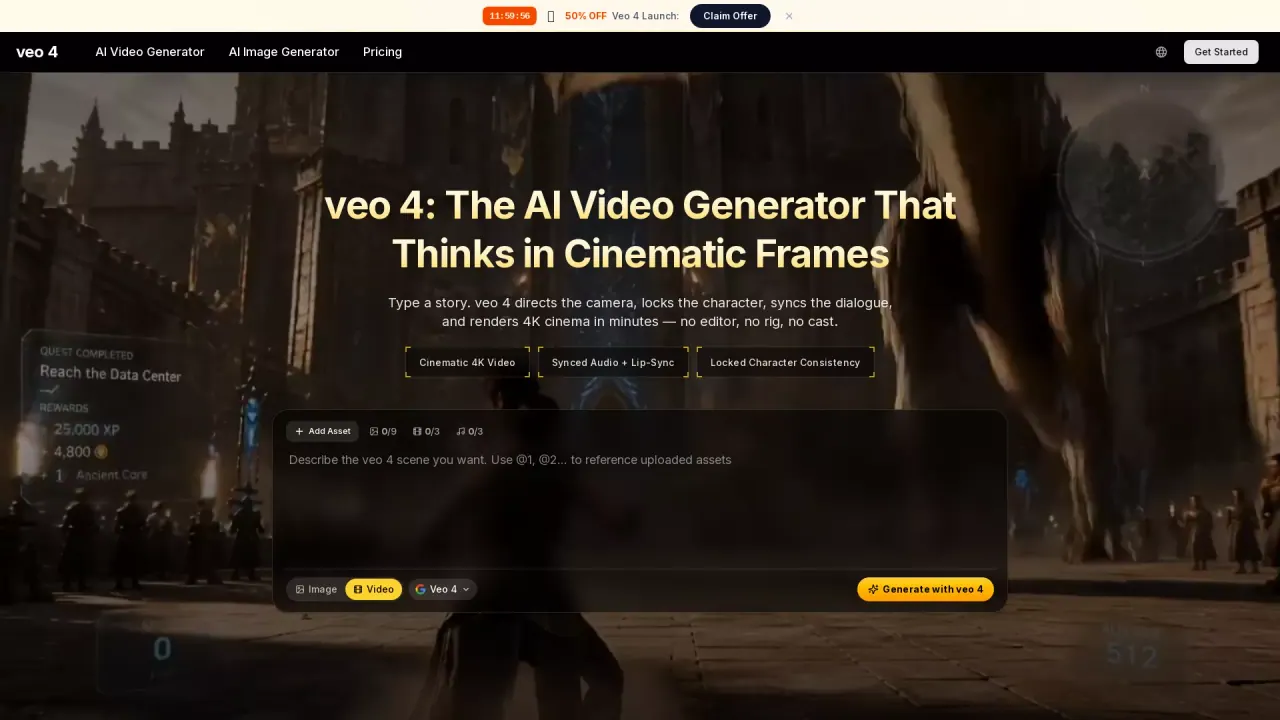
What does Veo 4 AI Video Generator do?
Veo 4 AI Video Generator helps you create cinematic 4K videos from a prompt (and optionally an image) without needing an editor, rig, or cast. It’s built to “direct” your scene: it can guide the camera, keep a character locked across shots, and produce a finished clip that’s ready to publish.
Key features include synced dialogue with lip-sync, plus Foley and ambience that match the motion and setting. You can use cinematic camera language—like dolly, crane, rack focus, orbital drone, whip pan, and dutch angle—to shape the look and movement of your video. Veo 4 also supports multi-shot storyboarding so wide, medium, and close-up shots stay continuous as the sequence progresses.
For post-production control, Veo 4 includes director’s overlay editor tools that let you adjust the camera path, motion intensity, or focal point after the initial render without full re-generation. It also provides AI image generation, character anchoring for identity and wardrobe consistency, and export that includes embedded audio.
Veo 4 offers paid plans alongside free exploration. Plans include Lite, Pro, and Ultra credit options with commercial rights, AI image generation included, and different concurrency and generation speed tiers. See the plan options for current credit amounts and pricing.
What can Veo 4 generate—text-to-video, image-to-video, or both?
Veo 4 supports text prompts to generate video, and it also supports image-to-video workflows when you upload a reference image (or use both together).
Does Veo 4 create audio with the video (dialogue, foley, and ambience)?
Yes. Veo 4 generates synced dialogue with lip-sync and includes matched Foley and ambience so the audio is produced as part of the video output.
Can Veo 4 keep the same character across multiple shots?
Yes. Character anchoring is designed to keep a character’s face, wardrobe, and identity consistent across shots and reshoots.
How do I control the camera style and scene direction?
Describe the cinematic shot language in your prompt (e.g., dolly, crane, rack focus, orbital drone), and then use Veo 4 controls like aspect ratio, length, resolution, and motion intensity to refine the result.
What quality and output format do I download?
Veo 4 outputs broadcast-grade MP4 clips in 4K with embedded audio, so you can download and use them directly in your publishing workflow.
Are there commercial rights, and what plans are available?
Paid plans include a commercial license. Veo 4 offers Lite, Pro, and Ultra plans with different credit amounts, concurrency limits, and support levels.
This listing is claimed
Own Veo 4 AI Video Generator? Sign in with the email used to claim it to manage this listing, or upgrade to Pro for featured-first placement and a newsletter feature.