
Unscreen
Verified
AI Video Background Removal
Remove Video Background with AI
- Pricing
- Free trial
- Category
- Video
- Listed
- Dec 22, 2025
- Updated
- May 25, 2026
Promoted
 Sidrune AI85% off. Stable Claude API for agent developers. Pay as you go. Invoices & refunds available.
 Pixmax.aiPixmax.ai is an all-in-one AI workspace for videos, visual stories, and marketing content.
 SEOify - Improve your SEO & rankingsBuild links to rank in Google. Improve your DR with links you can start building now.Advertise here270,000+ people visit Dang.ai every month.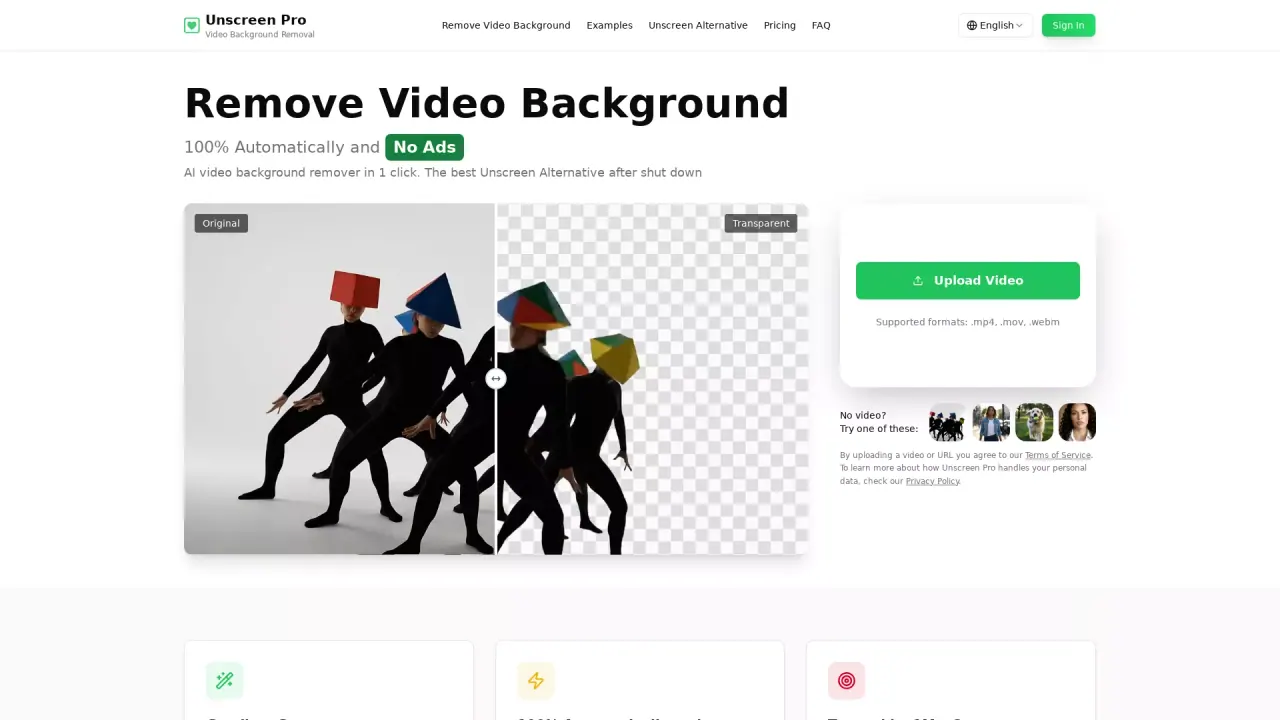
What does Unscreen do?
What is the main use case for Unscreen?
AI-powered video background removal. The main use case is to automatically remove backgrounds from videos without requiring a greenscreen setup. Users can upload videos shot anywhere under any lighting conditions, and the AI technology removes the background automatically. The tool is designed as an alternative to Unscreen.com after its shutdown, serving content creators, video editors, marketing teams, and businesses who need professional background removal for social media content, presentations, product demos, and commercial projects.
Who is the target audience of unscreen.pro?
The target audience includes: Content Creators - YouTubers, TikTokers, and social media creators who need professional-looking videos without studio equipment Video Editors - Professionals who want to speed up their workflow and avoid manual masking/rotoscoping Marketing Teams - Creating engaging marketing videos, product demos, and promotional content Businesses - For presentations, training videos, and corporate communications Former Unscreen.com users - The platform specifically positions itself as the best alternative after Unscreen's shutdown
Can a user use Unscreen for free?
Yes, but with limitations. The platform offers a free tier with 0 credits that allows users to try the service. Users can preview the video with free credit, and charge when users want to export.
How Does Unscreen Pro Remove Video Backgrounds?
Unscreen Pro uses advanced AI technology to automatically detect and remove backgrounds from your videos. By uploading your video, the AI analyzes each frame, separating the subject from the background without the need for a greenscreen or manual editing. The entire process is 100% automatic and delivers high-quality results quickly.
What Video Formats Are Supported by Unscreen Pro?
Unscreen Pro supports all major video formats including MP4, MOV, AVI, and WebM. You can upload videos regardless of their resolution or frame rate, up to a certain file size, and the AI will process them for background removal.
Is Unscreen Pro a Good Alternative to Unscreen?
Yes, Unscreen Pro is specifically designed as the best alternative after Unscreen's shutdown. It employs advanced AI technology that delivers high-quality background removal with added features and improvements, making it a reliable choice for former Unscreen users.
This listing is claimed
Own Unscreen? Sign in with the email used to claim it to manage this listing, or upgrade to Pro for featured-first placement and a newsletter feature.