
VidTranslate
Verified
AI Translation Tool
Upload a video or share a YouTube link to get AI-powered transcription, translation, and synchronized subtitles (and dubbing-ready outputs).
Promoted
 Sidrune AI85% off. Stable Claude API for agent developers. Pay as you go. Invoices & refunds available.
 Pixmax.aiPixmax.ai is an all-in-one AI workspace for videos, visual stories, and marketing content.
 SEOify - Improve your SEO & rankingsBuild links to rank in Google. Improve your DR with links you can start building now.Advertise here270,000+ people visit Dang.ai every month.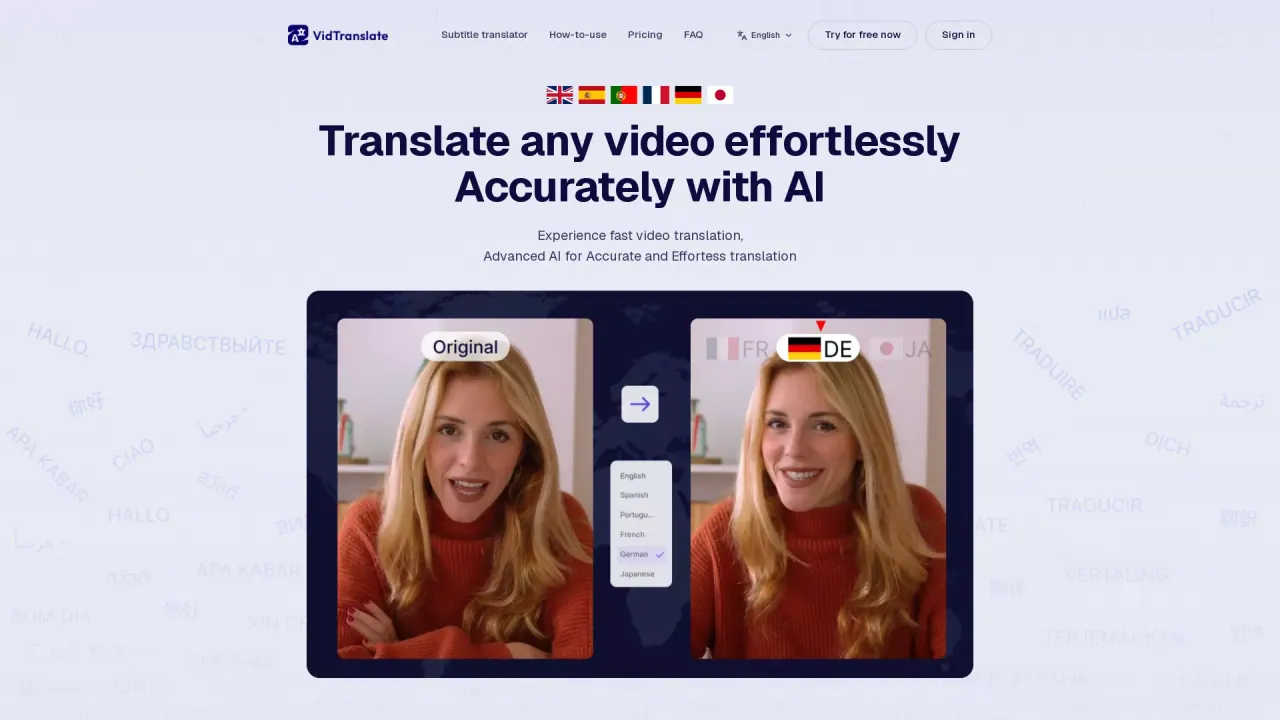
What does VidTranslate do?
VidTranslate is an AI video translation tool that turns spoken content into localized, audience-ready video outputs. Upload a video file or paste a video URL, choose your source/target languages (or use auto-detect), and the platform transcribes the speech, translates it, and generates subtitle-ready results.
Key features include fast translation, accurate AI translation across a wide set of languages, and synchronized optimization that adjusts subtitles to match the speakers’ lip movements for a smoother viewing experience. You can also customize the subtitle style, font, and placement to better fit your content.
VidTranslate is built for creators, marketers, and educators who want to grow a global audience without manually creating subtitles. It fits marketing, educational, social, and news use cases by helping you localize clips for new markets while keeping a natural viewing experience.
Pricing: VidTranslate offers a free tier—users can “try for free now,” and free-tier users can use the tool for video translation or video summarization. Beyond that, the page provides “Pricing” access, but no specific paid plan details are included in the provided text.
What can VidTranslate do for my video?
VidTranslate transcribes the speech, translates it into your target language, and generates subtitles. It also provides outputs that are dubbing-ready, depending on how you use the generated results.
How do I start a translation—upload a file or use a link?
You can either upload a video file or paste a YouTube URL. The platform will handle translation and synchronization after you select the languages.
Which video file formats are supported?
Supported formats include MP4, MOV, AVI, MKV, and WebM, with files up to 1 GB.
Can VidTranslate detect the source language automatically?
Yes. You can enable auto-detect for the source language, then choose the target language you want.
Does VidTranslate keep subtitles in sync with the speaker?
Yes. It can automatically synchronize and optimize subtitles so the translated text aligns with lip movements for a smoother result.
Is there a free plan?
Yes. VidTranslate includes a free tier, and free-tier users can use the tool for video translation or video summarization.
This listing is claimed
Own VidTranslate? Sign in with the email used to claim it to manage this listing, or upgrade to Pro for featured-first placement and a newsletter feature.