
Aiimag
AI Text2Image Tool
Create stunning images from text with AIimag.es - the user-friendly AI Text2Image tool for unlimited creativity.
Promoted
 Sidrune AI85% off. Stable Claude API for agent developers. Pay as you go. Invoices & refunds available.
 Pixmax.aiPixmax.ai is an all-in-one AI workspace for videos, visual stories, and marketing content.
 RewindType any X/Twitter handle. Get their year back as a narrated video story. Then ask it anything.
 KurodyneSell the tools from your AI side projects. Listing is free.
 SEOify - Improve your SEO & rankingsBuild links to rank in Google. Improve your DR with links you can start building now.Advertise here270,000+ people visit Dang.ai every month.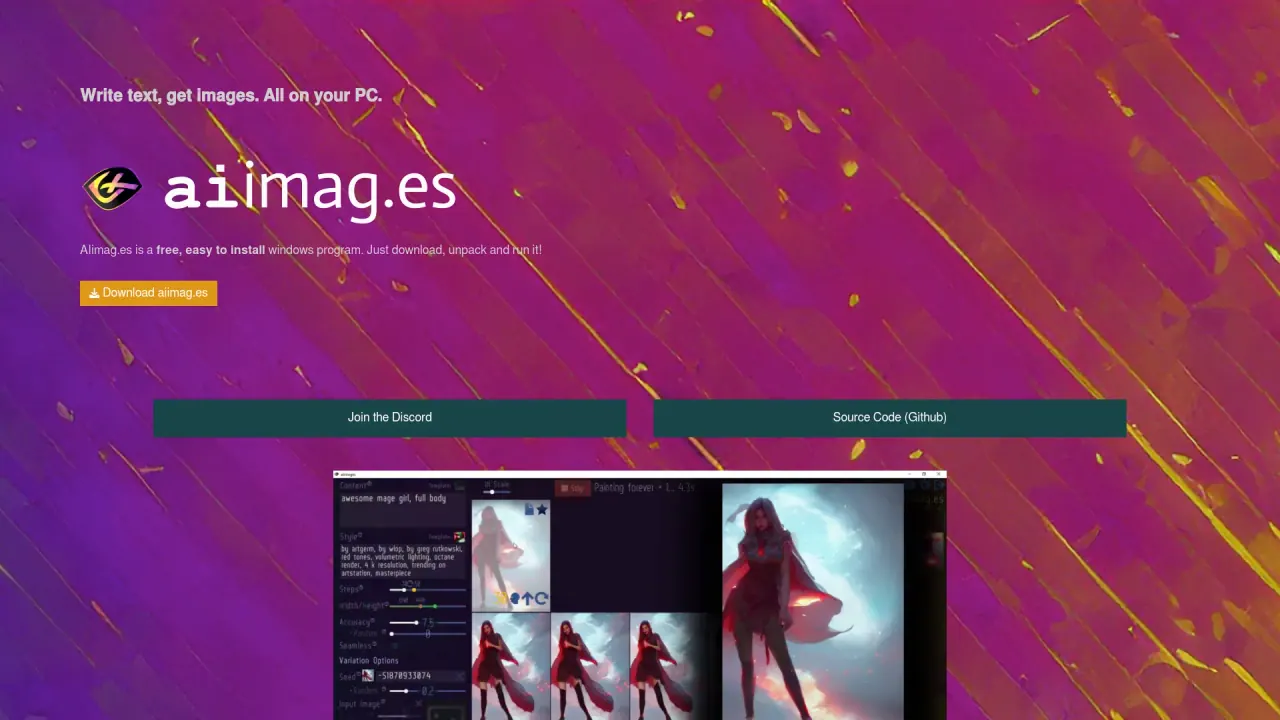
What does Aiimag do?
Can AIimag.es be used for commercial purposes?
Yes. AIimag.es lets you create unlimited images from text and use them for basically everything, including commercial use.
How do I install aiimag.es on Windows?
- Click on Download from the aiimag.es website.
- Unpack the downloaded file (right-click -> unpack). Ensure the path to the file does not contain spaces.
- Run the aiimages.exe file.
- You’re done! AIimag.es will take care of the rest.
What are the system requirements for running aiimag.es?
- Operating System: Windows 10
- Graphics Card: Nvidia 1XXX, 20XX, or 30XX series
- Disk Space: 12 GB
The software automatically checks these requirements after download.
Where can I download aiimag.es?
From the official aiimag.es website (look for the Download button). The project also provides a link to its Source Code on Github.
Is aiimag.es open source and under what license?
Yes. AIimag.es is open source under the MIT license, and the source code is available on Github.
What AI technology powers aiimag.es?
AIimag.es uses Stable Diffusion AI and the LStein repository to generate images.
What platforms does AIimag.es run on?
AIimag.es is a Windows program and requires Windows 10 with a compatible Nvidia graphics card (1XXX, 20XX, or 30XX) and about 12 GB of disk space.
Is there a sharing feature planned for AIimag.es?
Yes. A "Share with Friends" feature is planned for a future release (Soon!).
How can I get support or join the community?
Join the aiimag.es Discord for feedback and support. You can also access the source code on Github.
Is this your tool?
Claim Aiimag to manage this listing, or upgrade to Pro for featured-first placement and a newsletter feature.