
Remover.video
Verified
AI Text & Watermark Remover
Remover.video is an AI tool that removes TikTok watermarks, text overlays, logos, and captions from videos online—without blur or quality loss.
Promoted
 Sidrune AI85% off. Stable Claude API for agent developers. Pay as you go. Invoices & refunds available.
 Pixmax.aiPixmax.ai is an all-in-one AI workspace for videos, visual stories, and marketing content.
 SEOify - Improve your SEO & rankingsBuild links to rank in Google. Improve your DR with links you can start building now.Advertise here270,000+ people visit Dang.ai every month.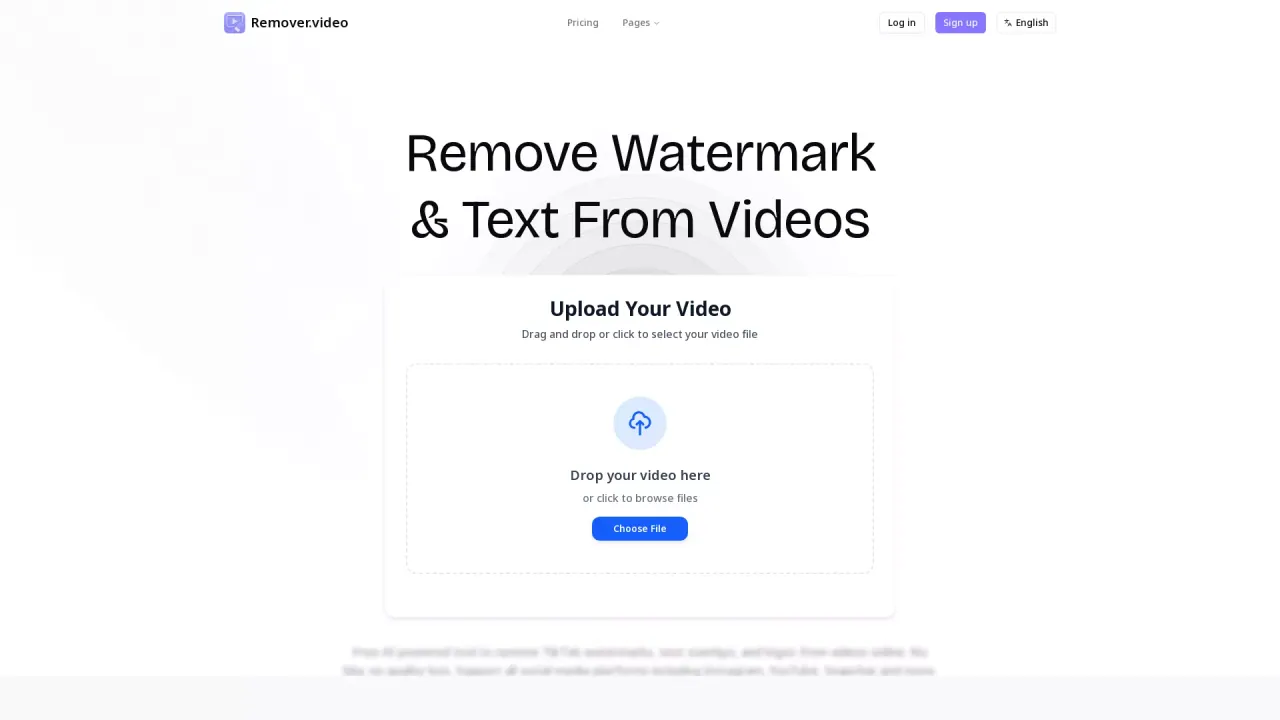
What does Remover.video do?
Remover.video is an AI-powered online video editor designed to remove unwanted on-screen elements from your clips. Use it to take out TikTok watermarks, Instagram text overlays, logos, and other branding from videos, with an emphasis on keeping results clear rather than blurry.
With a simple upload flow, you drag and drop a video file (or choose from your device) and let the AI process it. The tool is built for fast, high-quality outputs so you can repurpose content across social platforms like TikTok, Instagram Reels, Snapchat, and YouTube without manual cleanup.
It’s a practical choice for content creators, influencers, social media managers, video editors, marketing teams, studios, and agencies who need to clean up multiple versions of the same video for different channels. If you’re removing text, watermarks, or logos, Remover.video focuses on making the final download ready for sharing.
Remover.video is available for free, and it also offers paid plans. The cheapest plan listed is Standard at $8.99/month.
What can Remover.video remove from a video?
It can remove text overlays and watermarks (including TikTok watermarks) plus logos from supported video files.
Does Remover.video remove watermarks without blur?
Remover.video is designed for “no blur” watermark removal, aiming to preserve the original video quality.
What platforms can I repurpose edited videos for?
The tool supports social platforms such as TikTok, Instagram Reels, Snapchat, and YouTube, among others.
Is Remover.video free to use?
Yes—there’s a free online AI tool for removing text and watermarks from videos, with a no-cost download after processing.
What is the cheapest paid plan price?
The Standard plan is the cheapest paid option at $8.99/month.
Do I need to configure complex settings to start?
No—upload your video first, then run the AI processing and download the cleaned result.
This listing is claimed
Own Remover.video? Sign in with the email used to claim it to manage this listing, or upgrade to Pro for featured-first placement and a newsletter feature.