
HappyHorse
Horse Video Generator
Happy Horse is an AI video generator that turns text, images, and references into polished videos with camera and style control.
Promoted
 Sidrune AI85% off. Stable Claude API for agent developers. Pay as you go. Invoices & refunds available.
 Pixmax.aiPixmax.ai is an all-in-one AI workspace for videos, visual stories, and marketing content.
 SEOify - Improve your SEO & rankingsBuild links to rank in Google. Improve your DR with links you can start building now.Advertise here270,000+ people visit Dang.ai every month.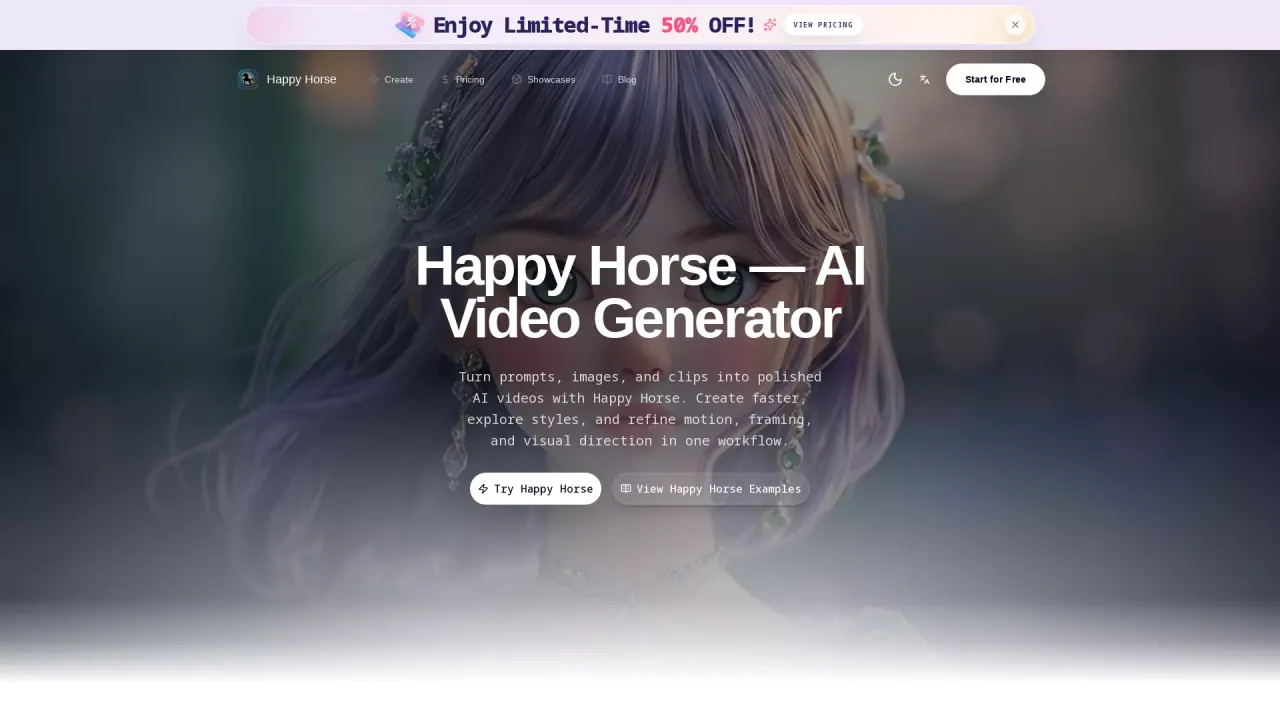
What does HappyHorse do?
Happy Horse is an AI video generator built for fast, flexible video creation. Turn prompts into cinematic scenes (text-to-video), animate stills (image-to-video), or use reference-based workflows to guide motion and visuals in one place.
Use it to refine pacing, framing, and production value before committing to a full shoot or edit. It’s also useful for creating short opening shots, ad creative previews, AI storyboard drafts, and character consistency tests across multiple scenes and camera distances.
Happy Horse includes director-level controls such as pan, tilt, dolly, and zoom, plus style transfer options ranging from photorealistic to anime, vintage, and stylized looks. You can also generate videos with native voice and synchronized singing, and transform uploaded images/audio/footage into polished reference-to-video outputs with creative control.
Creation uses credits, and credit usage depends on duration, resolution, generation mode, and audio. There’s a free start option to explore core features, with additional credit-based plans for higher output needs.
What can I create with Happy Horse?
You can generate AI videos using text-to-video, image-to-video, and reference-to-video workflows. You can also shape motion and visuals with camera and style controls.
Does Happy Horse support audio, voice, or singing in generated videos?
Yes—videos can be generated with synchronized native human voice and AI singing, designed to stay aligned with the visuals.
Can I keep the same character appearance across multiple scenes?
Yes. Happy Horse preserves faces, outfits, and body proportions across multiple shots so you can build story-ready characters with more visual stability.
What reference inputs does Happy Horse support for reference-to-video?
You can upload reference images, audio clips, or existing footage and use them to guide the resulting video content.
How do credits work in Happy Horse?
Credit usage depends on duration, resolution, generation mode, and whether audio is generated. Higher settings typically use more credits per video.
Is there a free way to try Happy Horse?
Yes. You can start for free to explore core features and test generation before choosing a paid credit plan for more output.
This listing is claimed
Own HappyHorse? Sign in with the email used to claim it to manage this listing, or upgrade to Pro for featured-first placement and a newsletter feature.