GPTImage
AI Image Generation Tool
Generate photorealistic images with accurate on-image text and consistent edits in seconds using GPT Image’s browser-based workflow.
Promoted
 AI Checker PlusAI detector that highlights which passages AI wrote. Free check, no sign-up. Plagiarism too.
 RewindType any X/Twitter handle. Get their year back as a narrated video story. Then ask it anything.
 KurodyneSell the tools from your AI side projects. Listing is free.
 Sidrune AI85% off. Stable Claude API for agent developers. Pay as you go. Invoices & refunds available.
 Pixmax.aiPixmax.ai is an all-in-one AI workspace for videos, visual stories, and marketing content.
 SEOify - Improve your SEO & rankingsBuild links to rank in Google. Improve your DR with links you can start building now.Advertise here330,000+ people visit Dang.ai every month.
What does GPTImage do?
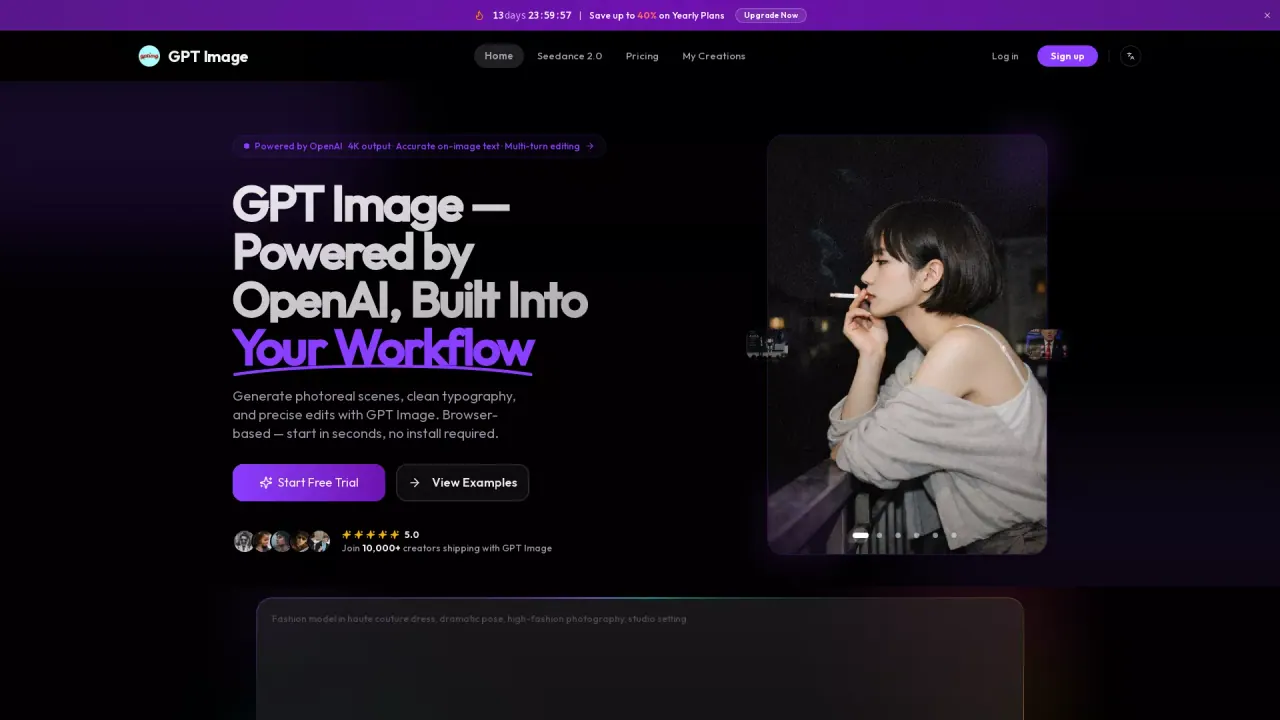
GPT Image is a native multimodal AI image generator built for fast, high-quality creation and precise revisions—directly in your browser, with no install required. You can generate photoreal scenes, stylized illustrations, and print-ready images, while keeping typography readable inside the final output.
A standout capability is clean text rendering. If you’re making posters, product labels, UI mockups, or social graphics where words must actually be legible, GPT Image focuses on producing usable copy rather than “letter-soup.” It also supports both text-to-image and image-to-image workflows, including inpainting and masked-region edits.
For editing, GPT Image lets you upload a reference photo (product photo, headshot, or mockup) and then describe what to change in plain English. Multi-turn editing helps maintain visual consistency—faces, lighting, and composition—across multiple rounds, which is useful for product variants and iterative ad creative.
GPT Image 2 offers Low / Medium / High quality tiers and square, portrait, and landscape aspect ratios. Generation times are about 5–8 seconds per render, with resolution up to 4096×4096 for print-ready output. Costs are available as credit-based pricing: Low is $0.009 per 1024×1024 render, and higher-quality tiers are intended for production-grade results.
What can I create with GPT Image?
You can generate photoreal scenes, stylized illustrations, vector-style work, infographics, editable UI mockups, and posters—plus make both text-to-image and image-to-image outputs.
Does GPT Image handle readable text inside images?
Yes—GPT Image is designed to render clean, readable words for use cases like product labels, logos, headlines, and UI mockups. Long paragraphs may include occasional typos, so it’s best for headline and label copy.
How does editing work if I upload a reference image?
Upload a reference photo or mockup, mask the region you want changed (optional), and describe the edit in plain English. The model updates the named part while keeping lighting, faces, and composition consistent across multiple rounds.
How fast are generations?
Results are delivered in about 5–8 seconds per image for GPT Image 2.
What resolutions and aspect ratios are supported?
GPT Image supports three aspect ratios—square, portrait, and landscape—and outputs up to 4096×4096 resolution for print-ready work.
How much does GPT Image cost?
Pricing is credit-based. Low quality is listed at $0.009 per 1024×1024 render, with Medium and High tiers available for higher-quality output.
This listing is claimed
Own GPTImage? Sign in with the email used to claim it to manage this listing, or upgrade to Pro for featured-first placement and a newsletter feature.