GeminiNanoBanana
AI Video Creation Studio
Create images and videos in one place with Nano Banana models—text-to-image, image-to-image editing, and image-to-video, using credits-based generation.
Promoted
 Pixmax.aiPixmax.ai is an all-in-one AI workspace for videos, visual stories, and marketing content.
 AI Checker PlusAI detector that highlights which passages AI wrote. Free check, no sign-up. Plagiarism too.
 RewindType any X/Twitter handle. Get their year back as a narrated video story. Then ask it anything.
 KurodyneSell the tools from your AI side projects. Listing is free.
 Sidrune AI85% off. Stable Claude API for agent developers. Pay as you go. Invoices & refunds available.
 SEOify - Improve your SEO & rankingsBuild links to rank in Google. Improve your DR with links you can start building now.Advertise here270,000+ people visit Dang.ai every month.
What does GeminiNanoBanana do?
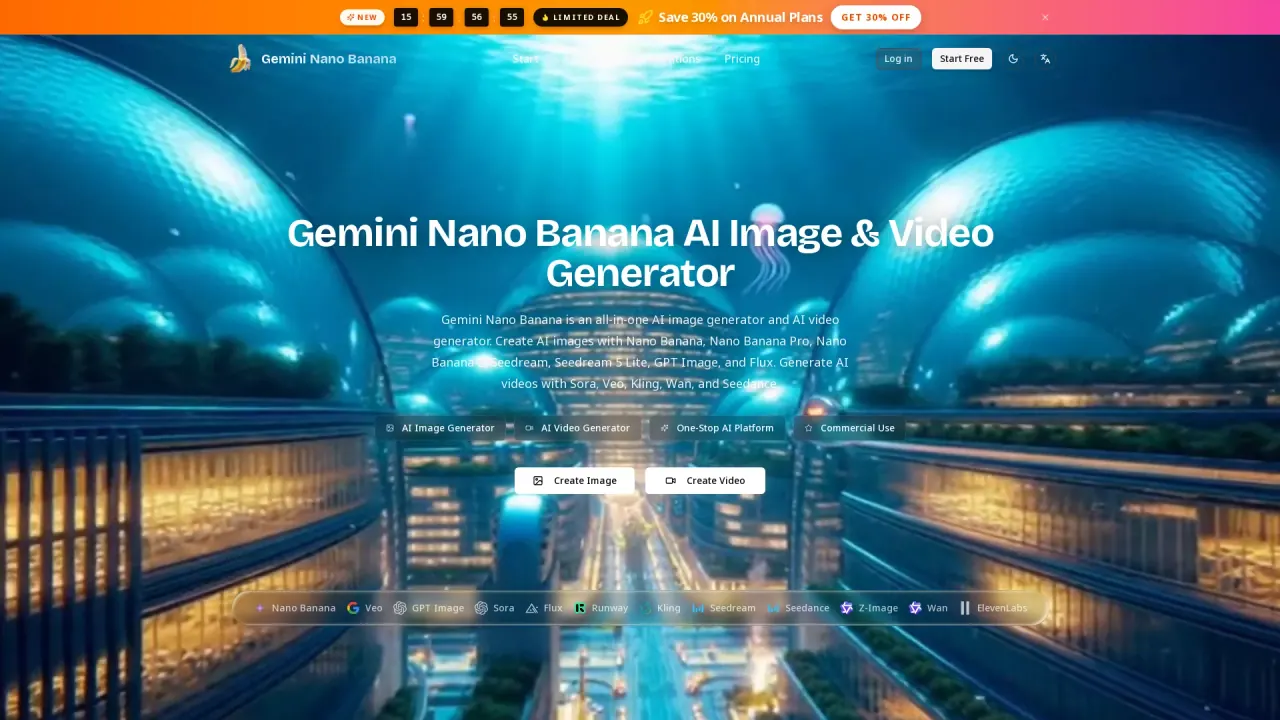
Gemini Nano Banana is an online AI image generator and photo editor that helps you create visuals from text or transform your own photos. You can generate new scenes, change backgrounds, restyle portraits, and combine reference images to build a new composition—all from a single dashboard.
For image creation, you can use Nano Banana models like Nano Banana 2.1 for improved quality, Nano Banana Pro for more complex layouts and text within images, and Nano Banana 2 for existing workflows. Upload JPG, PNG, or WebP files (up to 30 MB each) for Image to Image, then describe what you want to change—such as outfits, backgrounds, style, lighting, and details you want to keep.
You can also go beyond stills. Turn a Nano Banana image (or your own photo) into a video using the built-in video generator. Choose a video model and describe the action and camera movement to animate the image.
Usage is credits-based. You can start free with limited access, and generation options show the credits required for outputs. Create an image, refine it, then reuse the result as a reference for the next edit or to move into video.
What can I do with Gemini Nano Banana?
Create images from text or edit uploaded photos using Nano Banana models. You can also turn a generated image (or your own photo) into a video by using the video generator.
How does Image to Image editing work?
Upload a photo (JPG, PNG, or WebP), select a Nano Banana model, and describe the specific changes you want—like background replacement, outfit changes, or style and detail edits—while preserving what matters.
What’s the difference between Nano Banana 2.1, Pro, and 2?
Nano Banana 2.1 is optimized as an updated image creation starting point with improvements in quality and consistency. Pro is geared toward complex compositions and text within images, while Nano Banana 2 is available for earlier workflows or comparisons.
Can I combine multiple reference images into one result?
Yes. Upload multiple reference images for Image to Image and explain how each one should contribute to the final scene—such as using separate references for a subject and a style or placing a product into a new setting.
Is there a free option to try it?
Yes. You can create an account and start with free access for image generation and photo editing, with usage limited for new users.
Can Nano Banana images be turned into videos?
Yes. Use the video generator after creating or editing an image, then describe the motion and camera action. The image is used as the starting point for the video generation.
This listing is claimed
Own GeminiNanoBanana? Sign in with the email used to claim it to manage this listing, or upgrade to Pro for featured-first placement and a newsletter feature.