RayvidAI
AI Video Generation Tool
Rayvid AI generates cinematic videos from text or images using multiple AI models, with flexible duration, aspect ratio, and resolution controls.
Promoted
 Sidrune AI85% off. Stable Claude API for agent developers. Pay as you go. Invoices & refunds available.
 Pixmax.aiPixmax.ai is an all-in-one AI workspace for videos, visual stories, and marketing content.
 RewindType any X/Twitter handle. Get their year back as a narrated video story. Then ask it anything.
 KurodyneSell the tools from your AI side projects. Listing is free.
 SEOify - Improve your SEO & rankingsBuild links to rank in Google. Improve your DR with links you can start building now.Advertise here270,000+ people visit Dang.ai every month.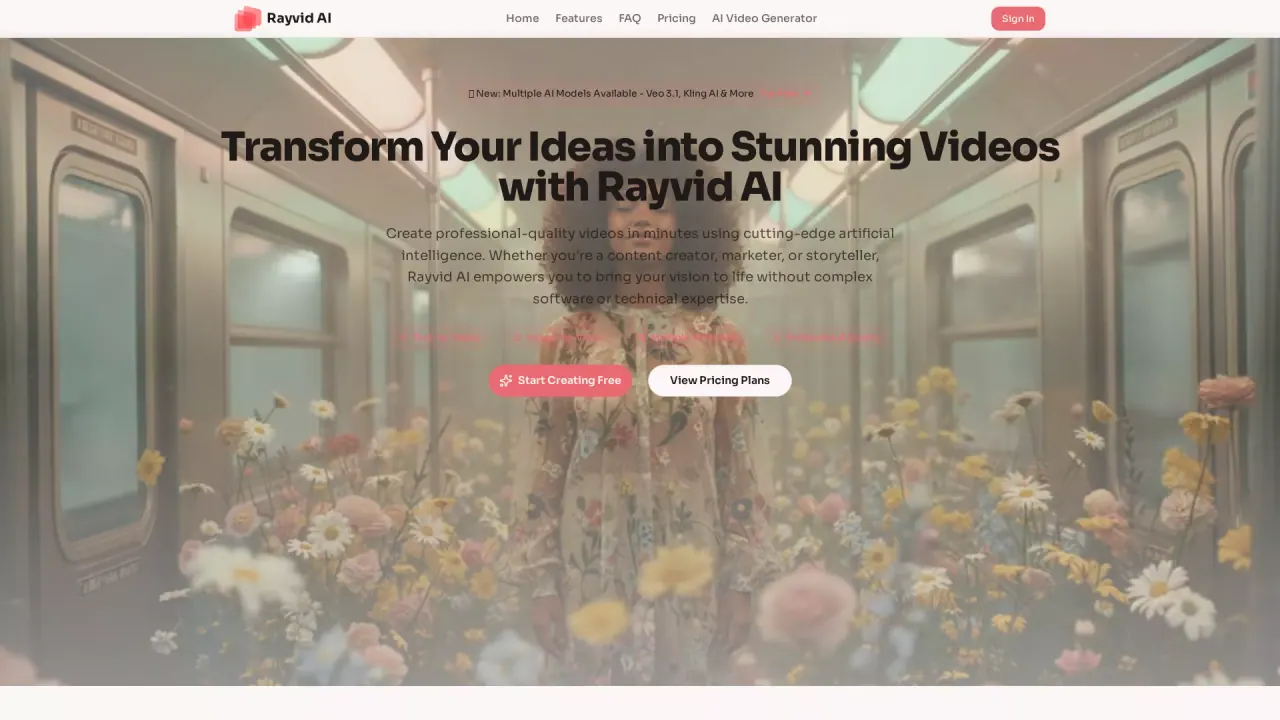
What does RayvidAI do?
Rayvid AI is an AI video generator that helps creators turn ideas into professional-quality videos in minutes—without needing complex software or video editing skills. You can create from a text prompt (text-to-video) or upload a photo/graphic to animate it (image-to-video), then refine with adjustable production parameters.
A key differentiator is model choice. Rayvid AI provides access to multiple AI models, including Veo 3.1, Wan 2.5, Kling AI, and Seedance, so you can match the tool to your project goals. In addition to model selection, you can control flexible duration (from short 15-second teasers up to 2-minute explanations) and optimize framing with common aspect ratios such as 9:16, 16:9, 1:1, and 4:5.
Rayvid AI is designed for creators, marketers, founders, agencies, and teams who need cinematic visuals quickly for ads, social media, and product promotion. It’s also built for experimenting with story concepts, atmospheric dreamscapes, and music or social content—while supporting higher-fidelity outputs via preview-to-final quality settings.
Pricing is available with Basic ($12/month or $144/year), Pro ($35/month or $420/year), and Max ($115/month or $1,380/year), plus credit packs and annual/monthly options. Plans vary by monthly credits, storage duration, support level, and included features like commercial use, no watermark, and image-to-video/text-to-video generation.
What can I create with Rayvid AI?
You can generate cinematic videos either from a text prompt (text-to-video) or by uploading an image and adding motion (image-to-video).
Which AI models are available in Rayvid AI?
Rayvid AI includes Veo 3.1, Wan 2.5, Kling AI, and Seedance. Each model has different strengths, so you can pick what best fits your style and needs.
Can I control video length, aspect ratio, and quality?
Yes. You can adjust duration, choose standard aspect ratios (9:16, 16:9, 1:1, 4:5), and select resolution/quality settings for preview drafts or higher-resolution outputs.
Do I need video editing experience to use Rayvid AI?
No—Rayvid AI is designed to be usable without technical expertise. You choose a model, describe your vision or upload an image, adjust parameters, and generate.
Is commercial use allowed?
Yes. Commercial use is included on the Basic, Pro, and Max plans. Check your plan for any specific usage details.
How much do the plans cost?
Basic is $12/month ($144/year), Pro is $35/month ($420/year), and Max is $115/month ($1,380/year). Credit packs are also offered.
This listing is claimed
Own RayvidAI? Sign in with the email used to claim it to manage this listing, or upgrade to Pro for featured-first placement and a newsletter feature.