NanoBanana
Verified
AI Image Generation Tool
AI Image Editor with Gemini 2.5 Flash Image
Promoted
 Sidrune AI85% off. Stable Claude API for agent developers. Pay as you go. Invoices & refunds available.
 Pixmax.aiPixmax.ai is an all-in-one AI workspace for videos, visual stories, and marketing content.
 SEOify - Improve your SEO & rankingsBuild links to rank in Google. Improve your DR with links you can start building now.Advertise here270,000+ people visit Dang.ai every month.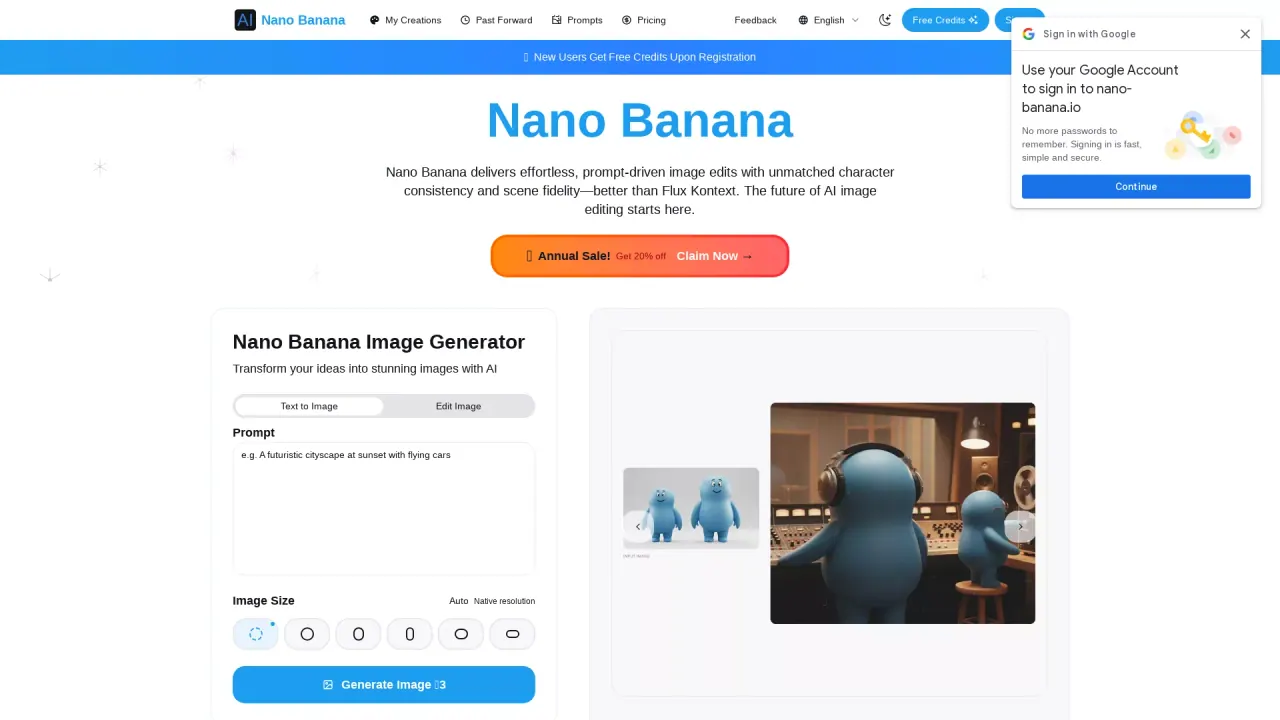
What does NanoBanana do?
Is Nano Banana free to use?
Yes, new users can get free credits upon registration. You can also earn credits through daily check-ins and by inviting friends to register and subscribe.
How do I get started with Nano Banana?
Create stunning AI artwork in three simple steps:
- Upload or start from text
- Craft your prompt (describe what to change in plain English)
- Generate & refine
Export the final result or continue iterative edits.
What types of images can I create with Nano Banana?
You can create virtually any type of image - portraits, landscapes, abstract art, concept designs, illustrations, 3D renderings, and more. Choose from styles including digital painting, photorealistic, minimalist, and futuristic.
How long does it take to generate an image?
Nano Banana generates high-quality images in just a few seconds.
Can I use the generated images commercially?
Yes! Once you download your artwork, you can use it for personal, commercial, or creative projects. The images are high-resolution and suitable for marketing materials, social media, or professional presentations.
What if I'm not satisfied with the generated image?
You can easily refine your results. Simply adjust your text prompt with more specific details or try different style keywords. Nano Banana will regenerate your artwork until you achieve the perfect result.
Can Nano Banana blend multiple images or transfer styles to create a cohesive result?
Yes. Nano Banana supports multi-image fusion and style transfer. You can blend up to three images to create a cohesive composition or transfer a reference style into one coherent result inside Nano Banana.
How does Nano Banana maintain character consistency across edits and scenes?
Nano Banana preserves the same character’s facial identity and overall style across outfits, poses, lighting, and scenes, helping keep multi-shot projects cohesive.
What editing capabilities does Nano Banana offer for precise, local edits?
Prompt-based local edits describe the change in plain language, and Nano Banana updates only the targeted region, preserving surrounding context, composition, and fine texture detail. It also supports background and object control, scene preservation, and adjustments to pose, lighting, and color.
What is SynthID watermarking and why is it included?
Nano Banana is designed with Responsible by Design (SynthID). All AI outputs include invisible SynthID watermarking for transparency and safer sharing.
How do I export or continue editing after generating?
After generating, you can export the final result or continue iterative edits.
This listing is claimed
Own NanoBanana? Sign in with the email used to claim it to manage this listing, or upgrade to Pro for featured-first placement and a newsletter feature.