
ZImageTurbo
AITextToImageGenerator
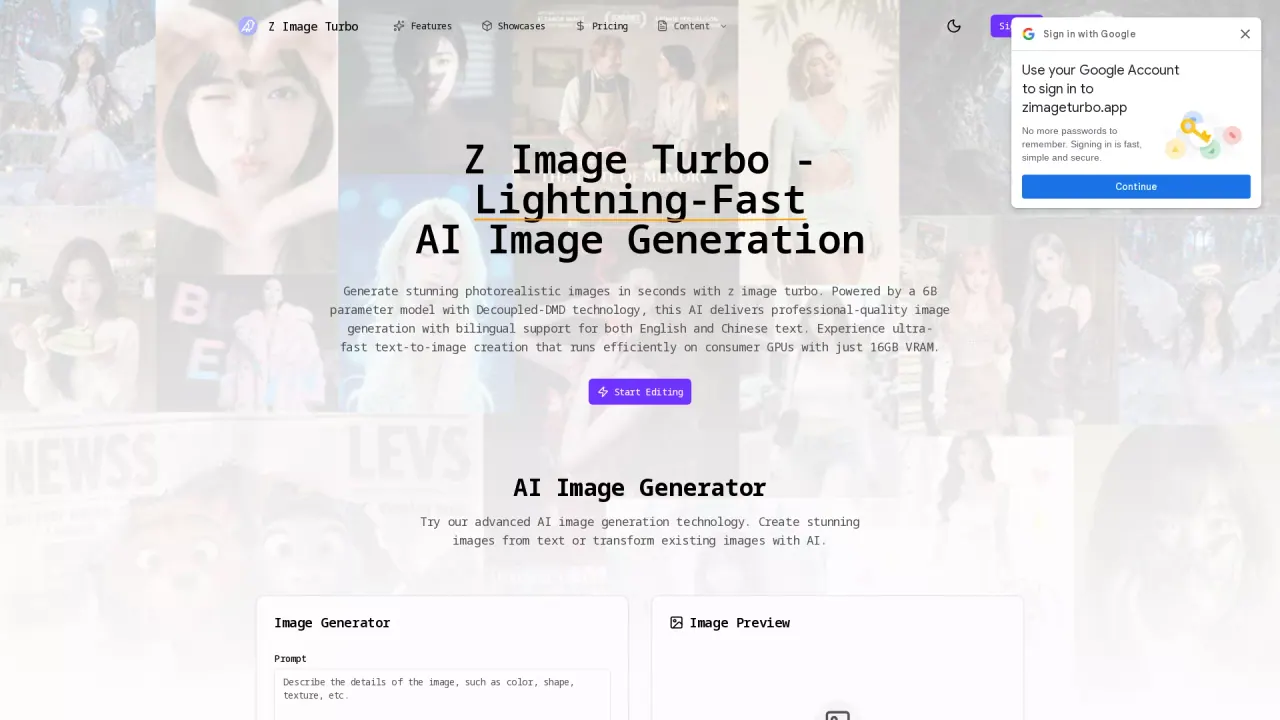
Z Image Turbo is a fast AI image generator for text-to-image creation.
What does ZImageTurbo do?
What is the main use case for Z Image Turbo?
Z Image Turbo’s main use case is ultra-fast text-to-image generation—turning a written prompt into photorealistic, professional-quality images in seconds, with bilingual English/Chinese text support for prompts and typography-heavy creatives (e.g., posters, covers, ads).
Who is the target audience of zimageturbo.app?
It’s built for people who need high-throughput visual production and rapid iteration: creators, designers, marketers, indie makers, and small teams who want speed without giving up image quality.
Can a user use Z Image Turbo for free?
Yes — every user gets a free usage quota (starter credits) to try the tool and evaluate results. If you’re happy with the output and want more generations, you can upgrade to a subscription plan with monthly credits.
How Does Z Image Turbo Utilize Bilingual Text Support?
Z Image Turbo offers a unique feature in its ability to seamlessly handle bilingual text rendering, supporting both English and Chinese languages. This feature ensures that text prompts and typography-heavy creatives with mixed languages can be accurately transformed into stunning images without losing the intended meaning or detail. This makes it an excellent choice for creators and businesses with international audiences, allowing them to effortlessly create content that appeals to a broader demographic.
What Are the System Requirements to Run Z Image Turbo?
To run Z Image Turbo efficiently, you only need a consumer-grade GPU with at least 16GB VRAM. This low requirement makes professional AI image generation accessible without the need for expensive enterprise hardware or infrastructure. This streamlined approach allows users with standard consumer systems to produce high-quality images at a fraction of the cost compared to platforms that require more robust setups.
How Can I Start Using Z Image Turbo to Create Images?
Getting started with Z Image Turbo is quick and easy, following these four steps:
- **Enter Your Prompt**: Provide a description of the image you wish to create in either English or Chinese.
- **Configure Settings**: Adjust the inference steps and image dimensions to balance the speed and quality according to your needs.
- **Generate Instantly**: Click the generate button to watch in real-time as Z Image Turbo creates your photorealistic image within seconds.
- **Download & Use**: Export the generated image in your desired format (PNG, JPG, WebP) for further use in commercial projects or creative endeavors.
Is this your tool?
Claim ZImageTurbo to manage this listing, or upgrade to Pro for featured-first placement and a newsletter feature.