
Veo3.1
AI Video Generator Software
Veo 3.1 is a Google-powered AI video generator that turns text or images into cinematic videos in minutes.
Promoted
 Sidrune AI85% off. Stable Claude API for agent developers. Pay as you go. Invoices & refunds available.
 Pixmax.aiPixmax.ai is an all-in-one AI workspace for videos, visual stories, and marketing content.
 AI Checker PlusAI detector that highlights which passages AI wrote. Free check, no sign-up. Plagiarism too.
 RewindType any X/Twitter handle. Get their year back as a narrated video story. Then ask it anything.
 KurodyneSell the tools from your AI side projects. Listing is free.
 SEOify - Improve your SEO & rankingsBuild links to rank in Google. Improve your DR with links you can start building now.Advertise here270,000+ people visit Dang.ai every month.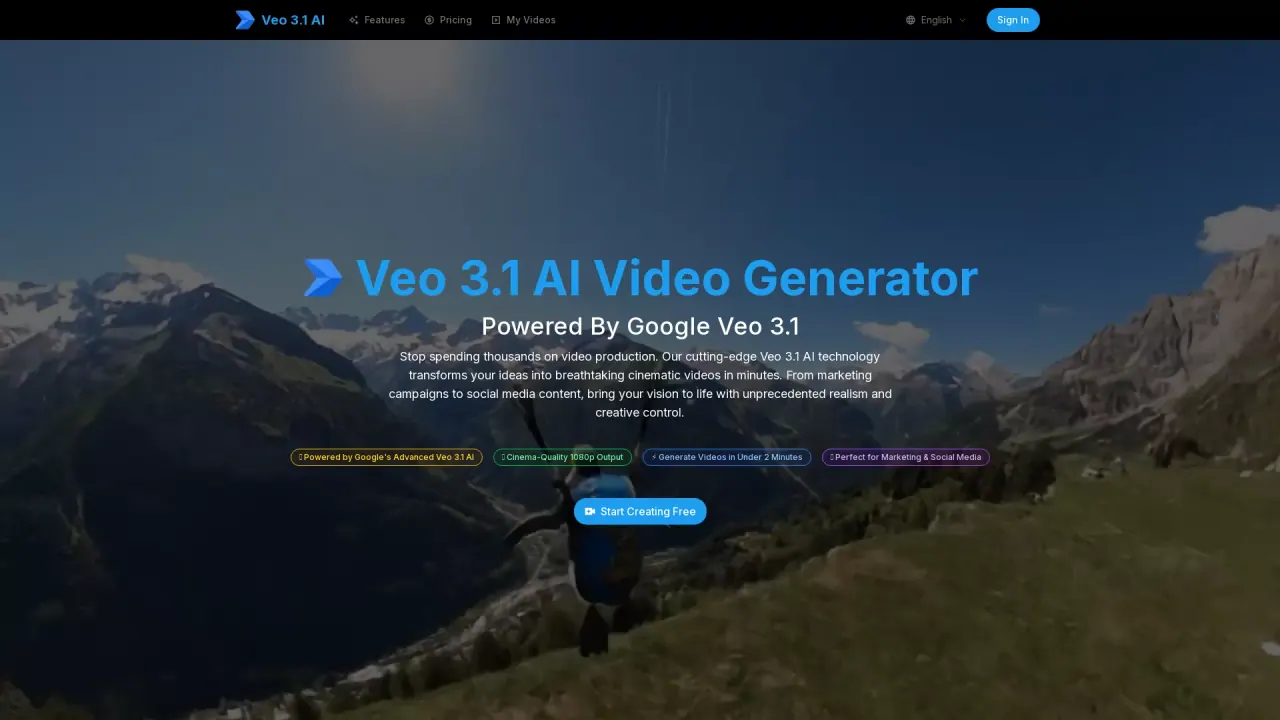
What does Veo3.1 do?
Veo 3.1 is a text-to-video and image-to-video platform powered by Google’s Veo 3.1 model. It helps you turn creative ideas into photorealistic, cinema-quality video sequences with strong instruction understanding, visual consistency, and story-driven coherence.
Create videos by entering a prompt in plain English or by uploading an image, then choose settings like duration, aspect ratio, and quality options. Videos can be generated quickly—typically under 2 minutes—so you can iterate and refine your output. The tool also supports different input styles such as first/last frame to video and reference to video, making it easier to guide how your scene evolves.
When it’s time to export, Veo 3.1 generates 1080p HD video with multiple export options. You can download your result as MP4 or MOV, with additional optimized versions for social platforms such as Instagram, TikTok, and YouTube.
Pricing-wise, Veo 3.1 offers free trial access so you can create your first videos, and users have a free quota. For full details beyond that, check the pricing section on the platform.
What can I create with Veo 3.1?
You can generate videos from text prompts, or bring static images to life with image-to-video. You can also use options like first/last frame to video to guide motion between key moments.
How fast are videos generated?
Most videos are generated in under 2 minutes, supporting quick iteration from preview to download.
What quality and resolutions does Veo 3.1 export?
Veo 3.1 outputs cinema-focused video with 1080p HD results, and you can select quality options including 1080p and 4K in the generator settings.
Where can my videos be used after export?
Generated videos are cleared for commercial use, including marketing campaigns, advertisements, social media content, and client work. You also retain full rights to your generated content.
Can I try Veo 3.1 for free?
Yes—there is a free trial to create your first videos. Each user also has a free quota.
What file formats are available for downloads?
You can export your videos in multiple formats including MP4 and MOV, plus optimized versions for platforms like Instagram, TikTok, and YouTube.
This listing is claimed
Own Veo3.1? Sign in with the email used to claim it to manage this listing, or upgrade to Pro for featured-first placement and a newsletter feature.