
VideoFlux
AI Text To Video Generator
VideoFlux turns text prompts or images into AI videos, with model selection plus controls for style, duration, and quality.
Promoted
 RewindType any X/Twitter handle. Get their year back as a narrated video story. Then ask it anything.
 KurodyneSell the tools from your AI side projects. Listing is free.
 Sidrune AI85% off. Stable Claude API for agent developers. Pay as you go. Invoices & refunds available.
 Pixmax.aiPixmax.ai is an all-in-one AI workspace for videos, visual stories, and marketing content.
 SEOify - Improve your SEO & rankingsBuild links to rank in Google. Improve your DR with links you can start building now.Advertise here270,000+ people visit Dang.ai every month.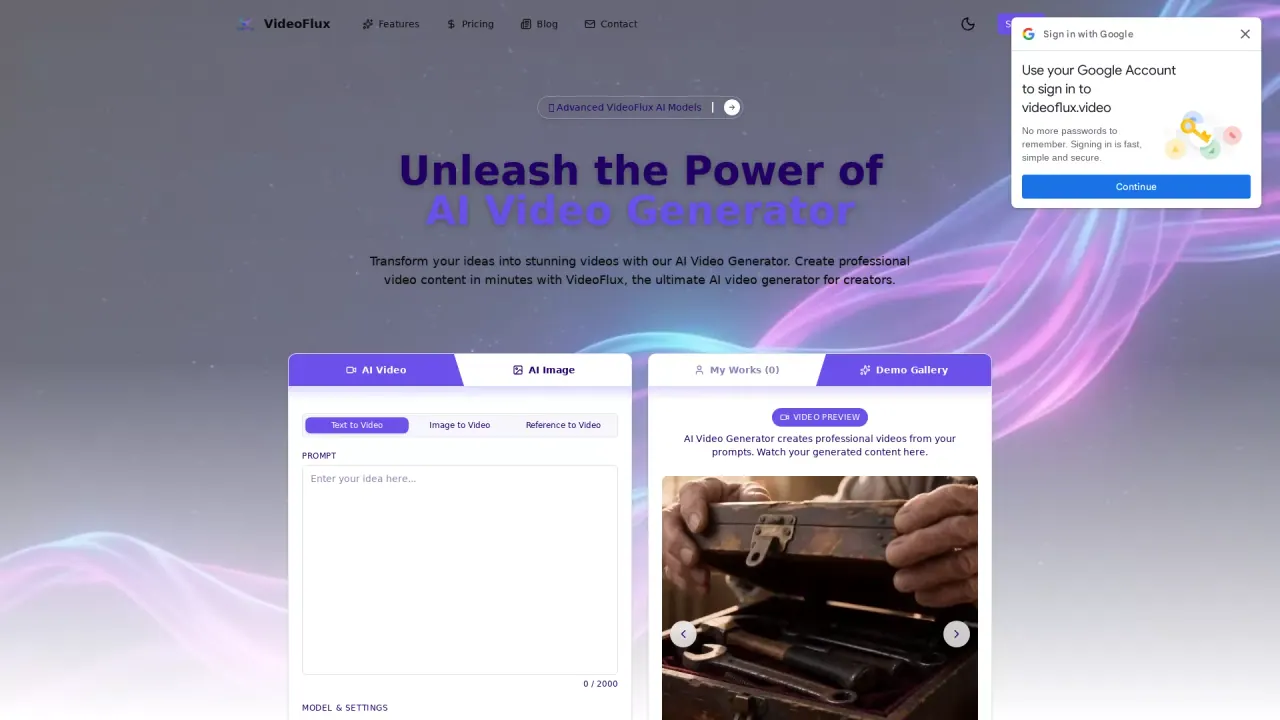
What does VideoFlux do?
VideoFlux is an AI video generator platform that helps you create videos from text descriptions, images, reference visuals, and even start and end frames. With a unified workflow, you can generate motion from a prompt, bring an image to life, or refine visuals as part of a broader AI media creation process.
Create from multiple input types: use text to video for quick ideation, image to video to transform a static photo into a dynamic scene, and image-to-image or related tools to enhance and reimagine frames. VideoFlux also supports reference visuals and start/end frame inputs, giving you more ways to guide the outcome. You can choose from different AI video models designed for varying creative needs.
When generating, you can customize output details such as style, duration, and quality. The platform is built for fast processing so you can iterate quickly, and it keeps your work organized through a single dashboard where you can manage projects, preview results, and download your generated videos.
Plans are handled via credit packs. The cheapest option is the Basic pack: 100 credits for $9.90, available as a one-time purchase with credits that never expire. For more options, check the pricing section in your account.
What can I create with VideoFlux?
You can generate videos from text prompts or images, using reference visuals and start/end frames as additional ways to guide the result.
Do I need video editing skills to use VideoFlux?
No—VideoFlux is designed around describing your vision (or uploading inputs), choosing a model, customizing key output settings, and then generating and downloading the video.
Can I customize the look and timing of the video output?
Yes. You can adjust settings like style, duration, and quality before generating your video.
What is the cheapest VideoFlux pricing option?
The Basic pack is $9.90 for 100 credits, purchased one time, with credits that never expire.
How do I manage and download my generated videos?
Use the VideoFlux dashboard to organize projects, preview results, and download your generated videos for sharing.
How can I get support if I get stuck?
You can contact the VideoFlux team at support@videoflux.video for help with your projects and usage questions.
This listing is claimed
Own VideoFlux? Sign in with the email used to claim it to manage this listing, or upgrade to Pro for featured-first placement and a newsletter feature.