Vidura AI
AI Prompt Management Tool
Vidura AI: The Ultimate AI Prompt Management Tool for Seamless Productivity.
- Category
- Prompt
- Listed
- Aug 4, 2023
- Updated
- May 25, 2026
Promoted
 Sidrune AI85% off. Stable Claude API for agent developers. Pay as you go. Invoices & refunds available.
 Pixmax.aiPixmax.ai is an all-in-one AI workspace for videos, visual stories, and marketing content.
 SEOify - Improve your SEO & rankingsBuild links to rank in Google. Improve your DR with links you can start building now.Advertise here270,000+ people visit Dang.ai every month.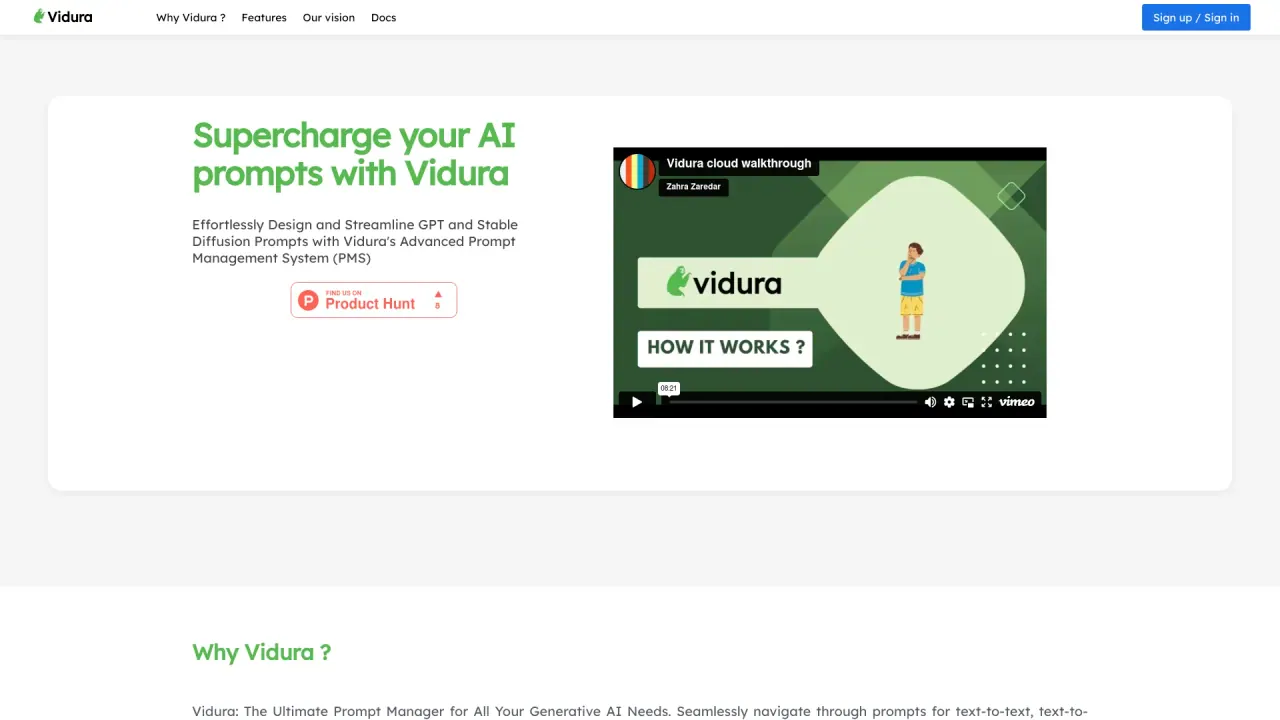
What does Vidura AI do?
What does Vidura AI do for managing prompts and generative AI content?
Vidura AI is a prompt management system that unifies multiple AI systems (such as text-to-text and text-to-image) in one place. It lets you compose, organize, share, and export prompts and their AI responses, using built-in templates, categories, and community prompts. You can also export text responses to PDF and Word.
How can I organize prompts in Vidura AI?
You can create categories for your prompts, rename or delete categories as needed, and use categories to keep prompts organized and searchable.
What are Quick Templates and how do I create prompts?
Vidura provides Quick Templates to help you create text or image prompts. You can also add labels to prompts to provide contextual information and use templates for ideas on common tasks.
How do I generate content and control the results?
After creating a category and a prompt, you can click the prompt to generate responses. Use prompt controls to adjust the characteristics of a prompt and refine results.
What is prompt history and how can I compare experiments?
Vidura includes prompt history features to compare multiple prompt response generations. The “Prompt Run History” helps you compare different runs to evaluate which approach works best.
What is Dynamic Prompting?
Dynamic Prompting allows you to use the same prompt to generate multiple text or image responses, enabling you to explore varied outputs from a single prompt.
How can I access the Vidura Community and prompts?
You can access the Vidura Community dashboard to discover new prompts and explore prompts shared by others. The community also features a leaderboard to highlight notable prompts.
How can I share prompts securely with others?
Prompts can be shared securely using Vidura’s User Groups. You can add members and share a specific set of categories with a defined list of people, ensuring prompts are accessible only to the right recipients.
Can I export AI outputs to PDF or Word?
Yes. Vidura supports exporting text AI responses to PDF and Word formats.
What integration options does Vidura AI offer with other AI platforms?
Vidura integrates with multiple AI systems by default and offers several integration options, including API Integration to connect with other platforms, Webhooks for automated data flows, third-party tools like Zapier for automated workflows, custom integrations using Vidura’s API, and platform-specific plugins to facilitate seamless connections.
How can I get help or provide feedback to Vidura?
If you have questions or feedback, you can reach Vidura at contact@vidura.ai.
How do I sign up or sign in to Vidura AI?
You can sign in or sign up to access Vidura’s features and start managing prompts and responses.
Does Vidura AI support both text and image prompts?
Yes. Vidura is integrated with multiple AI systems, including text-to-text and text-to-image prompts, and supports managing both types from a single platform.
Is Vidura AI a community-driven platform?
Yes. Vidura Cloud is a community-driven platform where you can share your prompts, discover prompts from others, and learn more about prompting.
Is this your tool?
Claim Vidura AI to manage this listing, or upgrade to Pro for featured-first placement and a newsletter feature.