
Pickaxe
AI Prompt Integration And Deployment Tool
Revolutionize AI prompt integration and deployment with Pickaxe - the ultimate no-code tool!
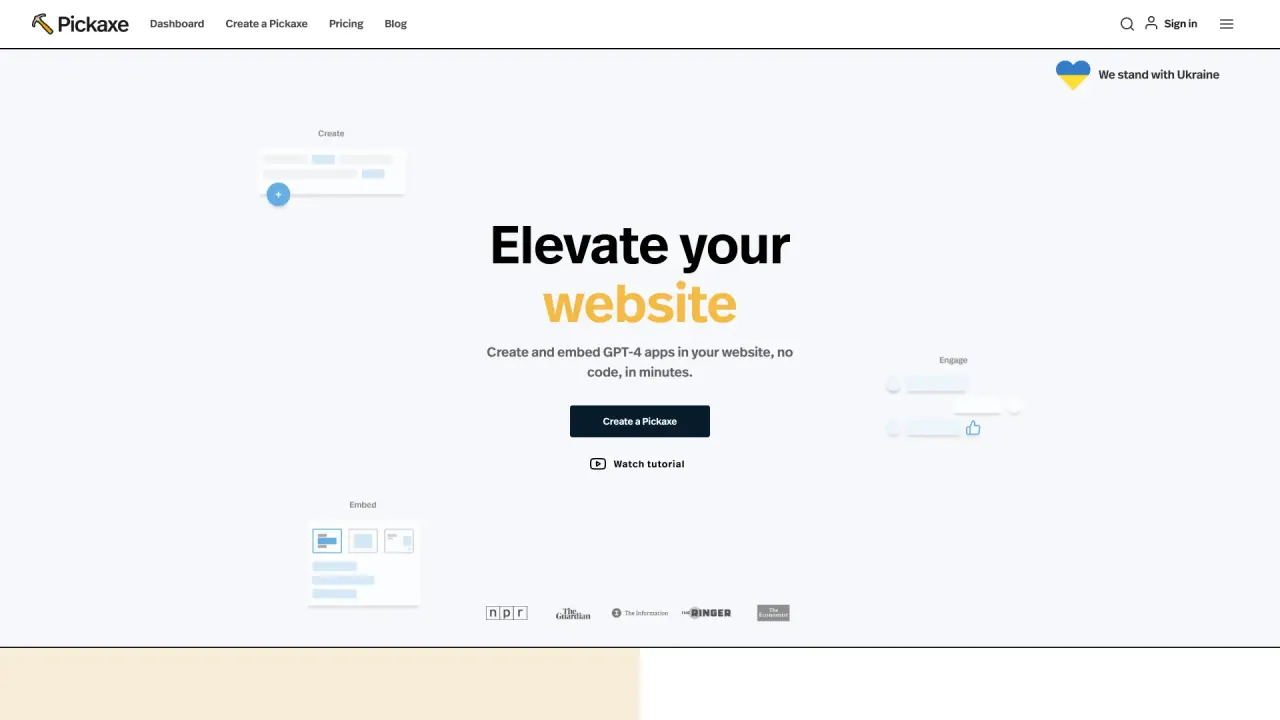
What does Pickaxe do?
What is Pickaxe?
Pickaxe is a simple, no-code platform to build, deploy, and sell AI products. It lets you create and launch custom AI tools, customize them with your own documents and directions, monetize access, and monitor usage. Use prebuilt templates or build from scratch, embed tools on websites or dashboards, and connect to apps and services.
Do I need to code to build AI tools with Pickaxe?
No. Pickaxe is a no-code platform that lets you build AI tools using prompts, your own documents and data, and straightforward instructions—no programming required.
How do I create AI tools with Pickaxe?
- Sign up and log in
- Go to the Create section
- Use prompts, documents, and data to build your AI tool
- Customize with your instructions and directions
- Test how it performs
- Launch as a web app, share it, or embed it on your site
What can I build with Pickaxe?
You can create AI tools and apps by training on your own documents and data, using prompts and directions, and optionally starting from templates. You can embed and share these tools, and monetize access to them.
How can I monetize AI tools created with Pickaxe?
- Set prices for access
- Manage user accounts and usage limits
- Launch and sell as a web app or white-label it with your brand
- Earn money from users who pay for access
- Monitor usage to optimize and improve your offerings
What are the main features offered by Pickaxe?
- AI Tool Creation: Build AI tools without coding, using prompts, documents, and data
- Customization: Tailor tools with your expertise, data, and instructions
- Monetization: Sell access to your AI tools and apps
- Embedding and Sharing: Embed tools on websites or internal dashboards and share broadly
- Monitoring: Track how users interact with your tools
- Enterprise Solutions: Enhanced speed, security, and performance for high-volume needs
How do embedding and sharing work?
You can embed your AI tools on websites or internal dashboards, share them with others, or expose them through 3rd-party apps. Tools can connect via native API, email, or WhatsApp support to broaden how they’re used.
What security and compliance measures does Pickaxe offer?
Pickaxe provides enterprise-grade security controls across layers, with SOC II, GDPR, and HIPAA compliance for your agents. You can monitor system activity and manage access to power secure AI deployments.
What integrations are available?
Pickaxe integrates with a wide range of services, including Gmail, LinkedIn, ClickUp, Google Calendar, Airtable, Google Maps, Google Sheets, GitHub, Zapier, Make, and n8n, among others. If you can think it, you can build it with native API, email, or WhatsApp support.
Are templates available to speed up building?
Yes. Pickaxe offers prebuilt templates (Pickaxe Templates and Studio Templates) to help you start faster, then customize them to fit your needs.
What is the pricing and credit model for Pickaxe?
- Pricing is based on a credit system: every output (prompt run) uses one credit
- Free tier includes 25 credits per month
- Paid tiers include Beginner, Pro, and Expert with 100, 500, and 2000 credits respectively
- You can also use your own OpenAI API key for nearly unlimited usage
- An enterprise tier is available for high-volume businesses with additional security and performance features
Can I use my own OpenAI API key with Pickaxe?
Yes. You can use your own OpenAI API key for nearly unlimited usage and to optimize costs.
Is there an enterprise tier for high-volume usage?
Yes. The enterprise tier offers enhanced speed, security, performance, and additional features tailored to high-volume needs.
How can I get help from Pickaxe or its experts?
Pickaxe offers access to Pickaxe Experts who can help you build, launch, or refine your AI project. You can get help from a team of specialists with various areas of expertise. Visit the Expert help page to connect with the right expert for your project.
How do I get started with Pickaxe?
- Sign up using your email, Google, or GitHub
- Obtain credits by purchasing them or using your own OpenAI API key
- Choose a template or create a custom AI app
- Personalize with your documents, data, and instructions
- Test and share or embed your AI tool
Is this your tool?
Claim Pickaxe to manage this listing, or upgrade to Pro for featured-first placement and a newsletter feature.