
Kahma
AI Portrait Generator
Kahma.io: The AI Portrait Generator for Lifelike Results
Promoted


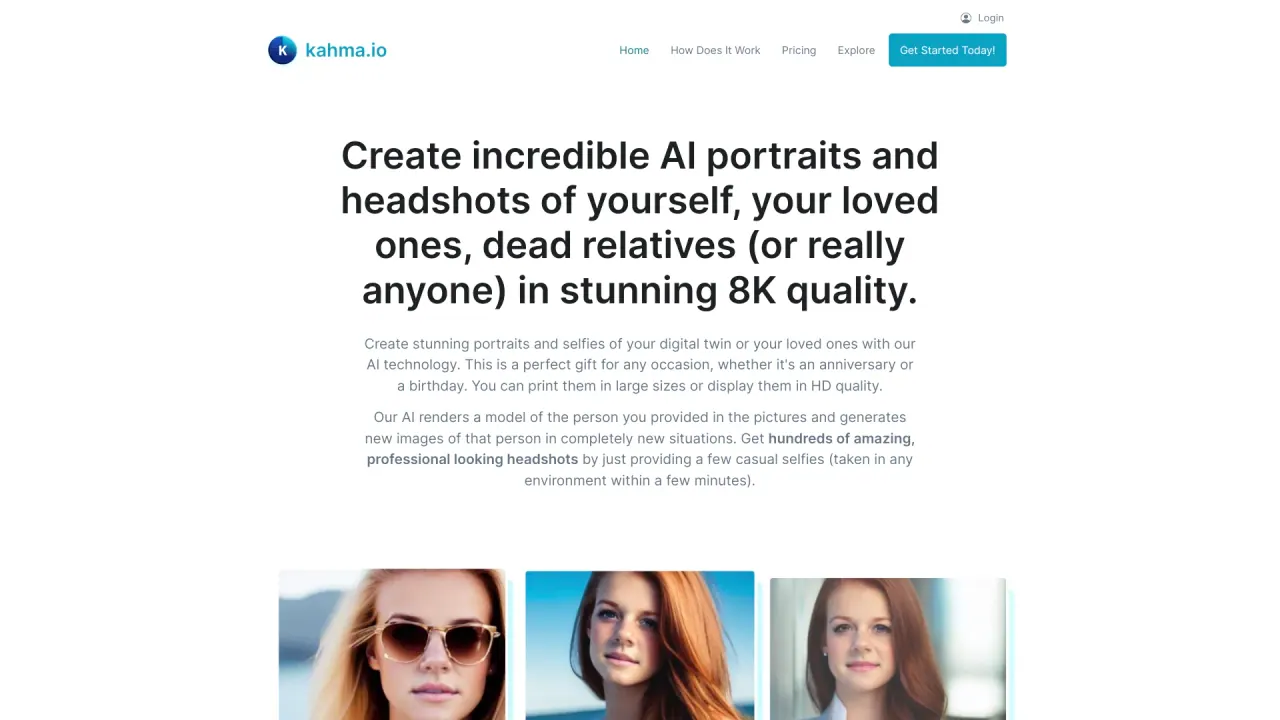
What does Kahma do?
How does Kahma create 8K AI portraits from a photo?
Kahma uses a simple 3-step workflow: 1) Upload Your Photo — provide one clear source image. 2) AI Processing — the AI analyzes the photo and generates multiple unique, high-quality 8K portraits in minutes. 3) Download & Enjoy — download the portraits for social media, printing, or professional use. All processing happens on Kahma’s secure servers (on-site).
What output quality do I get and what can I use it for?
You receive print-ready 8K portraits, perfect for large-format printing and high-definition displays. They’re suitable for LinkedIn and resumes, professional profiles, social media, gifts, memorials, or any use where a lifelike, high-resolution portrait is desirable.
How can I improve the quality of my AI portraits?
To get the best results, follow these tips:
- Use high-resolution source images, since input quality strongly affects output.
- Ensure good lighting with natural or balanced indoor light.
- If possible, upload photos from different angles to help the AI capture facial features more accurately.
- Avoid overexposed or underexposed images to preserve detail.
These practices help the AI generate more accurate and realistic portraits.
How is my data handled and stored?
Your data is processed on Kahma’s secure servers (on-site). Images are stored temporarily and automatically deleted after 7 days. Kahma does not share data with third parties and does not use user images to train its models.
Will my photos be used to train Kahma's models or shared?
No. Kahma does not use user data for model improvement, and there is no third-party data sharing.
How many source photos can I upload and how many portraits will I get?
The standard flow uses one source photo per portrait, but you will receive multiple unique 8K portraits from that upload. The site also indicates that providing different angles can help the AI better capture features.
How do I download or access my portraits?
After processing, you can download your 8K portraits directly from Kahma for use on social media, in print, or for professional purposes.
Where can I view Kahma's pricing?
Pricing details are available on the Kahma Pricing page. The site markets enterprise-grade AI at a fraction of the cost, but does not publish numeric price points in the content here.
Are there customer testimonials I can read?
Yes. For example:
- Timothy Hernandez, Professional Photographer: “The results are truly amazing. The level of detail and realism is impressive, and the process is surprisingly easy and intuitive.”
- Lauren Lee, Small Business Owner: “I’m not tech-savvy, but this software made it incredibly easy to create lifelike portraits. The results look almost like real photographs.”
How can I contact Kahma support?
Email hello@kahma.io for support.
Is this your tool?
Claim Kahma to manage this listing, or upgrade to Pro for featured-first placement and a newsletter feature.