
Face26
AI Photo Editing Tool
Enhance and edit photos like a pro with the world's best AI Photo Editing Tool, Face26.
What does Face26 do?
What features does Face26 offer?
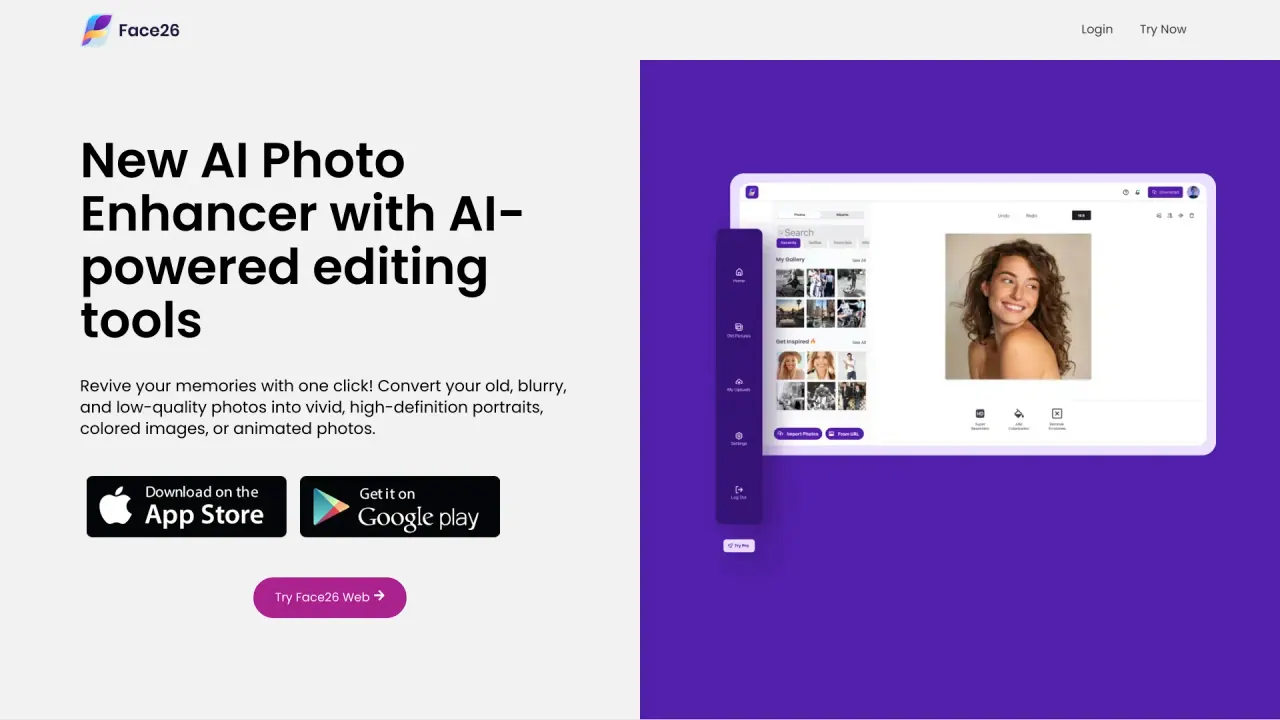
Face26 uses AI to improve, enhance and fix photo quality. It includes: unblurging faces, colorizing black-and-white photos, restoring old photos, upscaling low-resolution images to HD/4K without quality loss, recoloring photos, AI-powered color correction, denoising, retouching faces, removing backgrounds, transforming drawings into photorealistic portraits, and animating photos. It also provides a Photo Editor and Photo Generation tools, and the AI model has been trained on over 2 million high-resolution images to help deliver professional results with one-click simplicity.
How do I use Face26 to enhance a photo?
How-to:
- Upload a photo in Face26’s Photo Enhancer Editor.
- Enhance automatically with one click without losing quality.
- Save and download the enhanced image directly to your desktop or smartphone.
What is HD Enhance and HD Portrait?
- HD Enhance: transforms old, pixelated or blurred photos into high-definition images.
- HD Portrait: creates HD portraits from group photos.
Both features are designed for quick, one-click improvements, and the AI behind Face26 has been trained on millions of high-resolution images to deliver professional results.
Can Face26 colorize or restore old photos?
Yes. Face26 can colorize black-and-white photos with realistic colorization and can restore old photos using AI image restoration to improve quality and detail.
Can I remove backgrounds or unwanted objects from photos?
Yes. Face26 includes a Background Remover tool that can remove backgrounds from images, including photos with people, objects, or other elements.
Can I animate photos with Face26?
Yes. Face26 supports converting photos into animated or stylized representations, expanding how you can present memories.
Is Face26 available on desktop and mobile?
Yes. Face26 is accessible via a web browser on both desktop and smartphone, and finished images can be saved directly to your device.
How secure is Face26? How is my data protected?
Face26 is privacy-first and encrypts all uploaded images. You can delete your photos or your account at any time, and your images are not shared or accessed by others.
How can I contact Face26 for support?
You can reach Face26 at info@face26.com for support and inquiries.
Where can I learn more about Face26 (blogs, resources, and guides)?
You can explore Face26’s Blog and Resources, as well as the Privacy Policy and Terms of Service. These sections provide updates, guidance, and details about using the tools.
How is Face26 rated by users?
Face26 has a rating of 4.8/5 based on over 1,575 reviews.
What about pricing and plans?
Pricing details are not provided in the scraped content here. For current options, please visit the Pricing page on Face26’s site.
Is this your tool?
Claim Face26 to manage this listing, or upgrade to Pro for featured-first placement and a newsletter feature.