
BuilderStudio
Verified
AI No-Code Development
BuilderStudio is a native multi-OS agentic coding IDE that helps you generate, preview, and deploy apps with secure local execution.
Promoted
 Sidrune AI85% off. Stable Claude API for agent developers. Pay as you go. Invoices & refunds available.
 Pixmax.aiPixmax.ai is an all-in-one AI workspace for videos, visual stories, and marketing content.
 SEOify - Improve your SEO & rankingsBuild links to rank in Google. Improve your DR with links you can start building now.Advertise here270,000+ people visit Dang.ai every month.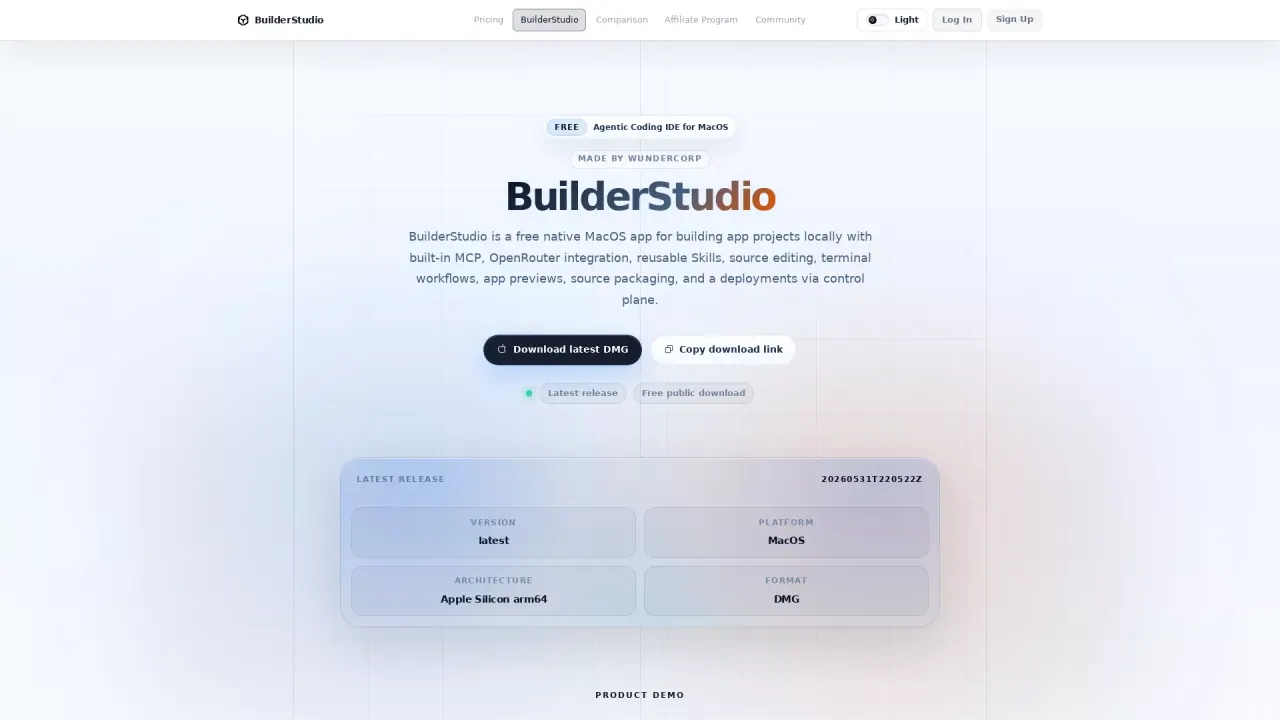
What does BuilderStudio do?
BuilderStudio is a native multi-OS, desktop-and-terminal development suite for agentic software building. It brings agentic coding, multimodal asset generation, and a terminal-first CLI into one workflow so you can turn tasks and ideas into working apps while staying close to the build process.
In the BuilderStudio IDE, you get a native desktop workspace for development and iteration. It supports agentic workflows with reusable Skills, project permissions, command execution, and parallel specialized AI agents. A key part of the experience is secure execution: BuilderStudio uses Hermes-powered containerized runs so generated apps can be built, previewed, and checked inside isolated machines.
BuilderStudio also supports a control-plane handoff model. You can build locally with agent swarms, then pass the generated source package back to the control plane for deployment, authentication, integrations, and app management. For terminal-first workflows, the bs CLI lets you run the same local agent loop headlessly from your project folder and hook into other IDEs via a global shell hook.
BuilderStudio is available for macOS, iOS, and terminal (npm/CLI). Download the native apps for macOS/iOS or install the bs CLI with npm. There’s a free public download, and paid subscriptions are available for app deployments via the control plane.
What does BuilderStudio help me do?
BuilderStudio helps you build apps using agentic coding workflows—generating, editing, and previewing software from a local workspace, then handing off generated source packages for deployment.
Where can I use BuilderStudio?
You can use it on macOS with the native IDE, on iOS with the Walton app, and in the terminal with the WunderCorp bs CLI.
How does BuilderStudio keep local development secure?
It runs coordinated agent workflows through Hermes-powered containerized execution so generated apps are built, previewed, and checked inside isolated machines rather than directly in your host shell.
Can I run BuilderStudio from my terminal without the desktop IDE?
Yes. The bs CLI runs a local daemon and agent loop headlessly from your current project folder, including file access, preview repair, and deployment checks.
How do local builds connect to deployments?
After building locally with agent swarms, you hand the generated source package back into the control plane for deployment, auth, integrations, and app management.
Is there a free plan for BuilderStudio?
Yes, you can use the free public download. Paid subscriptions are available for app deployments via the control plane.
This listing is claimed
Own BuilderStudio? Sign in with the email used to claim it to manage this listing, or upgrade to Pro for featured-first placement and a newsletter feature.