
BeatMV
Verified
AI Music Video Generator
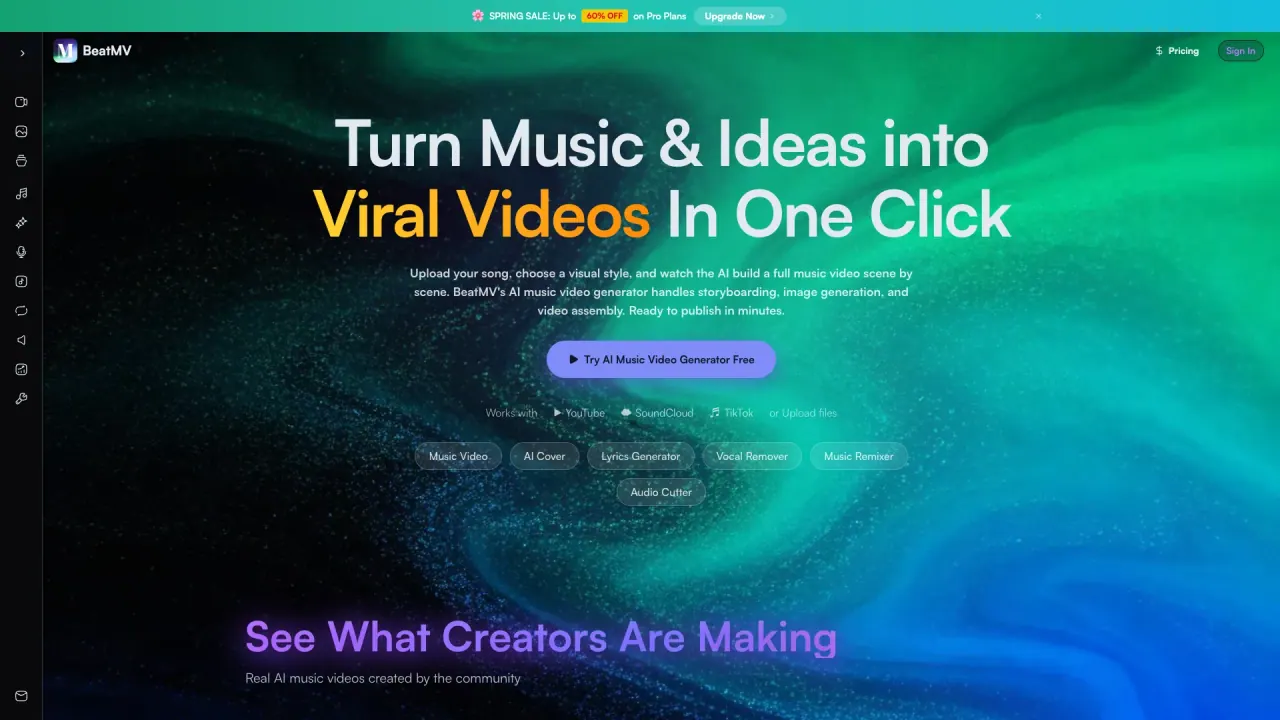
BeatMV turns your song into beat-synced AI music videos in minutes, with storyboard, shot control, lyrics sync, and one-click platform exports.
Promoted
 Pixmax.aiPixmax.ai is an all-in-one AI workspace for videos, visual stories, and marketing content.
 AI Checker PlusAI detector that highlights which passages AI wrote. Free check, no sign-up. Plagiarism too.
 RewindType any X/Twitter handle. Get their year back as a narrated video story. Then ask it anything.
 KurodyneSell the tools from your AI side projects. Listing is free.
 Sidrune AI85% off. Stable Claude API for agent developers. Pay as you go. Invoices & refunds available.
 SEOify - Improve your SEO & rankingsBuild links to rank in Google. Improve your DR with links you can start building now.Advertise here270,000+ people visit Dang.ai every month.
What does BeatMV do?
BeatMV is an AI music video director that turns your audio into cinematic visuals that land on the beat. Paste a Suno link, drop in an MP3, or describe the vibe you want—BeatMV drafts the story, syncs each cut to your track’s rhythm, and renders a finished music video you can publish on the platforms you use most.
Create from a song, then direct the outcome. BeatMV analyzes your music to detect BPM, beats, drops, and song sections, building a beat-synced cut list and story flow. You can review and tweak the storyboard before rendering, switch visual styles, swap shots, and regenerate individual scenes until it matches your creative intent. Want a consistent look across the whole project? Upload a reference photo to lock in characters, faces, and outfits across every shot.
Choose how hands-on you want to be: Story & script mode drafts an emotional scene-by-scene narrative; the AI Storyboard Generator lays out your video as a timed grid; Shot Control lets you adjust camera movement, shot type, lighting mood, color palette, character pose, and even which AI model powers a specific shot. BeatMV also supports lyric videos and dance-style music video generation.
When you’re ready to publish, overlay beat-synced lyrics/captions, pick an aspect ratio (16:9, 9:16, 1:1), and export in HD with your original audio track in full quality for TikTok, Instagram, and YouTube.
BeatMV starts with free access and includes a free trial; for more advanced options, use premium plans.
What does BeatMV generate?
BeatMV turns your song into a beat-synced AI music video, from a storyboard and scene plan to a finished export ready for major social platforms.
How do I start—do I need video editing or a video file?
No editing skills are required. You can start from an MP3 (or other supported audio formats) or paste a link from music platforms, and BeatMV builds the video directly from your audio.
How does BeatMV ensure cuts land on the beat?
BeatMV performs deep audio analysis to detect BPM, beat positions, drops, and song sections, then maps scene changes and transitions to your track’s rhythm.
Can I control the storyboards and individual shots?
Yes. You can review and rearrange storyboard scenes before rendering, then use Shot Control to change shot type, camera movement, style, lighting mood, and character pose for individual scenes or frames.
What formats and aspect ratios can I export?
BeatMV exports in HD and supports 16:9, 9:16, and 1:1 aspect ratios, designed for platforms like YouTube, TikTok/Instagram Reels, and Instagram.
Is there a free way to try BeatMV?
Yes. BeatMV offers a free trial so you can explore features and try multiple models before choosing premium options.
This listing is claimed
Own BeatMV? Sign in with the email used to claim it to manage this listing, or upgrade to Pro for featured-first placement and a newsletter feature.