VoiceToInstrument
AI Music Transformation
Turn your recorded voice or humming into realistic instrument tracks with AI that preserves your melody, rhythm, and dynamics.
- Pricing
- Free trial
- Category
- Music
- Listed
- Apr 9, 2026
- Updated
- Oct 17, 2026
Promoted
 RewindType any X/Twitter handle. Get their year back as a narrated video story. Then ask it anything.
 KurodyneSell the tools from your AI side projects. Listing is free.
 Sidrune AI85% off. Stable Claude API for agent developers. Pay as you go. Invoices & refunds available.
 Pixmax.aiPixmax.ai is an all-in-one AI workspace for videos, visual stories, and marketing content.
 SEOify - Improve your SEO & rankingsBuild links to rank in Google. Improve your DR with links you can start building now.Advertise here270,000+ people visit Dang.ai every month.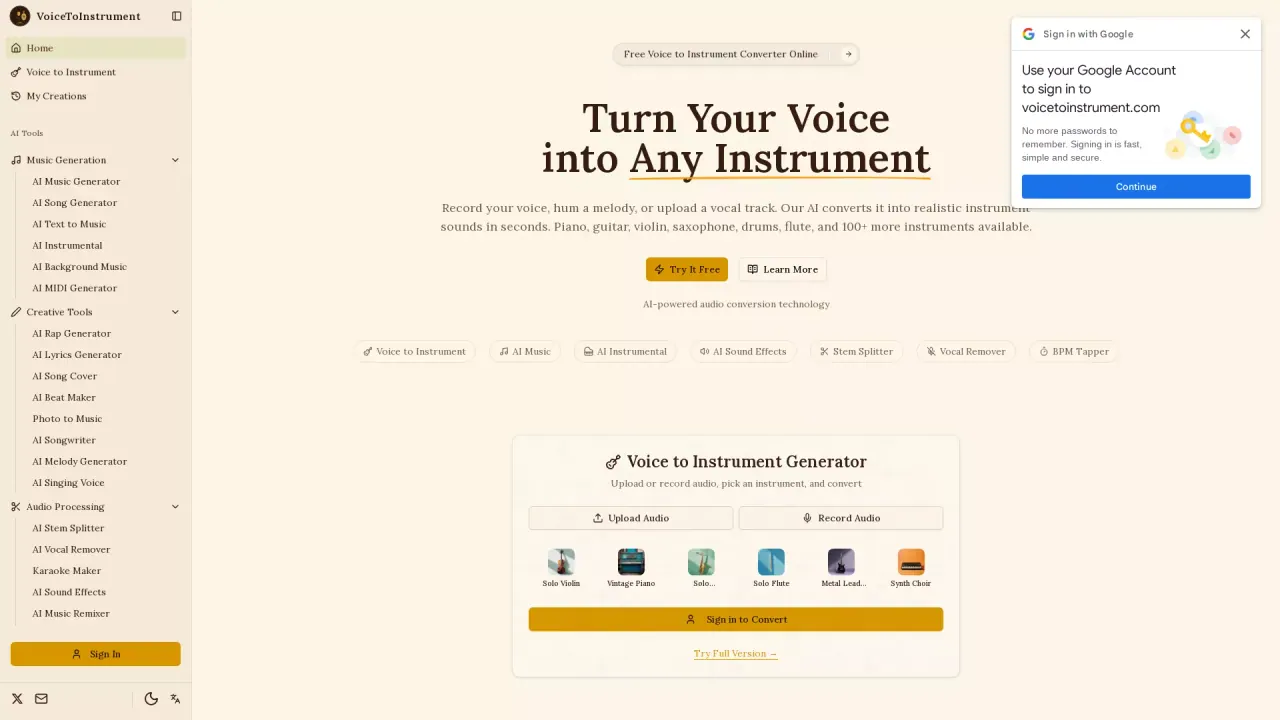
What does VoiceToInstrument do?
Voice to Instrument converts a vocal recording (uploaded or recorded in your browser) into a brand-new performance on a selected instrument. Whether you sing, hum a melody, or provide a vocal track, the AI analyzes your pitch, timing, and expression—then rebuilds your idea as authentic instrument audio.
Choose from 100+ instrument models, including piano, acoustic and electric guitar, violin, cello, saxophone, flute, drums, bass guitar, and many more. The converted track is designed to keep your original melody note-for-note, along with your rhythm and dynamics, while replacing the vocal timbre with instrument tone.
The workflow is simple: pick an instrument, add your voice, and generate the output. Processing happens in the cloud, and results are delivered in seconds (under a minute). You can download your converted audio in multiple formats such as WAV, MP3, and additional exports like OGG and FLAC.
This tool is a fit for musicians and producers sketching arrangements quickly, content creators generating custom background music from their own vocal ideas, educators demonstrating how melodies sound across instruments, and anyone experimenting with new instrument sounds without booking studio time. A free trial is available, and you can start converting right from the browser.
What can I convert—do I need a fully produced song?
You can upload a vocal recording or record directly in your browser. The input can be anything from a sung melody to a hummed tune or a vocal track, and the AI converts it into an instrument performance.
Does the conversion keep my melody and timing?
Yes. The AI preserves your original melody (note-for-note) and maintains your pitch, timing, and dynamics while replacing the vocal sound with the chosen instrument.
How many instruments are available?
There are 100+ instrument models, spanning acoustic and electric instruments, keyboards, bowed strings, brass, woodwinds, and percussion. The library grows as new models are added.
How long does it take to generate an instrument track?
Conversion finishes in seconds, typically under a minute, and you can batch-convert multiple vocal files without waiting between jobs.
What export formats can I download?
You can download the converted track as lossless WAV or compressed MP3. Other formats are also available, including OGG and FLAC.
Is there a free way to try Voice to Instrument?
Yes. A free trial is available so you can generate your first voice-to-instrument conversion before committing.
This listing is claimed
Own VoiceToInstrument? Sign in with the email used to claim it to manage this listing, or upgrade to Pro for featured-first placement and a newsletter feature.