
Lacuna
Verified
AI Music Generator
Create complete AI songs from lyrics, prompts, or MIDI/PDF inputs, then edit, remix, extend, and split stems on a single canvas.
Promoted
 Sidrune AI85% off. Stable Claude API for agent developers. Pay as you go. Invoices & refunds available.
 Pixmax.aiPixmax.ai is an all-in-one AI workspace for videos, visual stories, and marketing content.
 RewindType any X/Twitter handle. Get their year back as a narrated video story. Then ask it anything.
 KurodyneSell the tools from your AI side projects. Listing is free.
 SEOify - Improve your SEO & rankingsBuild links to rank in Google. Improve your DR with links you can start building now.Advertise here270,000+ people visit Dang.ai every month.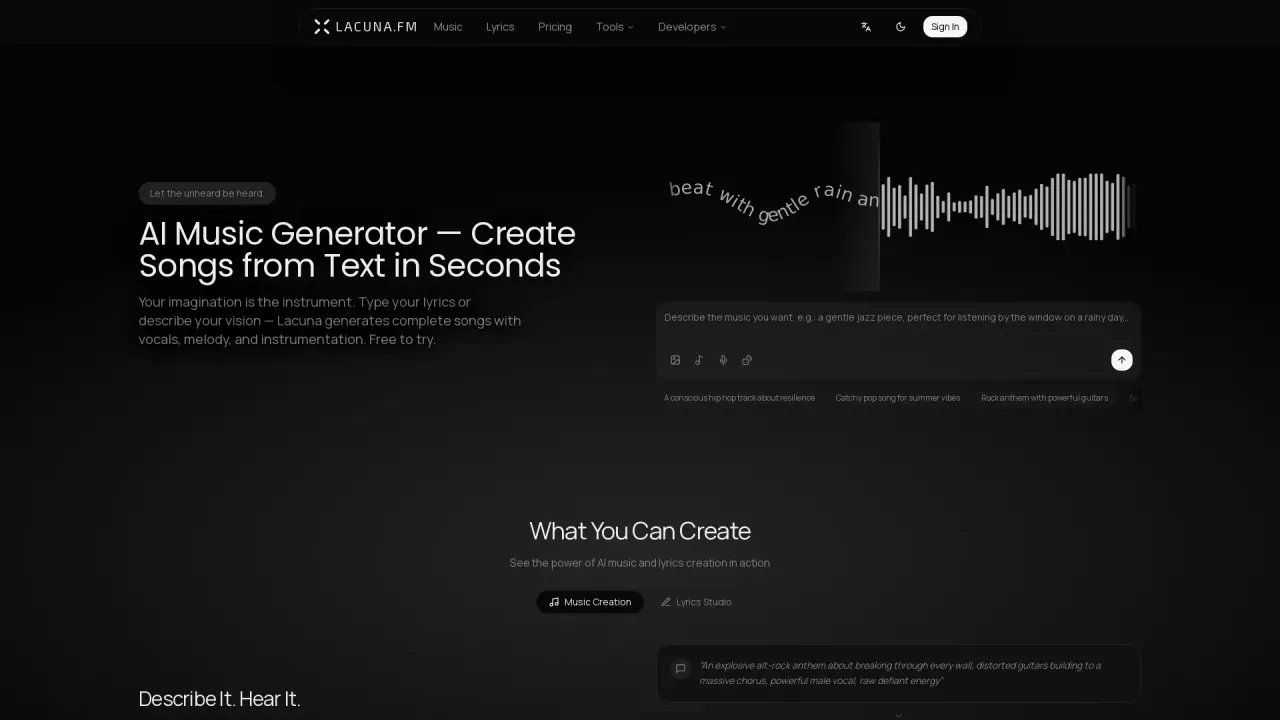
What does Lacuna do?
Lacuna is an all-in-one AI music studio for creating, editing, and enhancing audio with multiple AI agents working on the real materials—songs, lyrics, notes, and code. You can start from a spark of text, lyrics, a hummed melody, a photo, or your own recording, and generate vocals, instrumental, and supporting components together.
Lacuna’s main workflow centers on one visual canvas that connects writing, arranging, generating, and stem-splitting. It supports branching edits, so you can remix, extend, rewrite a section, split stems, and master tracks without restarting from scratch. For more precise lyric changes, Region Edit lets you select a section of the song, write new lyrics for that region, and regenerate only that part while keeping the rest intact.
For melody and note creation, the AI MIDI Agent lets you ask for a melody or an edit in plain words; notes are written into the piano roll and requests can be undone in one click. There are also agents for drafting lyrics (AI Lyrics Agent) and live-coding music in Chrome (Strudel AI Agent). Optional vocal extraction is available when working with recordings that include backing music.
Pricing and plans are available in the Pricing section. Lacuna also supports one Lacuna account and one shared credit balance across all agents.
What inputs can I use to generate music with Lacuna?
You can describe what you want in plain words, start from hummed melody, use a photo, provide your own recording, or work with sheet-music PDFs via MIDI tools. You can also generate from lyrics or short text prompts.
Does Lacuna generate vocals and instrumental together?
Yes. Vocals and an instrumental are generated as part of the music output, rather than adding vocals later.
Can I edit only a specific part of a song instead of regenerating everything?
Yes. Region Edit lets you select a section on the waveform and write new lyrics; Lacuna regenerates only that selected portion while the rest stays as it was.
How does Lacuna handle MIDI creation and edits?
The AI MIDI Agent writes notes into the piano roll based on your plain-language melody requests or edits. Each request can be undone in one click.
Do my credits work across different AI agents in Lacuna?
Yes. A single Lacuna account and one credit balance are used across every agent.
Is there a developer option if I want to integrate Lacuna into my own app?
Yes. An open-source SDK called lacuna-toolkit is available, including an SDK, CLI, and an MCP server for wiring the same models into your own apps.
This listing is claimed
Own Lacuna? Sign in with the email used to claim it to manage this listing, or upgrade to Pro for featured-first placement and a newsletter feature.