
KlingAIVideo
AI Video Generation
Kling AI Video generates text/image-to-video and motion-controlled character clips with native audio, up to 4K, in a browser workspace.
Promoted
 Sidrune AI85% off. Stable Claude API for agent developers. Pay as you go. Invoices & refunds available.
 Pixmax.aiPixmax.ai is an all-in-one AI workspace for videos, visual stories, and marketing content.
 AI Checker PlusAI detector that highlights which passages AI wrote. Free check, no sign-up. Plagiarism too.
 RewindType any X/Twitter handle. Get their year back as a narrated video story. Then ask it anything.
 KurodyneSell the tools from your AI side projects. Listing is free.
 SEOify - Improve your SEO & rankingsBuild links to rank in Google. Improve your DR with links you can start building now.Advertise here270,000+ people visit Dang.ai every month.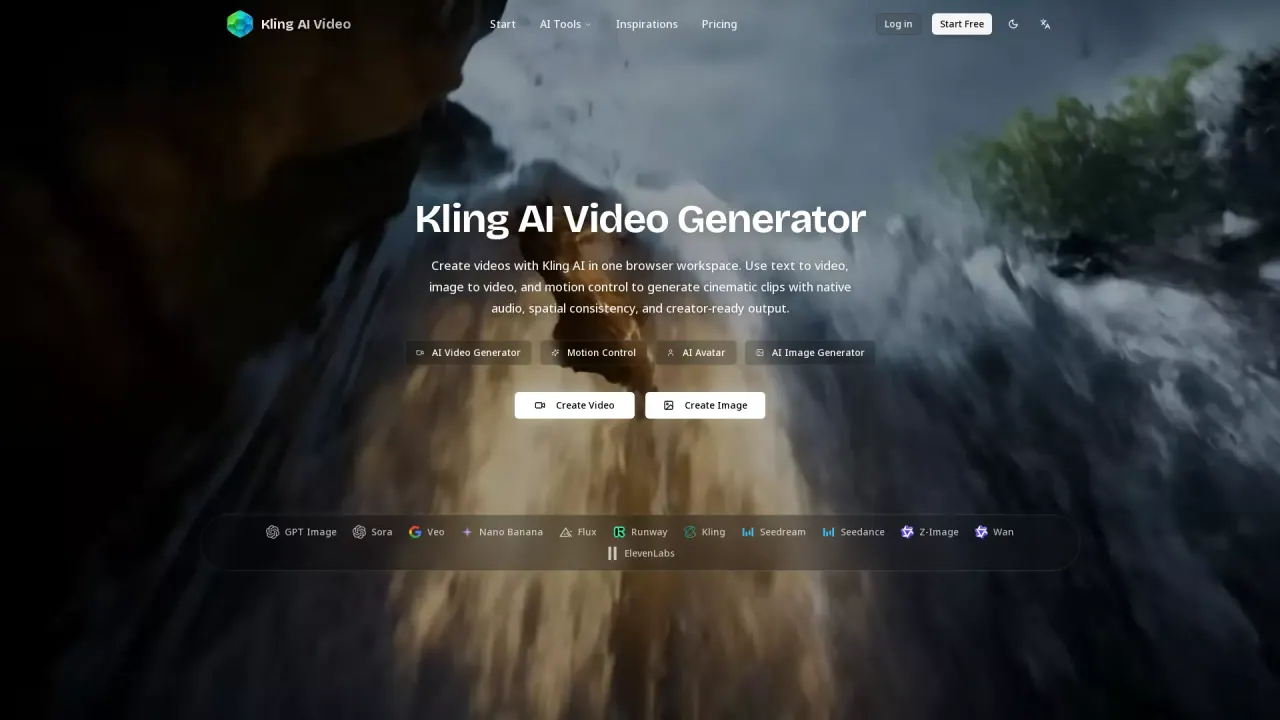
What does KlingAIVideo do?
Kling AI Video Generator helps you create AI videos directly in your browser from text prompts, uploaded images, or reference motion. You can generate cinematic clips using Kling 3.0 with native audio co-generation, so dialogue, sound effects, and background audio are created alongside the visuals without post-production audio steps.
Key capabilities include text-to-video and image-to-video generation, plus motion control for character animation. With motion control, you transfer movement from a reference video onto a character image, aiming for frame-by-frame full-body synchronization and finger-level hand precision—useful for choreography, martial arts, sign language, and performance-style sequences. Motion control supports two orientation modes (video orientation and image orientation with camera presets like zoom and pan).
Kling’s underlying DiT video engine with 3D VAE spatial modeling is designed to keep spatial consistency across frames, helping preserve object positions, lighting, and perspective throughout the generated clip. The workflow supports multi-scene sequences with automatic scene transitions when using Kling 3.0.
For models beyond Kling, the same workspace lets you compare outputs using other available options (such as Veo and Wan) without switching platforms. Generation typically takes 2–10 minutes, and Kling 3.0 can produce up to 4K output. The homepage shows an example credit cost for generation, and there’s a Start Free option for getting going.
What can I create with Kling AI Video?
You can generate videos from text (text-to-video), animate a still image (image-to-video), and transfer motion from a reference video onto a character image (motion control), all in one browser workspace.
How does native audio work in Kling AI video generation?
Kling co-generates video and audio together, including synchronized dialogue, action-triggered sound effects, background ambience, and music. This is generated alongside the visual output without requiring separate post-production audio processing.
What is Kling motion control and what inputs does it need?
Motion control extracts movement frame-by-frame from a reference video (MP4/MOV) and maps it onto a character image (JPG/PNG). You can use video orientation or image orientation with camera presets for the framing.
What generation modes and quality levels does Kling 3.0 offer?
Kling 3.0 supports multi-scene clips and can generate up to 4K output with options such as Std/Pro/4K, with generation typically taking 2–10 minutes.
Can I compare Kling with other models like Veo or Wan?
Yes. The platform provides multiple model options (including Veo and Wan) so you can generate from different engines in the same workspace and compare results on the same prompt.
Is Kling AI Video output watermark-free and usable commercially?
Output is described as watermark-free for downloads, and paid usage is licensed for commercial projects such as advertising, social media, presentations, music videos, and client deliverables.
This listing is claimed
Own KlingAIVideo? Sign in with the email used to claim it to manage this listing, or upgrade to Pro for featured-first placement and a newsletter feature.