
Pixverse AI
AI Image to Video Tool
Create stunning video with AI.
What does Pixverse AI do?
What is Pixverse AI Video Generator?
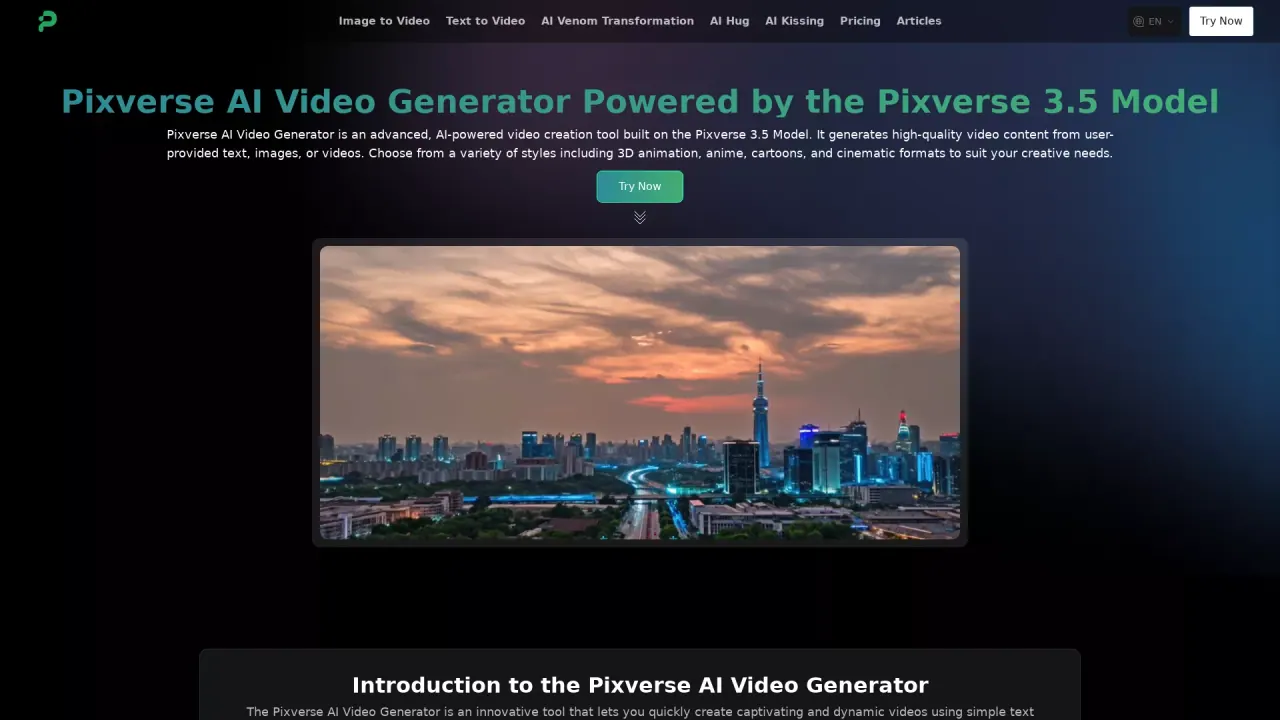
Pixverse AI Video Generator is an AI-powered video creation tool built on the Pixverse 4.5 Model. It generates high-quality video content from user-provided text, images, or videos and offers multiple styles such as 3D animation, anime, cartoons, realistic, and cinematic formats. It also includes features like Image to Video, Text to Video, AI Venom Transformation, and AI Hug.
What can I create with Pixverse AI Video Generator?
You can create AI-generated videos from photos or text prompts. Upload an image or provide a text description, choose a suitable video template or style, and generate a video. The tool supports a range of styles (3D animation, anime, cartoon, realistic, cinematic) and can produce scenes such as muscular characters, venom-inspired figures, and hugging moments.
What styles and formats are offered?
Pixverse AI Video Generator supports diverse styles and formats, including:
- 3D animation
- Anime
- Cartoon
- Realistic
- Cinematic formats
What are the main features of Pixverse AI Video Generator?
- Fast Generation: create animated content quickly.
- Diverse Styles: choose from multiple artistic styles.
- High-Quality Output: detailed and vibrant videos.
- Flexible Editing: post-generation editing (e.g., audio, subtitles, cuts).
- Easy to Use: intuitive interface suitable for beginners and professionals.
How do I use Pixverse AI Video Generator?
- Upload a photo of your choice
- Choose a suitable video template or enter a text description
- Click the Generate button to start processing
- Wait 2 to 4 minutes, and your AI-generated video will be ready
How long does it take to generate a video?
Videos typically take about 2 to 4 minutes to be ready after you start the generation process.
How can I access Pixverse AI Video Generator?
Access is available on the Pixverse AI Video Generator page at pixverseai.net. Use the Try Now option to begin creating.
What pricing plans does Pixverse AI Video Generator offer?
Pricing information is available on the Pricing page of the site. Check the Pricing page for current plan details and options.
Who is Pixverse AI Video Generator for?
Pixverse AI Video Generator is designed for both individual creators and enterprise users, offering flexible styles and capabilities suitable for a range of projects.
Is Pixverse AI Video Generator suitable for commercial or enterprise use?
Yes. The tool is described as ideal for both creators and enterprise users, supporting various styles for potentially commercial or professional projects.
What kind of support does Pixverse AI Video Generator offer?
Support is available through the site’s contact options (Contact Us). Additional policy information is available via the Privacy Policy and Terms & Conditions.
How do I cancel my Pixverse AI Video Generator subscription?
Cancellation details are available on the site. Please refer to the relevant account or policy pages (e.g., Terms & Conditions) for the official cancellation process.
Can I get a refund for my paid credits?
Refund policies are available on the site. Please consult the pricing or support pages for specific refund terms.
Where can I learn more about Pixverse AI Video Generator?
The site includes an Articles section with various articles and resources related to Pixverse AI Video Generator and related tools. You can explore these for additional information.
Is this your tool?
Claim Pixverse AI to manage this listing, or upgrade to Pro for featured-first placement and a newsletter feature.