
ImageToVideoAI
Verified
AI Image to Video Tool
Turn static photos into professional AI videos in minutes, using prompts and 10+ models for up to 1080p browser-based output.
- Pricing
- Free trial
- Category
- Video
- Listed
- Apr 18, 2026
- Updated
- Oct 17, 2026
Promoted
 Sidrune AI85% off. Stable Claude API for agent developers. Pay as you go. Invoices & refunds available.
 Pixmax.aiPixmax.ai is an all-in-one AI workspace for videos, visual stories, and marketing content.
 SEOify - Improve your SEO & rankingsBuild links to rank in Google. Improve your DR with links you can start building now.Advertise here270,000+ people visit Dang.ai every month.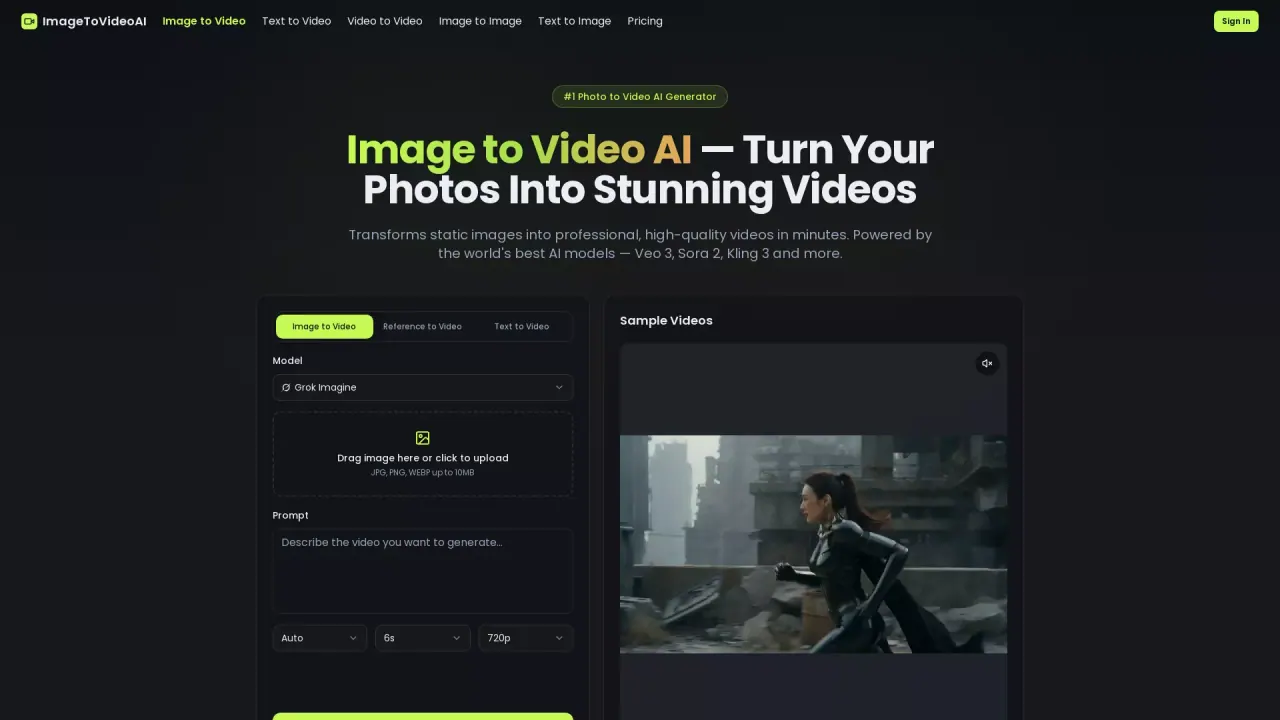
What does ImageToVideoAI do?
ImageToVideoAI is an online AI video generator that turns static images into high-quality videos in minutes. It offers multiple generation modes—image to video, text to video, video to video, image to image, and text to image—so you can start from an upload, a prompt, or both and create motion-ready content quickly.
Create with creative control: upload JPG, PNG, or WEBP images (up to 10MB), add a text prompt to guide motion, style, camera angles, and mood, and choose from 10+ leading image-to-video AI models. If you want more direction, you can define an optional start frame and end frame to shape the sequence. Output supports up to 1080p with smooth frame rates, and generation runs entirely in your browser—no downloads, plugins, or installation.
This tool is built for creators and teams who want to produce engaging video content without a video production workflow. It’s useful for turning thumbnails, blog images, and product photos into scroll-stopping clips for YouTube, TikTok, Instagram Reels, and ads, as well as animating diagrams and illustrations for educational content.
Pricing is available via subscription plans and one-time credit packs for higher-volume use. New users can start with free credits and no credit card required.
What can ImageToVideoAI generate from an image?
You can turn a single static image into a video using the image-to-video workflow, guided by a text prompt. The platform also supports text-to-video, video-to-video, image-to-image, and text-to-image options.
What image formats and file limits are supported?
ImageToVideoAI supports JPG, PNG, and WEBP. Files can be up to 10MB.
How do I control the motion and style of the generated video?
Upload your image, then write a descriptive text prompt that specifies the motion, style, camera angles, and mood you want. You can also pick an AI model suited to your creative goal, and optionally use a start frame and/or end frame.
How long does it take to generate a video?
Most generations complete within 1 to 3 minutes, depending on the model, chosen video length, and current server load. A progress indicator shows while your video is being created.
Can I use the videos commercially?
Yes. Generated videos can be used commercially for marketing materials, social media content, advertisements, product showcases, and more. You retain full rights to your generated content.
Is my data private and safe?
Uploaded images and generated videos are processed securely and are not used to train AI models. Encrypted connections are used for data transfers, and you can delete your content from your dashboard.
This listing is claimed
Own ImageToVideoAI? Sign in with the email used to claim it to manage this listing, or upgrade to Pro for featured-first placement and a newsletter feature.