
AIAnimateImage
AI Video Generation Tool
Animate any photo into a short cinematic AI video in about a minute with free signup credits—no credit card required.
Promoted
 Sidrune AI85% off. Stable Claude API for agent developers. Pay as you go. Invoices & refunds available.
 Pixmax.aiPixmax.ai is an all-in-one AI workspace for videos, visual stories, and marketing content.
 SEOify - Improve your SEO & rankingsBuild links to rank in Google. Improve your DR with links you can start building now.Advertise here270,000+ people visit Dang.ai every month.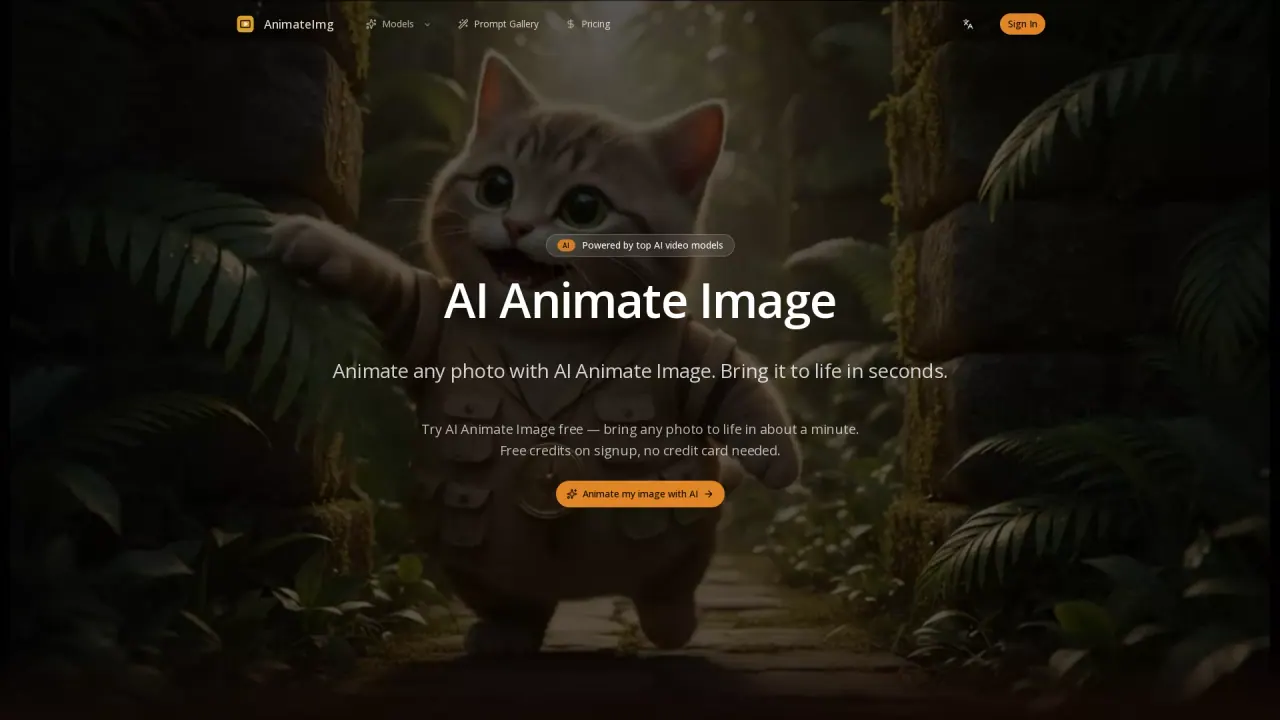
What does AIAnimateImage do?
AI Animate Image (AnimateImg) turns your still photos into short cinematic videos in about a minute. Upload a photo, pick an animation style, and generate an MP4 clip ready to share or repurpose.
Use image-to-video or text-to-video generation modes to explore different looks—from portrait push-ins and subtle facial motion to product spins, animated character loops, and old-photo revival. Several AI video models work behind the scenes so the tool can match the right engine to your image and chosen motion.
Clips are downloaded as MP4 for use on platforms like TikTok and Reels or for e-commerce workflows. New users get free credits on signup with no credit card needed, and paid plans add more credits and commercial use rights (see Terms of Service for details).
How do I animate an image with AI Animate Image?
Upload a photo, choose a generation mode (Image to Video or Text to Video), then select an animation style or prompt and click generate to export an MP4.
How long does it take to generate a video?
Most generated clips complete in about 60–90 seconds, with a typical duration shown as 4–15 seconds depending on your setup.
What kinds of images work best?
Portraits, products, cartoons, and old photos all work, and you can animate them without preprocessing.
Do I need to sign up, and is there a free option?
Sign up to generate. New users receive free credits on signup with no credit card required so you can test the tool.
Can I use AI-animated videos commercially?
Commercial use is supported on paid plans, with full terms available in the Terms of Service.
What format do I download—MP4 or something else?
Downloads are generated as MP4, so you can use them directly in TikTok, Reels, or e-commerce.
This listing is claimed
Own AIAnimateImage? Sign in with the email used to claim it to manage this listing, or upgrade to Pro for featured-first placement and a newsletter feature.