
Shotra
AI Video Generator
Turn any image into a video in minutes using top image-to-video AI models—no subscription required.
- Pricing
- Free trial
- Category
- Art
- Listed
- May 13, 2026
- Updated
- Oct 22, 2026
Promoted
 Pixmax.aiPixmax.ai is an all-in-one AI workspace for videos, visual stories, and marketing content.
 Sidrune AI85% off. Stable Claude API for agent developers. Pay as you go. Invoices & refunds available.
 SEOify - Improve your SEO & rankingsBuild links to rank in Google. Improve your DR with links you can start building now.Advertise here270,000+ people visit Dang.ai every month.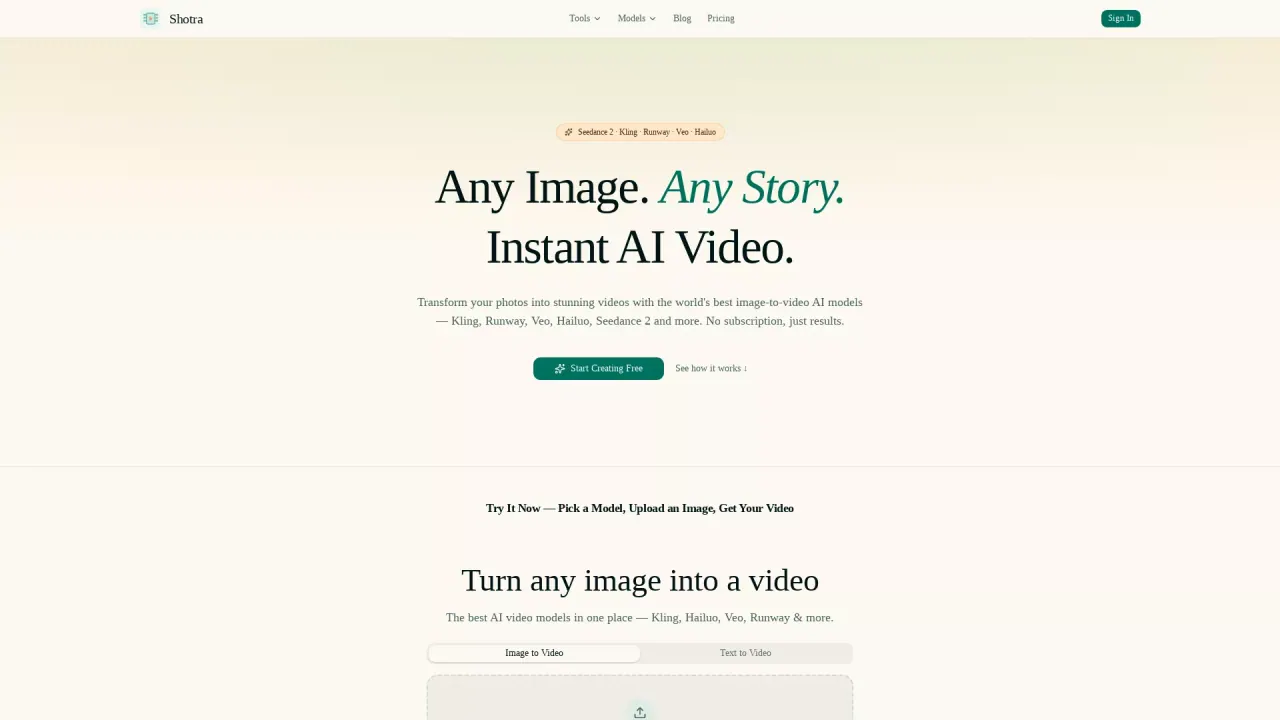
What does Shotra do?
Shotra (shotra.app) transforms photos into instant AI videos. Upload an image, optionally add a prompt, and choose the model and generation settings to match your goal—fast drafts, polished quality, or flagship cinematic output.
You can also generate videos from text prompts and explore specialized workflows like Product Video Maker, Pet Video Maker, and LinkedIn Video Maker. These tools pre-configure settings so you can go from idea to downloadable video without building an editing timeline.
Shotra brings multiple leading image-to-video models into one interface, including Seedance (for fast and quality renders) and Veo (for cinematic generation), plus avatar workflows. Select the tier you want, preview the generation path, and compare credit costs before you start. Generation time can vary by tier and provider queue.
For storage and ownership, your generated videos are stored permanently in the cloud (not subject to a short expiry window). Pricing is credit-based: you can pay for what you generate via one-time credit packs or choose an automatically renewing subscription, with the exact credit cost shown before generation. New users get 300 free credits on sign-up, and you’ll have access to stored, downloadable videos from your dashboard.
What can I create with Shotra?
You can turn images into AI videos and also create videos from text prompts. You can use purpose-built tools for product videos, pet videos, and LinkedIn-style video intros.
Do I need a subscription to generate videos?
No—Shotra lets you start creating without a subscription. You can use credits and see the exact credit cost before you generate.
Which AI models can I choose from in Shotra?
Shotra offers multiple image-to-video options in one place, including Seedance and Veo, plus avatar workflows. You can pick the model and tier that best fits your desired look and output.
How do tiers work in Shotra?
Shotra provides generation tiers (such as Fast, Quality, and Best) so you can choose the balance of speed and output quality. You can also set duration, aspect ratio, and resolution based on the generation tier.
How much does it cost to generate an AI video?
Shotra uses a credit system and shows the exact credit cost before you generate. You can buy one-time credit packs or use an automatically renewing subscription.
Are my generated videos stored permanently?
Yes. Your AI-generated videos are stored permanently in the cloud, with no 14-day expiry.
This listing is claimed
Own Shotra? Sign in with the email used to claim it to manage this listing, or upgrade to Pro for featured-first placement and a newsletter feature.