
ImageFX
AI Image Generator
Transform your ideas into stunning artwork with ImageFX, the professional AI image generator
Promoted
 AI Checker PlusAI detector that highlights which passages AI wrote. Free check, no sign-up. Plagiarism too.
 RewindType any X/Twitter handle. Get their year back as a narrated video story. Then ask it anything.
 KurodyneSell the tools from your AI side projects. Listing is free.
 Sidrune AI85% off. Stable Claude API for agent developers. Pay as you go. Invoices & refunds available.
 Pixmax.aiPixmax.ai is an all-in-one AI workspace for videos, visual stories, and marketing content.
 SEOify - Improve your SEO & rankingsBuild links to rank in Google. Improve your DR with links you can start building now.Advertise here330,000+ people visit Dang.ai every month.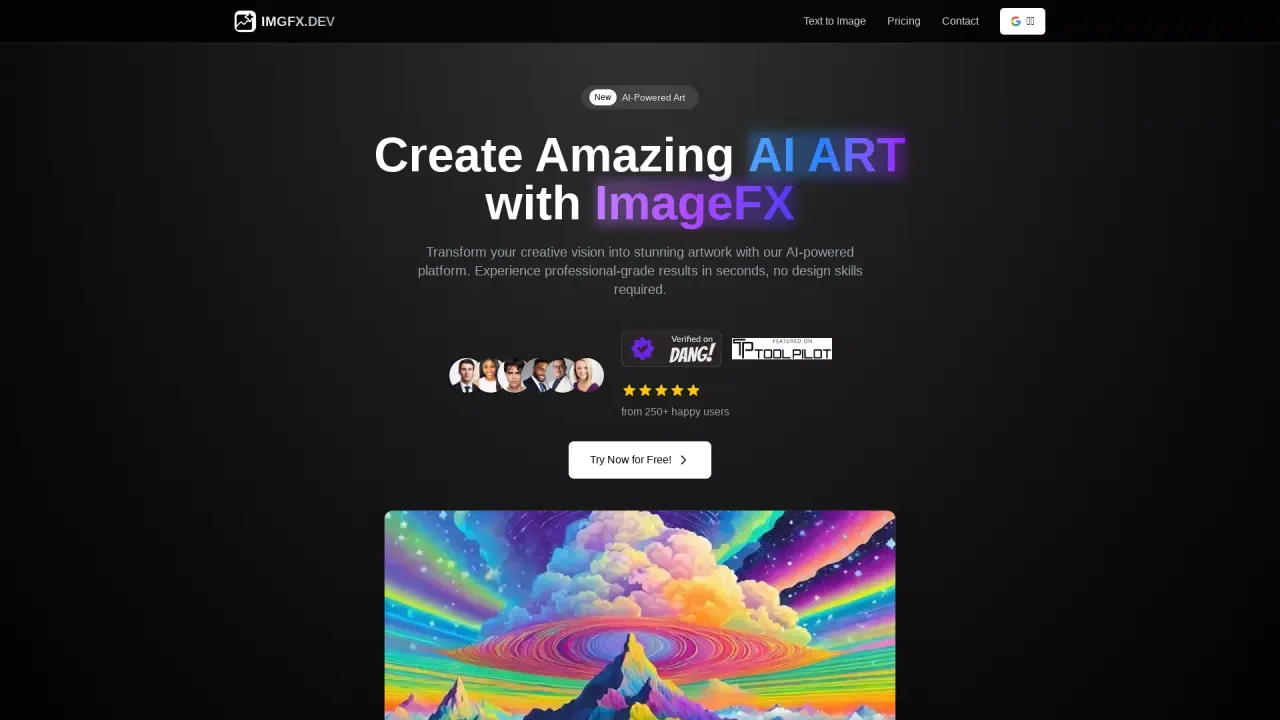
What does ImageFX do?
What is ImageFX?
ImageFX is a next-generation AI image generation platform that helps creators transform ideas into stunning artwork in seconds. It offers real-time generation, style customization, high-resolution output, and advanced controls. Tools include Text to Image, Image to Image, Text to Video, and Image to Video, and it’s trusted by professionals and creators from leading brands and companies.
How do I get started with ImageFX?
Create a free ImageFX account on imgfx.dev. Then craft your vision using natural language prompts, fine-tune image parameters (style, lighting, composition, resolution), generate your artwork, and download or save it to your history. Upgrading to Pro unlocks more features and additional credits.
What makes ImageFX unique?
ImageFX blends advanced AI technology with professional-grade image processing to give you precise control over artistic styles, composition, and technical parameters. It’s designed for professional use and consistently delivers high-resolution outputs with ease and efficiency.
What tools and features are available in ImageFX?
Core generation tools include Text to Image, Image to Image, Text to Video, and Image to Video. Additional capabilities include Image Resizer, Inpainting, Outpainting, and Background Remover. Some features are highlighted as “Magic Tools” and other branded options. Credits are required per use.
Can I use images created with ImageFX for commercial purposes?
Yes. Images generated with ImageFX come with commercial rights, and licensing terms are transparent.
Do generated images have watermarks? How can I get watermark-free images?
Free images include watermarks. Watermarks are added to free images, and upgrading to Pro removes watermarks.
Does ImageFX save my work to history? How does history work?
Generations can be saved to History. Free accounts do not include history saving; upgrading to Pro enables history saving so you can organize and revisit your past work.
What is the pricing model and what packages are available?
ImageFX offers one-time purchase packages to buy credits. There is also promoting of an annual sale offering 20% off all plans. You can view and purchase packages through the site.
What's the difference between a Free account and Pro?
Free provides basic AI image generation with limitations (such as watermarks and no history saving). Pro unlocks more advanced features and additional credits, enabling expanded workflows and organization.
How do credits work?
ImageFX uses a credit-based system. Each generation costs a certain number of credits depending on the tool. Examples include:
- Realistic AI: 1 credit per image
- Anime AI: 1 credit per image
- Miniatur AI: 2 credits per image
- Image Resizer: 2 credits per image
- Inpainting: 2 credits per image
- Outpainting: 7 credits per image
- Background Remover: 3 credits per image
Video tools also use credits per video. Credits can be purchased via one-time packages.
How can I get help or learn more?
If you need help, access the Help Center and Tutorials from the Support section. For direct assistance, you can contact support@imgfx.dev.
What security features does ImageFX offer?
ImageFX provides enterprise-grade security with encrypted storage and secure image processing to protect your creations and data.
This listing is claimed
Own ImageFX? Sign in with the email used to claim it to manage this listing, or upgrade to Pro for featured-first placement and a newsletter feature.