Image2GPT
AI Image Generation
Generate AI images from text prompts with flexible styles, up to 4K output, and clean watermark-free PNGs in seconds.
Promoted
 Pixmax.aiPixmax.ai is an all-in-one AI workspace for videos, visual stories, and marketing content.
 RewindType any X/Twitter handle. Get their year back as a narrated video story. Then ask it anything.
 KurodyneSell the tools from your AI side projects. Listing is free.
 Sidrune AI85% off. Stable Claude API for agent developers. Pay as you go. Invoices & refunds available.
 SEOify - Improve your SEO & rankingsBuild links to rank in Google. Improve your DR with links you can start building now.Advertise here270,000+ people visit Dang.ai every month.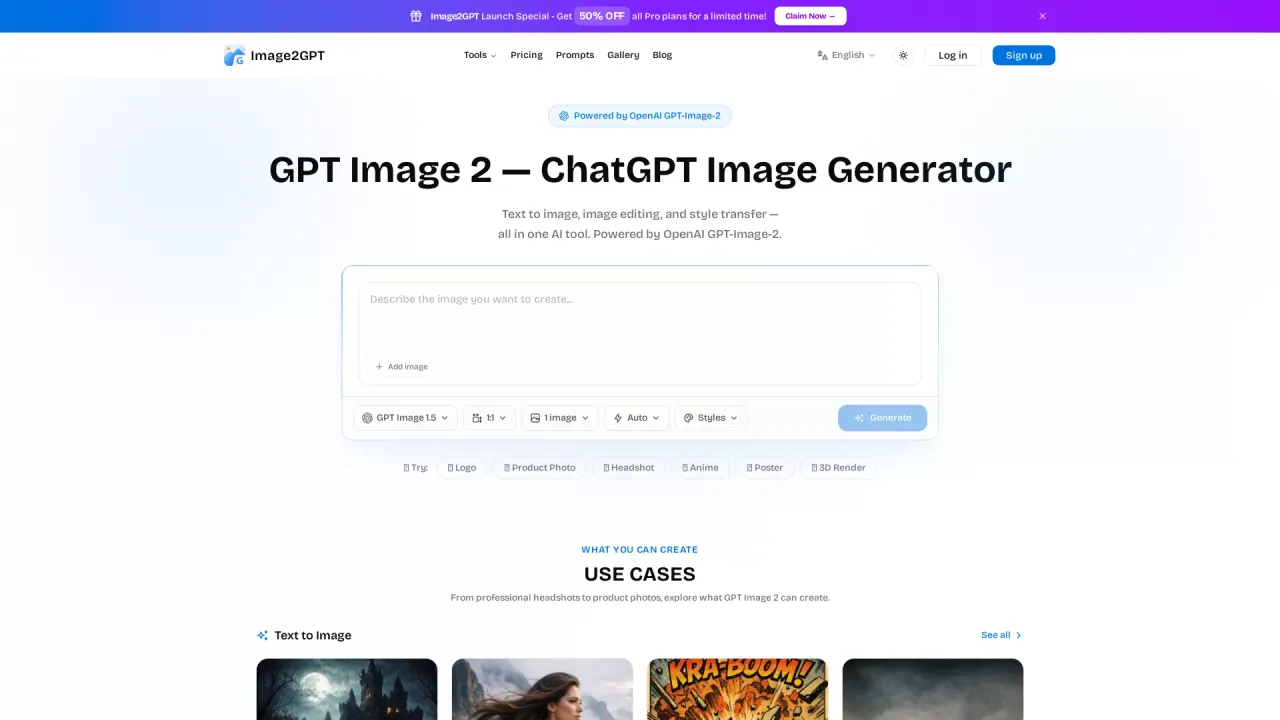
What does Image2GPT do?
Image2GPT is an AI image generator that turns your text prompts into high-quality images powered by GPT-Image-2. Describe the scene, subject, style, or product concept in natural language, and the tool creates multiple strong variations you can download right away.
Beyond text-to-image, Image2GPT also supports image editing and style transfer. You can upload a reference image to better match the look you’re aiming for, then iterate by generating new outputs. If you want to adjust only parts of an image, it offers an inpainting/mask workflow so changes can be localized while the rest remains intact.
For creators who need consistent results, Image2GPT supports character consistency—use the same character across different scenes and poses for storytelling, branding, and social media content. You can control output size and quality (including 1K, 2K, and 4K, with upscaling up to 4K), choose aspect ratios, and export generated results as PNG/JPG/WebP. No watermarks are included.
Pricing is organized around subscription plans and a one-time credit pack. A free tier is available so you can try generation and the included free tools before upgrading. Pro plans are offered on monthly or annual subscriptions, and there’s also an annual option with an advertised 30% savings.
How does Image2GPT generate images?
You enter a prompt describing what you want, then select generation settings like quality, resolution, aspect ratio, and how many images to produce. The tool generates results and lets you download them in common formats.
What output quality and resolution options are available?
You can choose from standard quality modes including 1K, 2K, and PRO levels up to 4K (with upscaling). Aspect ratios include options like 1:1, 2:3, 3:2, 9:16, and 16:9.
Can I use reference images to steer the result?
Yes. Upload an image (PNG/JPG/WebP) as a reference—this helps the generation better match the look you expect, such as likeness, style, or composition.
Does Image2GPT add watermarks to downloads?
No. Generated images include no watermarks.
Is Image2GPT only text-to-image?
No. It also supports image editing (including mask/inpainting-style changes) and style transfer, so you can refine or transform existing images.
What plans are available, and is there a free option?
There’s a free tier with free tools included so you can try generation without a credit card. Upgrades include Hobby and Pro subscription plans (monthly or annual) and a one-time credit pack option, with details shown on the pricing page.
This listing is claimed
Own Image2GPT? Sign in with the email used to claim it to manage this listing, or upgrade to Pro for featured-first placement and a newsletter feature.