
Image2
AI Image Generator
GPT Image 2 Online Image Generator helps you create and edit commercial visuals using text prompts or reference images in your browser.
Promoted
 RewindType any X/Twitter handle. Get their year back as a narrated video story. Then ask it anything.
 KurodyneSell the tools from your AI side projects. Listing is free.
 Sidrune AI85% off. Stable Claude API for agent developers. Pay as you go. Invoices & refunds available.
 Pixmax.aiPixmax.ai is an all-in-one AI workspace for videos, visual stories, and marketing content.
 SEOify - Improve your SEO & rankingsBuild links to rank in Google. Improve your DR with links you can start building now.Advertise here270,000+ people visit Dang.ai every month.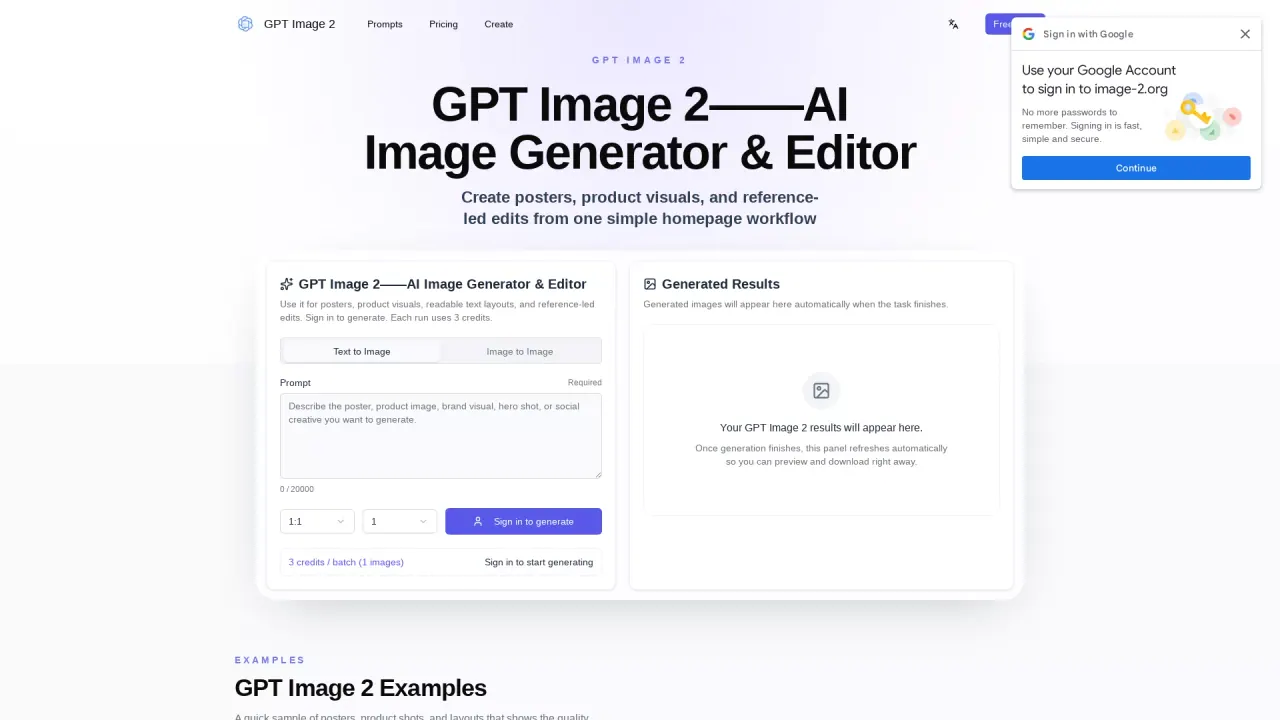
What does Image2 do?
GPT Image 2 is an online AI image generator and editor for creating polished commercial visuals. Use it to generate poster designs, product hero shots, social media creatives, and readable text layouts. You can also refine or reshape images with reference-led edits.
Work with both text-to-image and image-to-image in one workflow. Start from a prompt and choose a model, aspect ratio, and resolution before generating. If you want consistency or specific style direction, upload a reference image—then use it to guide the output while changing the background, scene, or layout.
The generator focuses on practical results: keeping text legible for headlines, labels, badges, and callouts; producing consistent subjects across variations; and creating multiple output shapes like square, portrait, landscape, and campaign-friendly ratios. There’s also session history so you can reuse the best direction across future assets.
Image generation uses credits. You’ll see an estimated credit cost before you generate, and credits are automatically refunded if generation fails. Options for additional aspect ratios, higher resolution, and multiple outputs require upgrades, where available.
What can I create with GPT Image 2?
You can generate and edit commercial visuals such as posters, product hero images, social media creatives, and readable text layouts. You can also use reference images for reference-led image edits.
Can GPT Image 2 generate images from a text prompt?
Yes. Enter a prompt, pick the model and output settings (like aspect ratio and resolution), and generate images directly in the browser workflow.
Can GPT Image 2 edit an existing image using a reference?
Yes. Sign in and upload a reference image, then use it as the anchor for an edit so the output keeps the key shape or identity while adjusting the scene or background.
Does GPT Image 2 support readable text inside images?
Yes. It’s designed for clear headlines, labels, badges, menus, and callouts that remain readable in the image.
How do credits work on GPT Image 2?
Generation requires credits, with an estimated cost shown before you submit. Credits are automatically refunded if generation fails.
Can I choose different aspect ratios and resolutions?
Yes. You can select common ratios and resolution options; upgrading unlocks additional aspect ratios, higher resolutions, and multiple image outputs where available.
This listing is claimed
Own Image2? Sign in with the email used to claim it to manage this listing, or upgrade to Pro for featured-first placement and a newsletter feature.