Himedia
Verified
AI Image Generator
Himedia is an all-in-one AI generator for creating videos, images, and music—start for free with credits and generate, edit, and collaborate in one place.
Promoted
 Sidrune AI85% off. Stable Claude API for agent developers. Pay as you go. Invoices & refunds available.
 Pixmax.aiPixmax.ai is an all-in-one AI workspace for videos, visual stories, and marketing content.
 AI Checker PlusAI detector that highlights which passages AI wrote. Free check, no sign-up. Plagiarism too.
 RewindType any X/Twitter handle. Get their year back as a narrated video story. Then ask it anything.
 KurodyneSell the tools from your AI side projects. Listing is free.
 SEOify - Improve your SEO & rankingsBuild links to rank in Google. Improve your DR with links you can start building now.Advertise here270,000+ people visit Dang.ai every month.
What does Himedia do?
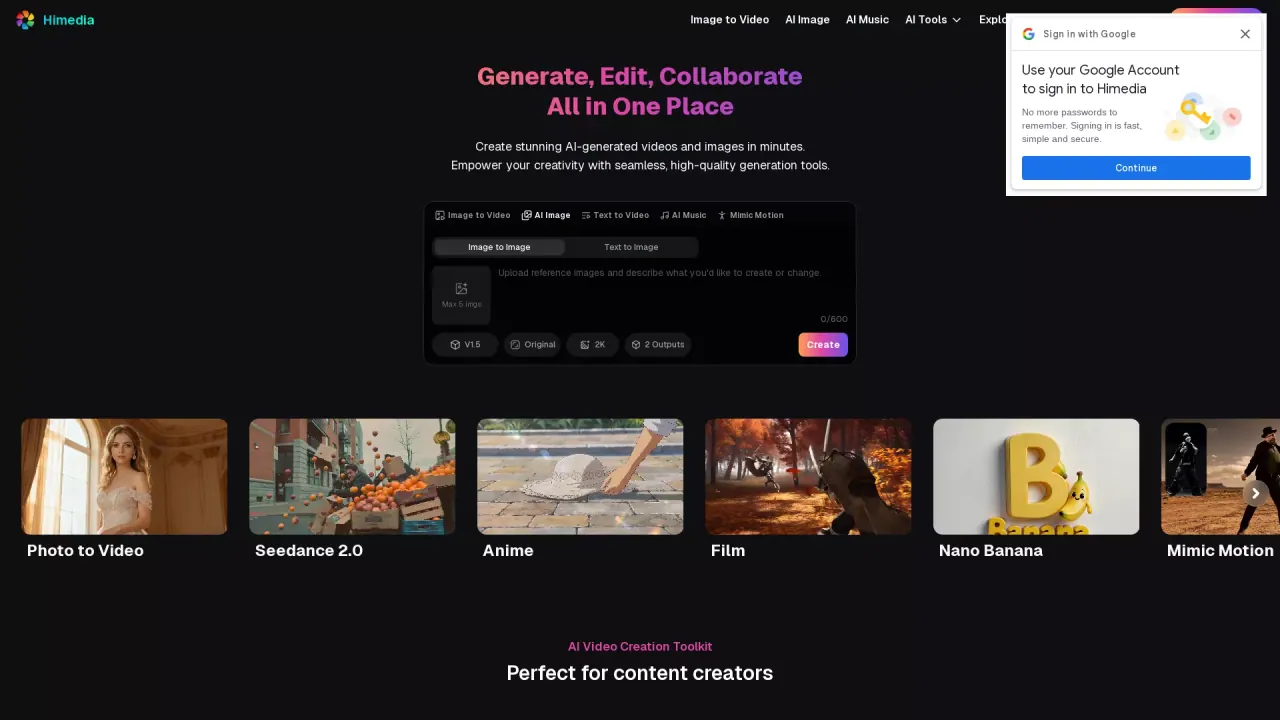
Himedia is an all-in-one platform for creating AI-generated images, videos, and music. It helps you turn ideas into high-quality creative assets faster, with tools designed for workflows that include both creation and refinement.
You can generate videos from different inputs, including image-to-video, text-to-video, and reference-to-video. There’s also support for video editing, along with image-to-image and text-to-image for creating or restyling visuals. For animation and character-focused work, you can use styles like AI manga/manhwa and features such as mimic motion and lip sync. The platform also supports multiple image styles and effects, and includes options like product showcase creation and short-form video generation.
For music creation, Himedia offers an AI music generator so you can create audio assets alongside your visuals. The platform is positioned for content creators, marketers, storytellers, and anyone producing social content, ads, e-commerce demos, or brand assets.
Himedia includes a “Start for Free” option with free credits. Pricing details beyond that are not included in the provided text, so plan around the free credits first and then review the in-product pricing when you’re ready to scale.
What can I create with Himedia?
You can generate AI videos, AI images, and AI music, with options for short-form content, marketing materials, product showcases, and more.
Can I generate a video from an image or text prompt?
Yes. Use image-to-video to bring a static image to life, or text-to-video to create a cinematic video from a prompt.
Is there video and image editing available?
Yes. Himedia supports video editing as well as image editing so you can add, modify, or remove content and make quicker refinements.
Can I use Himedia for free?
Yes—there is a free start option that includes free credits. After those credits, review the available pricing in the app for further usage.
What kinds of projects is Himedia best for?
It’s geared toward content creators and marketing use cases like social media videos, ad creatives, e-commerce product demos, avatars, manga/manhwa-style art, and other creative storytelling assets.
What image inputs are supported for image generation or editing?
You can use image-to-image and text-to-image approaches, including restyling or improving existing images and creating new illustrations from prompts.
This listing is claimed
Own Himedia? Sign in with the email used to claim it to manage this listing, or upgrade to Pro for featured-first placement and a newsletter feature.