
GPT Image 2
Verified
AI Image Generator
GPT Image 2 helps you create and edit ready-to-use AI images from text prompts or uploaded reference photos in one streamlined workflow.
Promoted
 KurodyneSell the tools from your AI side projects. Listing is free.
 Sidrune AI85% off. Stable Claude API for agent developers. Pay as you go. Invoices & refunds available.
 Pixmax.aiPixmax.ai is an all-in-one AI workspace for videos, visual stories, and marketing content.
 AI Checker PlusAI detector that highlights which passages AI wrote. Free check, no sign-up. Plagiarism too.
 RewindType any X/Twitter handle. Get their year back as a narrated video story. Then ask it anything.
 SEOify - Improve your SEO & rankingsBuild links to rank in Google. Improve your DR with links you can start building now.Advertise here330,000+ people visit Dang.ai every month.
What does GPT Image 2 do?
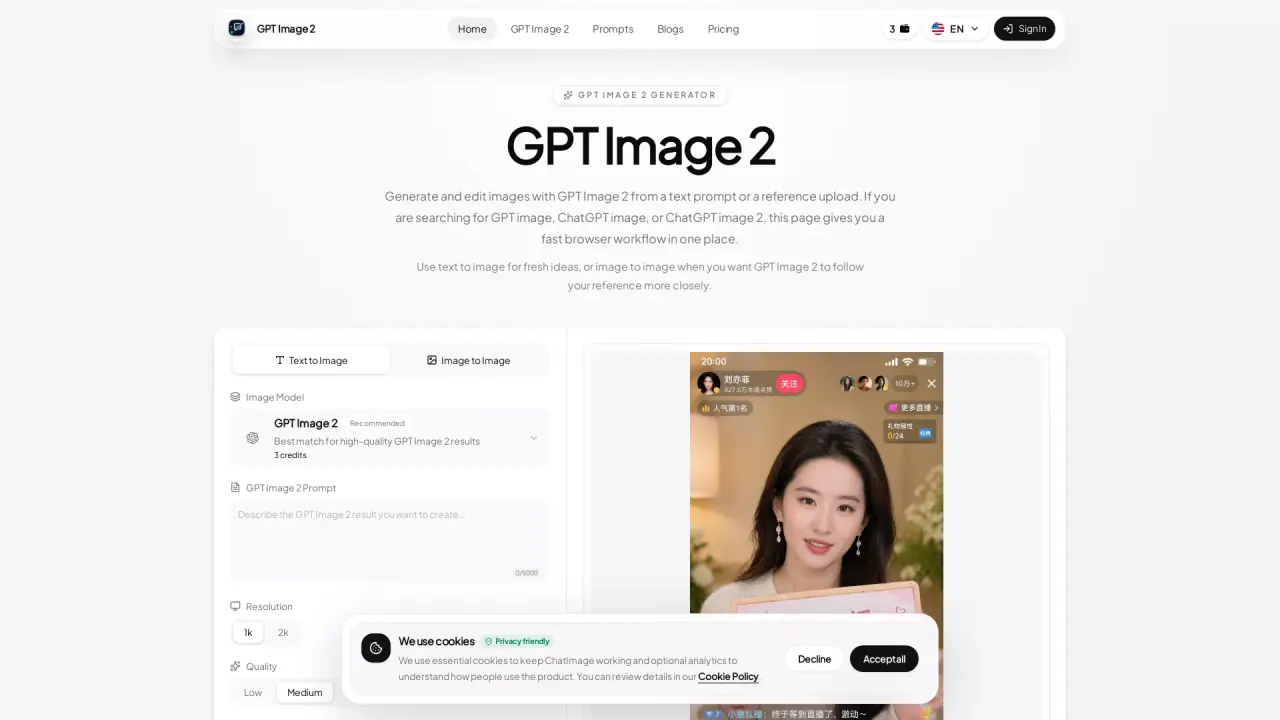
GPT Image 2 (Chat Image) is an AI image generator built for fast, high-quality visual production—especially when you need output that’s close to a brand direction or a real-world reference. It supports both text-to-image creation and “image to image” editing, so you can start from an idea and then refine with uploaded visuals.
With text-to-image, you can generate posters, product shots, UI mockups, portraits, and social graphics from prompts. You can also control output format using resolution, quality, and aspect ratio options to match different creative needs. When you want tighter consistency, switch to image-to-image: upload one or more reference images and use prompts to guide style, framing, and composition changes while keeping the subject aligned.
A built-in prompt history makes iteration faster. Review recent generations, compare versions, and reopen prompts without leaving the browser—useful when you’re testing small changes that improve text clarity, lighting, or overall layout.
Plans are available for different usage levels: Explore is free with 3 trial credits (no card required). Paid options include Basic ($14.9/mo billed $178.8/year), Scale ($29.9/mo billed $358.8/year), and Operate ($199.9/mo billed $2398.8/year), each with monthly credit allowances and commercial-ready downloads.
What can I create with GPT Image 2 in Chat Image?
You can generate ready-to-use images such as posters and illustrations, product shots, UI mockups, portraits, and social graphics. Use text prompts to start, then refine with reference images when you need closer alignment.
How does image-to-image editing work?
Upload one or more images as references, then describe the changes you want. This helps keep subjects, products, and visual direction more consistent while you restyle or adjust the composition.
Do I need a reference photo to use GPT Image 2?
No. You can create images directly with text-to-image. Use reference images when you want tighter control over style, framing, and subject consistency.
Can I iterate quickly without starting over each time?
Yes. You can use recent generation history to compare results and reopen prompts, making it easier to test variations and reuse winning instructions.
What plans are available and how do trial credits work?
Explore is free and includes 3 trial credits with no card required. After that, you can choose paid plans (Basic, Scale, or Operate), each offering a monthly credit allowance.
Are there commercial downloads available on paid plans?
Paid plans include commercial-ready downloads. Explore is for trying the core workflow with trial credits.
This listing is claimed
Own GPT Image 2? Sign in with the email used to claim it to manage this listing, or upgrade to Pro for featured-first placement and a newsletter feature.