XIMAGINEAI
AIVisualContentGenerator
XIMAGINE is an AI image and AI video generator that creates ads, product visuals, and short videos from text or reference images.
Promoted
 Sidrune AI85% off. Stable Claude API for agent developers. Pay as you go. Invoices & refunds available.
 Pixmax.aiPixmax.ai is an all-in-one AI workspace for videos, visual stories, and marketing content.
 SEOify - Improve your SEO & rankingsBuild links to rank in Google. Improve your DR with links you can start building now.Advertise here270,000+ people visit Dang.ai every month.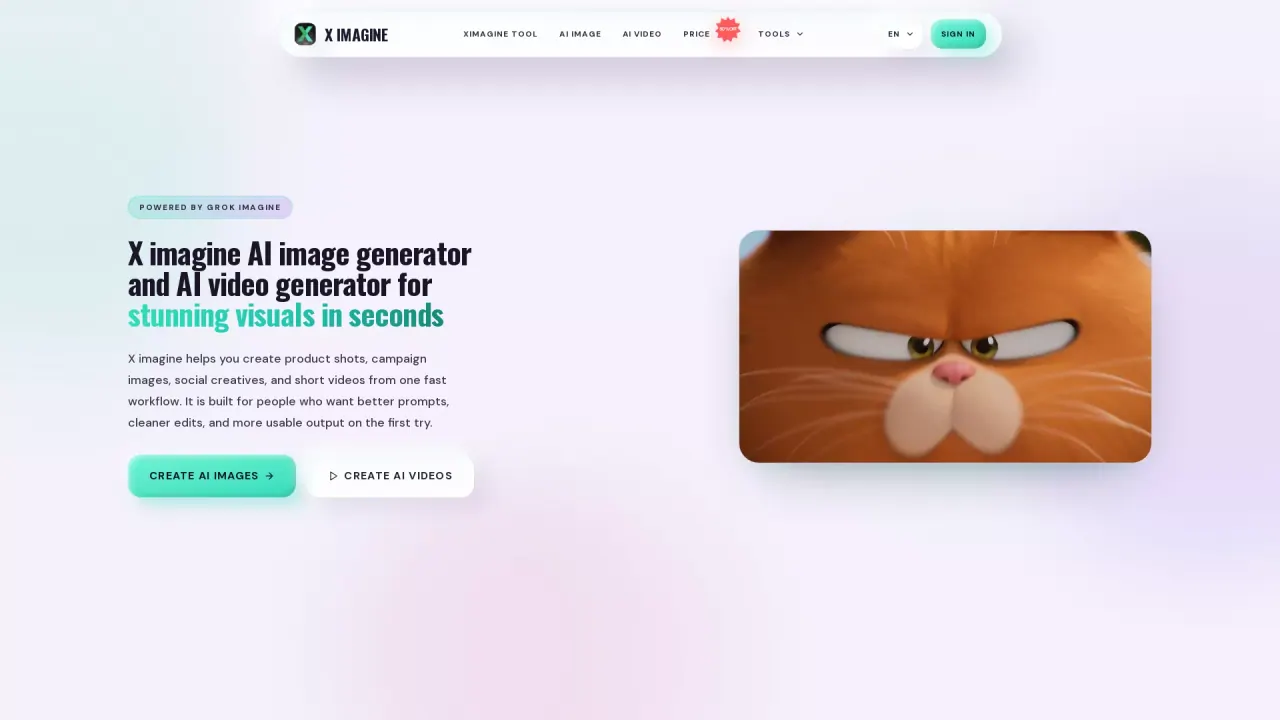
What does XIMAGINEAI do?
XIMAGINE helps you generate polished AI images and short videos from one fast workflow. Start with words or upload a reference image, then refine your result with built-in finishing tools before downloading the version you want to use.
Create in four modes to match your starting point and creative goal: Text to Image, Image to Image, Text to Video, and Image to Video. You can also animate an existing image while keeping the original composition recognizable, making it useful for turning product shots, portraits, characters, posters, and finished visuals into motion.
The platform includes finishing tools to improve what you plan to publish or animate—such as upscaling for clearer detail, cleaning/distraction removal, and other editing helpers like removing a person. With “one place” for both images and videos, you can move from idea to output without switching tools.
XIMAGINE is built for creators, brands, and teams producing visual content for ads, products, social posts, characters, and campaign assets. Pricing is credit/plan based: Starter ($9.90/month or $19.90/month billed annually), Pro ($19.90/month or $39.90/month billed annually), and Elite ($99.90/month or $149.90/month billed annually), each with different monthly credit limits and included features.
What can I create with XIMAGINE?
You can generate AI images and short videos for ads, products, campaigns, social content, and character visuals. You can start from text or a reference image and download the outputs you want to use.
Which creation mode should I choose in XIMAGINE?
Use Text to Image or Text to Video when you want AI to establish the subject and style from your description. Use Image to Image or Image to Video when you want to keep your source subject, composition, pose, or style while generating a variation or motion.
Can I upload my own reference image?
Yes. You can use reference images for Image to Image and Image to Video workflows to preserve what matters (like the subject or composition) while creating stronger variations or animations.
How do credits and free generations work?
Plans include a monthly credit allowance for image and video generation, plus unlimited free generations. When you generate within your plan’s limits, you can download the results you keep.
Can I use generated content commercially?
Yes—commercial use rights are included with the plans listed on XIMAGINE.
Can XIMAGINE turn an AI image into a video?
Yes. Use the Image to Video mode (and related workflows) to animate a source image while keeping it recognizable, then download the resulting short video.
This listing is claimed
Own XIMAGINEAI? Sign in with the email used to claim it to manage this listing, or upgrade to Pro for featured-first placement and a newsletter feature.