SeedreamAI
AI Image Generation Tool
Seedream 5.0 delivers native 4K AI image generation with fast speed, strong prompt adherence, and production-ready editing tools.
Promoted
 RewindType any X/Twitter handle. Get their year back as a narrated video story. Then ask it anything.
 KurodyneSell the tools from your AI side projects. Listing is free.
 Sidrune AI85% off. Stable Claude API for agent developers. Pay as you go. Invoices & refunds available.
 Pixmax.aiPixmax.ai is an all-in-one AI workspace for videos, visual stories, and marketing content.
 SEOify - Improve your SEO & rankingsBuild links to rank in Google. Improve your DR with links you can start building now.Advertise here270,000+ people visit Dang.ai every month.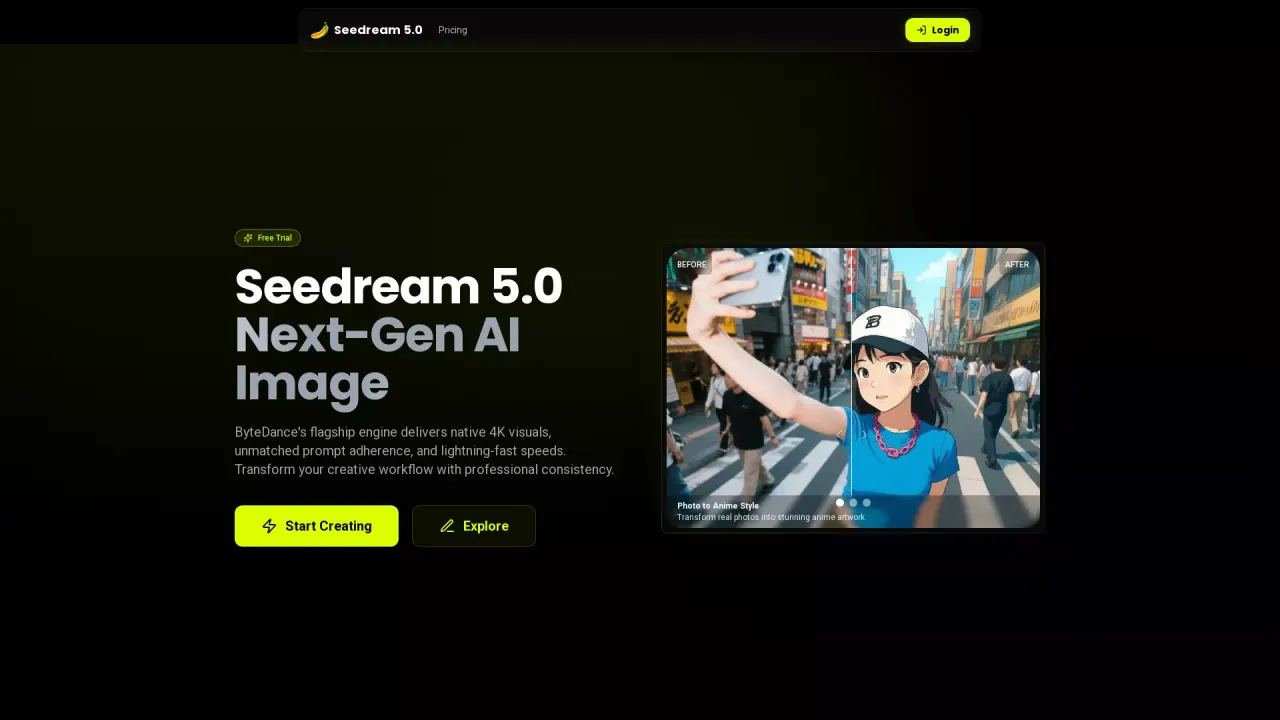
What does SeedreamAI do?
Seedream 5.0 is an AI image generator built for creators and teams who need professional-quality results from either text prompts or image inputs. It produces native 4K images with fine detail and physically plausible lighting, so you can export visuals ready for design and print workflows without relying on post-upscaling.
Beyond generation, Seedream 5.0 supports practical, end-to-end editing. Swap backgrounds, add or remove objects, adjust environments and lighting, and apply style transformations while preserving realism. For more controlled iteration, it also enables multi-turn conversational editing—refine the image step by step with instructions like changing lighting warmth, altering clothing color, or adding a city skyline.
If you work on series content, Seedream 5.0’s multi-image consistency helps maintain stable character faces, clothing, accessories, and brand elements across multiple images. It’s especially useful for webcomics, storyboards, ad campaigns, game character sheets, and any project requiring visual coherence.
Seedream 5.0 also improves text rendering for brand and marketing assets, making it easier to generate posters, banners, book covers, and other designs with clear, legible text. Pricing includes a “3 Credits” option and a free trial.
What can Seedream 5.0 generate—text-to-image or image-to-image?
You can create from text prompts (text to image) or upload existing assets for image-to-image transformations.
Does Seedream 5.0 produce native 4K images?
Yes—Seedream 5.0 outputs native 4K resolution images, designed to avoid the need for post-upscaling.
What types of editing are available in Seedream 5.0?
You can replace backgrounds, add or remove objects, adjust environment and lighting, and perform style transformations.
How does multi-turn conversational editing work?
You can refine an image through successive text instructions (for example, warm up the lighting or change an item’s color) without restarting, while keeping the result visually coherent.
Can Seedream 5.0 keep characters consistent across multiple images?
Yes. It supports multi-image consistency to help maintain facial features, clothing, accessories, and brand elements across a series.
What does Seedream 5.0 offer for posters and brand assets?
It provides improved text rendering for marketing posters, book covers, social media banners, and other brand designs with clearer text placement and styling.
This listing is claimed
Own SeedreamAI? Sign in with the email used to claim it to manage this listing, or upgrade to Pro for featured-first placement and a newsletter feature.