
Image 2 - Advanced GPT Image 2
Verified
AI Image Generation & Editing
Create and edit high-quality AI images with GPT Image 2.5, including reference-guided consistency, multilingual text, and up to 4K output.
Promoted
 Sidrune AI85% off. Stable Claude API for agent developers. Pay as you go. Invoices & refunds available.
 Pixmax.aiPixmax.ai is an all-in-one AI workspace for videos, visual stories, and marketing content.
 AI Checker PlusAI detector that highlights which passages AI wrote. Free check, no sign-up. Plagiarism too.
 RewindType any X/Twitter handle. Get their year back as a narrated video story. Then ask it anything.
 KurodyneSell the tools from your AI side projects. Listing is free.
 SEOify - Improve your SEO & rankingsBuild links to rank in Google. Improve your DR with links you can start building now.Advertise here270,000+ people visit Dang.ai every month.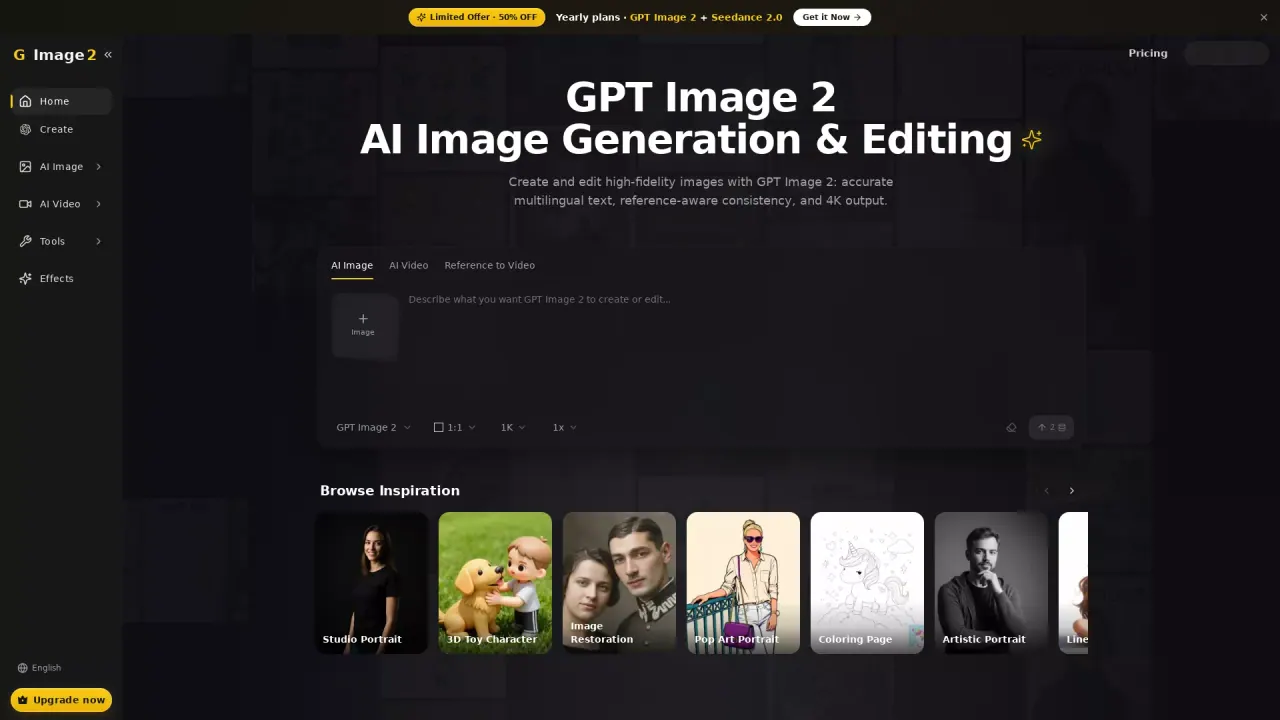
What does Image 2 - Advanced GPT Image 2 do?
Image 2 (GPT Image 2.5) helps you generate new images and edit photos using prompts, uploaded references, or a mix of both. It’s designed for creating product visuals, posters, social content, and photo edits without switching tools—so you can iterate quickly and refine results in the same workspace.
Key capabilities include multilingual text generation inside images, reference-aware composition for keeping characters or products consistent across scenes, and flexible editing such as inpainting (brush to repair/refine only a selected region), object removal with scene rebuild, background cutouts with one click, and image extension to expand an existing composition. It also supports multiple aspect ratios and output sizes, including 4K (4K takes a bit longer to generate).
You can choose between Flare and Sunburst models: Flare is for fast drafts, while Sunburst is positioned for finer detail and more precise edits. The workflow is straightforward: start with a prompt or photo, choose your model and output format, then review any text/details and regenerate or download.
Pricing is credit-based. New users can start with free credits on signup. For heavier usage, you can upgrade to paid plans or purchase more credits depending on your creative needs. The platform also offers an introductory promotion of “50% OFF” on yearly plans, including “GPT Image 2.5 + Seedance 2.5.”
What can I create with Image 2 (GPT Image 2.5)?
You can generate images from text prompts, edit uploaded photos, create posters and product visuals, restore images, remove backgrounds, and build diagrams/infographics and labels.
Can Image 2 generate video too?
Yes—Image 2 includes video generation using dedicated video models for text-to-video, image-to-video, and reference-based video creation in the same workspace.
How do Flare and Sunburst differ?
Use Flare for quick drafts and Sunburst for finer details and more precise edits. You can switch when you need different levels of accuracy during refinement.
How does reference-guided creation work?
Upload one or more reference images to guide composition, style, and subject details. This is useful for reusing the same character or product across new scenes while aiming for consistency.
What editing tools are available beyond basic image generation?
You can do natural-language image editing, remove objects, inpaint a brushed region, extend/crop-lessen and expand an image, restore old or damaged photos, upscale to 4K, and remove backgrounds for clean cutouts.
How do credits and free access work?
New users get free credits after signup to try generation and editing. Each generation uses credits, and you can upgrade to paid plans or purchase more credits for heavier usage.
This listing is claimed
Own Image 2 - Advanced GPT Image 2? Sign in with the email used to claim it to manage this listing, or upgrade to Pro for featured-first placement and a newsletter feature.