
ImageUnblur
AI Image Enhancement
Restore clarity to your photos with AI-powered image enhancement
Promoted
 Sidrune AI85% off. Stable Claude API for agent developers. Pay as you go. Invoices & refunds available.
 Pixmax.aiPixmax.ai is an all-in-one AI workspace for videos, visual stories, and marketing content.
 SEOify - Improve your SEO & rankingsBuild links to rank in Google. Improve your DR with links you can start building now.Advertise here270,000+ people visit Dang.ai every month.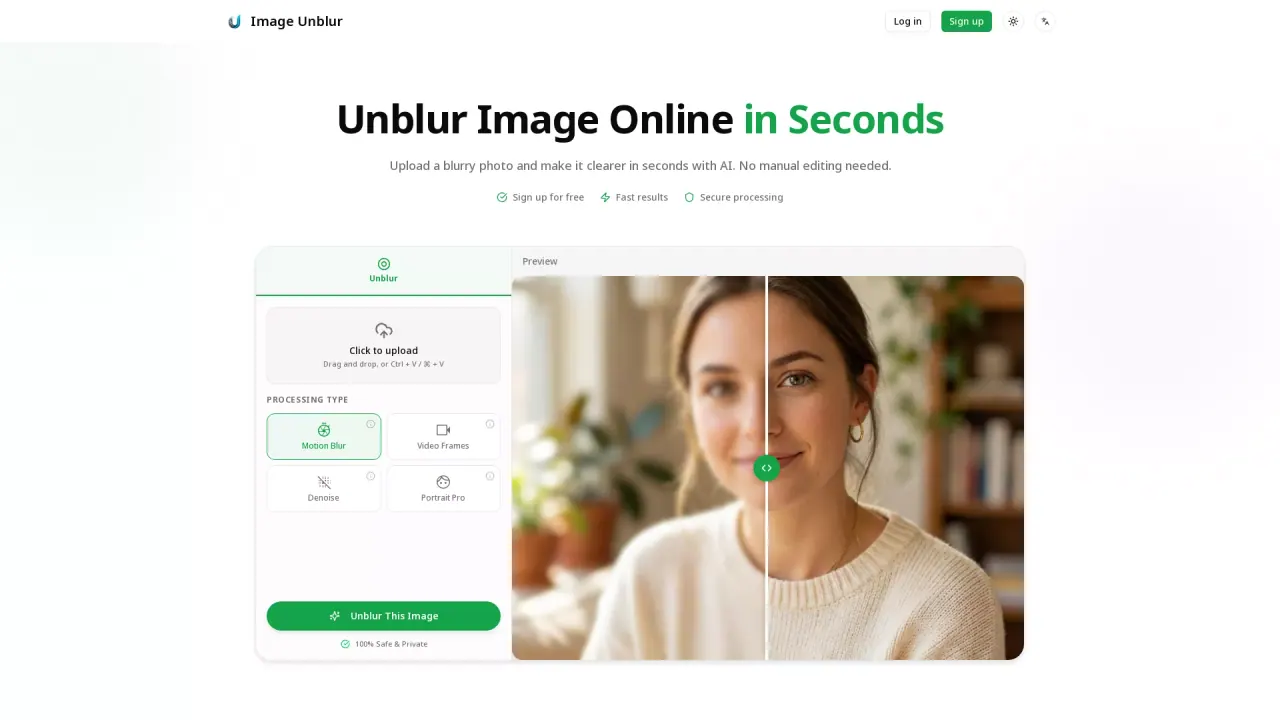
What does ImageUnblur do?
What is the main use case for ImageUnblur?
Portraits & Selfies: Sharpen facial features like eyes and hair in photos where the focus was slightly off.
Restoring Old Memories: Bring clarity back to scanned vintage photos that have become soft or grainy over time.
E-commerce Product Photos: Enhance textures, materials, and labels in product shots to create a more professional look for online listings.
Text & Screenshots: Improve the readability of blurry documents, receipts, or screenshots, making them clearer for sharing or OCR tools.
Low-Light Photography: Fix "noisy" or soft evening shots taken with high ISO or slow shutter speeds.
Compressed Media Recovery: Repair images that have lost quality due to heavy compression on messaging apps or social platforms.
What are some unique features of imageunblur.org?
Natural AI Unblurring: Reduces softness and mild motion blur while maintaining a realistic look, avoiding the "artificial" over-sharpened effect.
AI Image Upscaling: Increases image resolution after unblurring to improve quality for printing or high-definition sharing.
Specialized Processing Modes: Includes dedicated modes for Motion Blur, Video Frames, Denoise, and Portrait Pro to handle specific types of distortion.
Can a user use ImageUnblur for free?
You can use the free preview to see results.
How does ImageUnblur restore clarity to blurry photos?
ImageUnblur leverages advanced AI algorithms to analyze and reconstruct missing details in blurry photos. It intelligently identifies the type of blur—such as motion blur, out-of-focus shots, or compression artifacts—and applies the most effective restoration technique. This process provides a natural-looking enhancement, improving photo clarity without over-sharpening.
What types of blurry images can ImageUnblur fix?
ImageUnblur effectively addresses several types of blurs, including motion blur caused by camera shake, out-of-focus shots from missed autofocus, and compression artifacts from social media. It also enhances low-resolution images, old photos, and blurry text and screenshots, making it versatile for different scenarios.
Is it safe to use ImageUnblur for processing personal photos?
Yes, using ImageUnblur for processing personal photos is safe and secure. Images are processed on secure servers, and are automatically deleted after two hours. ImageUnblur ensures privacy by not sharing, selling, or using your photos for AI training, offering a confidential photo enhancement service.
This listing is claimed
Own ImageUnblur? Sign in with the email used to claim it to manage this listing, or upgrade to Pro for featured-first placement and a newsletter feature.