
ImageToImageMaker
AIImageEditor
Create, edit, and enhance images with our AI-powered image to image maker. Professional quality results in seconds.
Promoted
 Sidrune AI85% off. Stable Claude API for agent developers. Pay as you go. Invoices & refunds available.
 Pixmax.aiPixmax.ai is an all-in-one AI workspace for videos, visual stories, and marketing content.
 RewindType any X/Twitter handle. Get their year back as a narrated video story. Then ask it anything.
 KurodyneSell the tools from your AI side projects. Listing is free.
 SEOify - Improve your SEO & rankingsBuild links to rank in Google. Improve your DR with links you can start building now.Advertise here270,000+ people visit Dang.ai every month.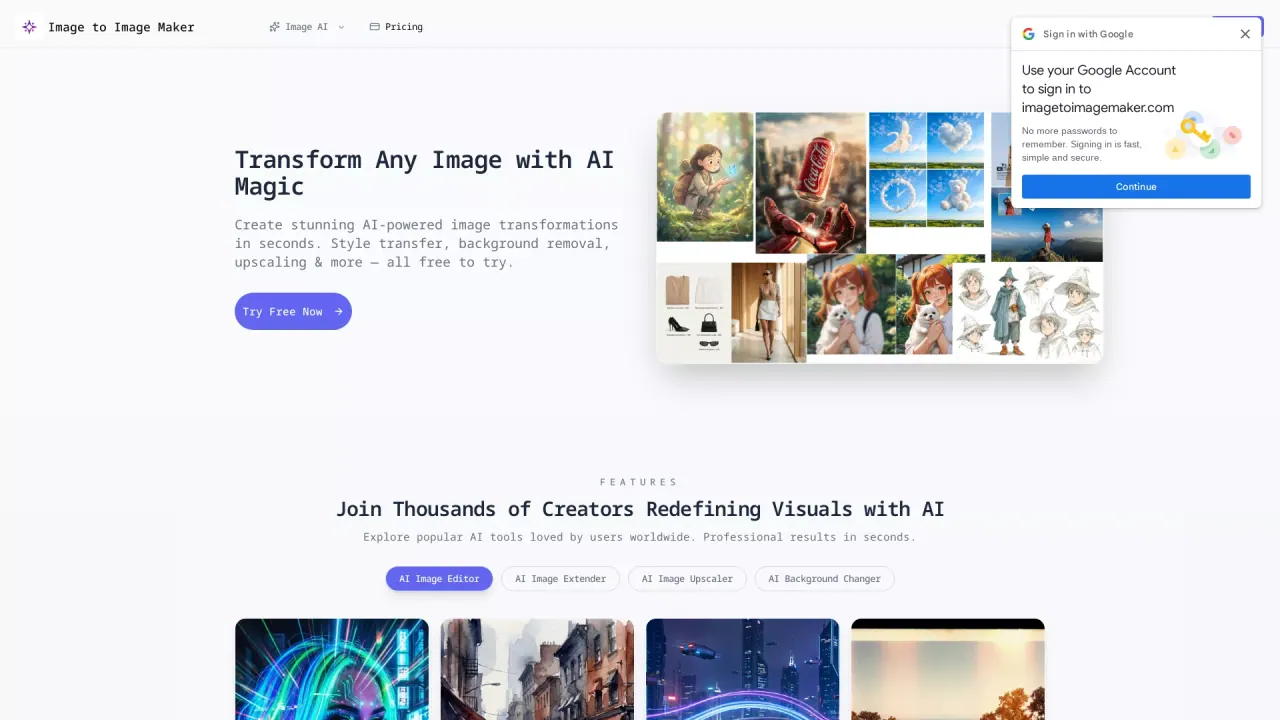
What does ImageToImageMaker do?
What is the main use case for Image to Image Maker?
Image to Image Maker is an advanced AI image editor that transforms your photos using artificial intelligence. Simply upload an image, describe the changes you want, and our AI instantly applies professional-quality transformations including style transfer, background replacement, object removal, and image enhancement.
What are some unique features of imagetoimagemaker.com?
Our image to image maker supports a wide range of transformations including artistic style transfer, background replacement, object removal, photo enhancement, color correction, image upscaling, and creative filters. The AI image editor handles everything from portraits to landscapes to product photos.
Can a user use Image to Image Maker for free?
Yes, our image to image maker offers free basic features for all users. You can try style transfers, basic enhancements, and transformations without paying. Premium features like batch processing and high-resolution downloads are available with credits or subscription plans.
How does Image to Image Maker use AI for photo transformations?
Image to Image Maker utilizes powerful AI technology to transform images in several ways, including style transfer, background removal, and object removal. By leveraging advanced machine learning algorithms, users can enhance exposure, colors, and sharpness in their photos while creating professional-grade artistic effects like watercolor or oil painting styles in seconds.
Is my data secure when using Image to Image Maker?
Yes, Image to Image Maker prioritizes user data security. When you upload images for editing, they are processed securely, ensuring that your data is protected. The platform also supports common image formats such as JPG, PNG, and WebP, providing a safe environment for creating and storing your AI-enhanced transformations.
Can commercial projects benefit from Image to Image Maker's AI tools?
Absolutely, Image to Image Maker is ideal for commercial projects. With its advanced AI features, users can create professional-quality transformations suitable for advertising, marketing, and other commercial applications. Whether it's for enhancing product images or creating unique visual content, the AI tools are designed to meet the high standards required for commercial purposes.
This listing is claimed
Own ImageToImageMaker? Sign in with the email used to claim it to manage this listing, or upgrade to Pro for featured-first placement and a newsletter feature.