
ImageeditorAI
AI Image Editing Tools
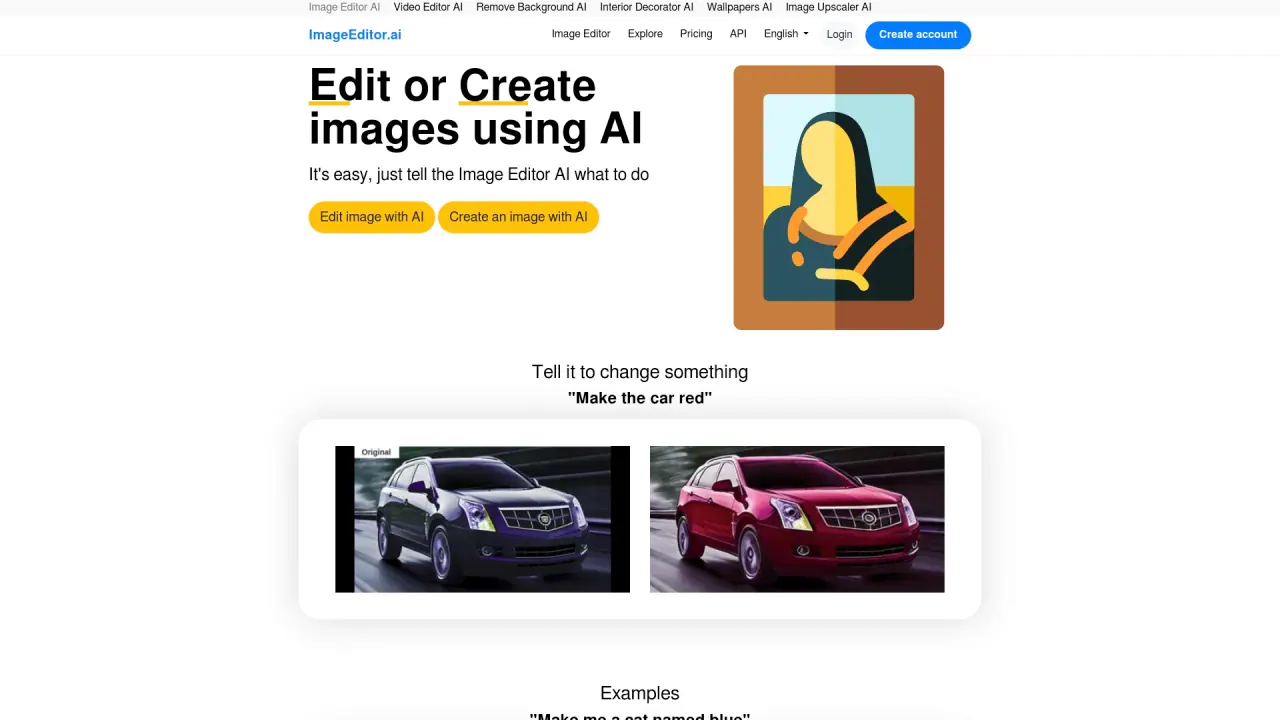
Edit and create images effortlessly with ImageEditorAI, the AI-powered image editing tool. Enhance your visuals using advanced AI technology.
Promoted


What does ImageeditorAI do?
How does ImageEditorAI work?
ImageEditorAI lets you create new images from text prompts or edit existing images. You can pick a model (SDXL 1.0 Best Quality, SDXL Turbo Ultra Fast, RealVis XL, Photoreal, Juggernaut XL, Cinematic), write a prompt, and the AI generates multiple variations in seconds. You can also upload a photo to edit or use the Remove Background tool for clean cutouts. Download your result when you’re ready.
What can I do with ImageEditorAI?
You can:
- Create new images from text prompts
- Edit uploaded images with simple prompts
- Remove backgrounds for clean cutouts
- Choose from multiple SDXL models to balance quality and speed
Do I need to sign up to use the tools, and is a credit card required to try?
No credit card is required to try. You can create an account to save and access your work. Core actions (Create and Edit) are free once per hour; Pro offers unlimited generations and edits. See the Pricing page for details.
What models are available and how do I choose them?
Model options include SDXL 1.0 Best Quality, SDXL Turbo Ultra Fast, RealVis XL, Photoreal, Juggernaut XL, and Cinematic. You can pick a model to open the exact prompt on Create and tailor results to your needs.
Can I remove the background from an image?
Yes. Use the Remove Background tool for clean cutouts of products, people, and more.
Can I use generated images commercially?
Commercial use is available with Pro.
How many images have been edited or created on ImageEditorAI?
As of now, 1,396,122+ images have been edited and/or created on ImageEditor.ai.
What powers ImageEditorAI?
ImageEditorAI runs on AI powered by a fork of imaginAIry and is built on Django. The project is owned by VPS.org LLC and was created by Lou.
Is there an API or developer resources?
Yes—Developers API docs are available.
Where can I find pricing and policies?
Pricing information is available on the Pricing page. The site also provides Privacy Policy and Terms of Service.
Is this your tool?
Claim ImageeditorAI to manage this listing, or upgrade to Pro for featured-first placement and a newsletter feature.