
AI Image Edit
AI Image Generators from Text Tools
Upload a photo and describe the edit in plain English to remove backgrounds, objects, people, text, blur, and more—then download the result.
Promoted
 AI Checker PlusAI detector that highlights which passages AI wrote. Free check, no sign-up. Plagiarism too.
 RewindType any X/Twitter handle. Get their year back as a narrated video story. Then ask it anything.
 KurodyneSell the tools from your AI side projects. Listing is free.
 Pixmax.aiPixmax.ai is an all-in-one AI workspace for videos, visual stories, and marketing content.
 SEOify - Improve your SEO & rankingsBuild links to rank in Google. Improve your DR with links you can start building now.Advertise here330,000+ people visit Dang.ai every month.
What does AI Image Edit do?
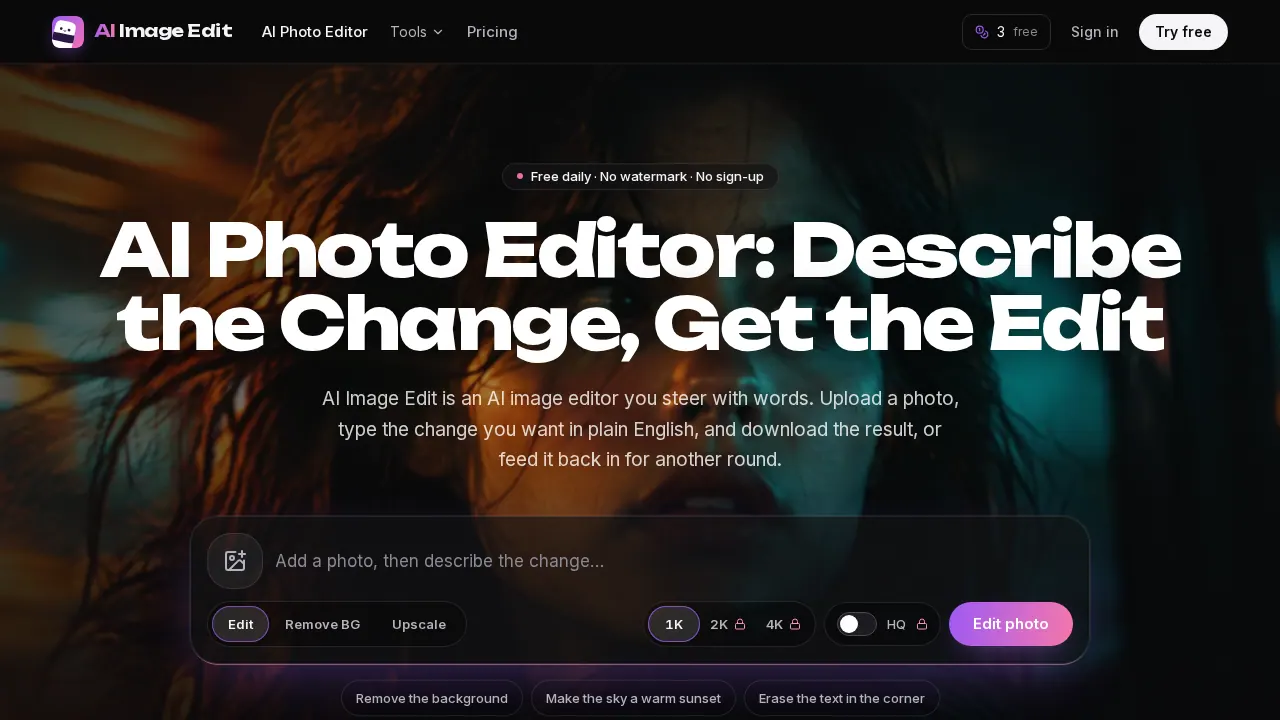
AI Image Edit is an online AI photo editor where you control changes by typing what you want in plain English. Upload a JPG, PNG, or WebP, describe the edit in one sentence, and download the result. You can also run edits back-to-back—each output can become the starting point for your next prompt round.
The editor covers many common photo fixes and creative tweaks. Remove backgrounds and export cutouts as transparent PNGs, swap in new backdrops from a text description, and remove unwanted elements such as objects, people, shadows, and text. You can unblur and enhance photos, upscale images to specific output sizes, restore damaged old prints, colorize monochrome/sepia images, and generate AI headshots and hair color previews.
This tool is a good fit if you want fast edits without learning toolbars, layers, or panels—especially for product photos, social/profile pictures, scanned prints, and everyday “fix what bothers me” tasks. Clear prompts help most: name what should change, where it is in the frame, and what should stay the same.
Pricing and credits: guests get 3 free credits per day with no sign-up; free accounts get 5 credits per day. Larger outputs (up to 4K) and high-quality mode are available on paid plans. Paid plans start at $9.99/month (250 credits). Standard 1K edits, background removal, and 1080p enhancement use 1 credit. Edited results have no watermark and can be used commercially.
Do I need to sign up to use AI Image Edit for free?
No—guests can use the editor without signing up. You get 3 free credits per day.
How do I describe an edit so the result matches what I want?
Write one sentence that says what to change and where it is in the frame (and what to leave alone). For best control, focus on one edit per prompt and chain more edits using “Edit again.”
Can I remove a background and download a transparent PNG?
Yes. Use the remove background workflow to cut out the subject and export as a transparent PNG (useful for listings, slides, and stickers).
What can I remove besides backgrounds?
You can remove or erase objects, people, text, and shadows by describing what to get rid of and where it appears in the image.
How many free credits do I get, and do they roll over?
Guests get 3 free credits per day (and free accounts get 5). Credits refresh every 24 hours and unused credits do not carry over.
Can I use the edited photos commercially?
Yes—edited results have no watermark and can be used commercially.
This listing is claimed
Own AI Image Edit? Sign in with the email used to claim it to manage this listing, or upgrade to Pro for featured-first placement and a newsletter feature.