
LaikeAI
AI Image and Video Generator
Laike AI is an all-in-one studio to generate and enhance AI videos and images from text or uploads using multiple top models.
Promoted
 RewindType any X/Twitter handle. Get their year back as a narrated video story. Then ask it anything.
 KurodyneSell the tools from your AI side projects. Listing is free.
 Sidrune AI85% off. Stable Claude API for agent developers. Pay as you go. Invoices & refunds available.
 Pixmax.aiPixmax.ai is an all-in-one AI workspace for videos, visual stories, and marketing content.
 SEOify - Improve your SEO & rankingsBuild links to rank in Google. Improve your DR with links you can start building now.Advertise here270,000+ people visit Dang.ai every month.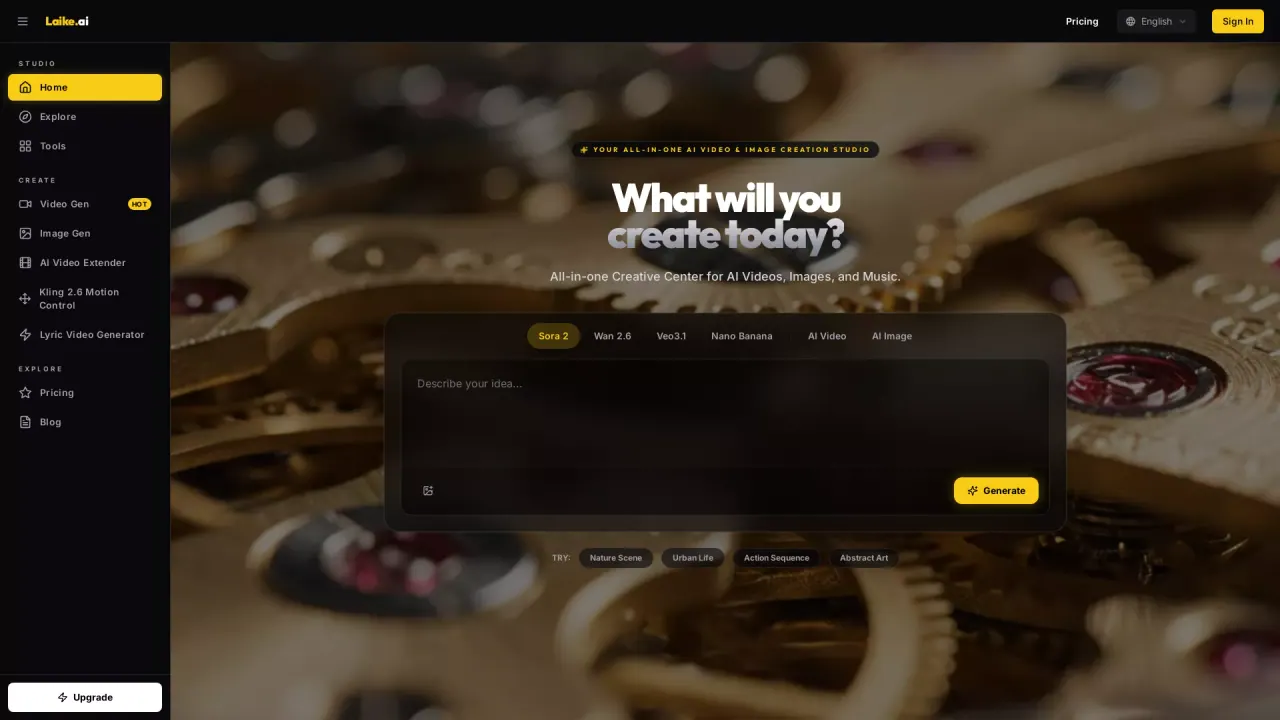
What does LaikeAI do?
Laike AI is an all-in-one AI video and image creation studio that helps you turn ideas into finished visuals quickly. Create cinematic videos from text prompts, animate your own images into dynamic video with motion and audio, generate new images from descriptions, and extend existing clips with AI continuation.
With one dashboard, you can access multiple generative models instead of switching between separate tools. Choose a model, customize your settings like style, ratio, and duration, and generate high-fidelity results in seconds. The platform also includes features like AI video extenders (to continue a clip rather than loop) and AI image generation for photorealistic scenes, illustrations, product shots, and more.
Laike AI is built for creators who want a simple workflow—type a prompt or upload an image, pick a model, generate—without needing technical skills or a complex editing setup. It’s also a fit for marketers, brands, filmmakers, studios, businesses, and agencies that need scalable production for ads, product demos, training materials, explainers, presentations, and marketing assets.
Pricing is credit-based with free credits for new users to explore. Plans billed yearly include Lite ($9.90/month) with 1,000 credits/month, Pro ($19.90/month) with 4,500 credits/month, and Max ($49.90/month) with 14,000 credits/month—each providing access to all premium models and watermark-free exports included on paid plans.
What can I create with Laike AI?
You can generate AI videos and images, animate an existing image into video, extend an existing clip with AI continuation, and create visuals from text prompts.
What’s the difference between text to video and image to video?
Text to video creates visuals and motion entirely from your text description. Image to video starts with your uploaded image and preserves its look while adding realistic motion and camera movement.
How do I generate a video or image?
Add an idea by typing a prompt or uploading an image, select a model, customize settings like style/ratio/duration, then generate to get results.
Is Laike AI free to try?
Yes—free credits are available for new users so you can try multiple models and features before upgrading.
What plans are available and what do they include?
Paid plans billed yearly are Lite, Pro, and Max, each with a monthly credit allowance, access to premium models, watermark-free exports, and HD/Ultra-HD image generation (depending on plan).
Can I use generated content for commercial work?
Yes. Content generated on paid plans is fully licensed for commercial use such as ads, social media, client work, and product marketing without additional licensing fees or attribution.
This listing is claimed
Own LaikeAI? Sign in with the email used to claim it to manage this listing, or upgrade to Pro for featured-first placement and a newsletter feature.