
AI Hug
AI Video Maker Generators & Tools
Turn a photo of two people into a share-ready AI hug video in your browser, with a full studio for AI image and video creation.
- Pricing
- Free
- Category
- Video
- Listed
- Oct 3, 2026
- Updated
- Oct 23, 2026
Promoted
 Sidrune AI85% off. Stable Claude API for agent developers. Pay as you go. Invoices & refunds available.
 Pixmax.aiPixmax.ai is an all-in-one AI workspace for videos, visual stories, and marketing content.
 RewindType any X/Twitter handle. Get their year back as a narrated video story. Then ask it anything.
 KurodyneSell the tools from your AI side projects. Listing is free.
 SEOify - Improve your SEO & rankingsBuild links to rank in Google. Improve your DR with links you can start building now.Advertise here270,000+ people visit Dang.ai every month.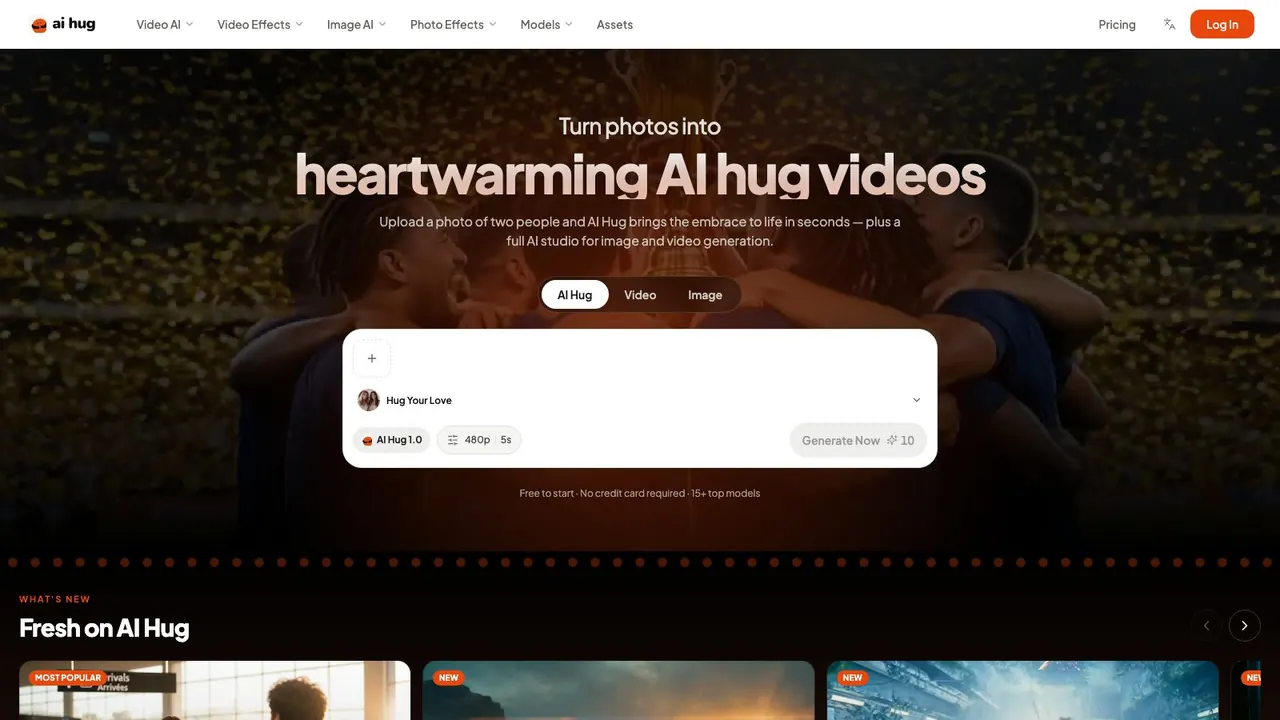
What does AI Hug do?
AI Hug helps you create heartwarming AI hug videos from a single photo. Upload an image with two people and generate a short, lifelike embrace in about a minute—then review and download your 5-second MP4. AI Hug Video AI Hug Video supports 480p and 720p output for AI Hug 1.0 generation.
Use the same studio for more than hugs. AI Hug brings together text-to-video, image-to-video, and image-to-image workflows so you can turn ideas into finished clips, explore variations from a reference image, and keep characters consistent with reference inputs. It’s built to work right in your browser, with no install required, and it supports multiple languages.
Effects make it fast: pick an AI Hug template or choose from 60+ viral, one-tap effects to transform your upload into moments people want to share. You can also try quick “no prompts” style creation by selecting an effect and downloading the result.
For creators who want more control over output length and media quality, AI Hug includes multiple models and formats. Examples include WAN 3.0 (up to 30-second video with native audio), Kling 3.0 (reference to video), MiniMax-H3 (5 to 15-second video with built-in sound), and GPT Image 2.5 / Seedream 5.0 for detailed image generation and edits guided by reference images. Free daily credits are available to get started, and the studio’s Free and Pro plans are based on monthly credit volume and access level.
What do I need to create an AI hug video in AI Hug?
Upload a clear photo with two people visible (faces clear and shoulders not cropped). You can also use an AI Hug template or pick from 60+ effects to guide the result.
How long are the AI Hug 1.0 videos?
AI Hug 1.0 generates 5-second clips.
What resolutions can I download?
AI Hug 1.0 supports 480p and 720p downloads.
Can I generate video from a text prompt or reference image?
Yes. AI Hug supports text to video and image to video, and it also includes reference to video to help keep characters consistent with reference images (and audio references where available).
What video effects are available?
You can choose from 60+ viral effects with one tap. Examples include AI Kiss, AI French Kiss, and Old Photo Animation.
How do free credits and paid plans work?
New accounts start with free daily credits to try ideas out. There’s also a Free plan for trying creation and a Pro plan with 1,000 monthly credits and broader access to models and higher output capabilities.
This listing is claimed
Own AI Hug? Sign in with the email used to claim it to manage this listing, or upgrade to Pro for featured-first placement and a newsletter feature.