
Hairstyle AI
Verified
AI Hairstyle Tool
Upload a photo to preview 100+ AI-generated hairstyles in seconds and experiment with cuts and hair color before your next salon visit.
Promoted
 Sidrune AI85% off. Stable Claude API for agent developers. Pay as you go. Invoices & refunds available.
 Pixmax.aiPixmax.ai is an all-in-one AI workspace for videos, visual stories, and marketing content.
 RewindType any X/Twitter handle. Get their year back as a narrated video story. Then ask it anything.
 KurodyneSell the tools from your AI side projects. Listing is free.
 SEOify - Improve your SEO & rankingsBuild links to rank in Google. Improve your DR with links you can start building now.Advertise here270,000+ people visit Dang.ai every month.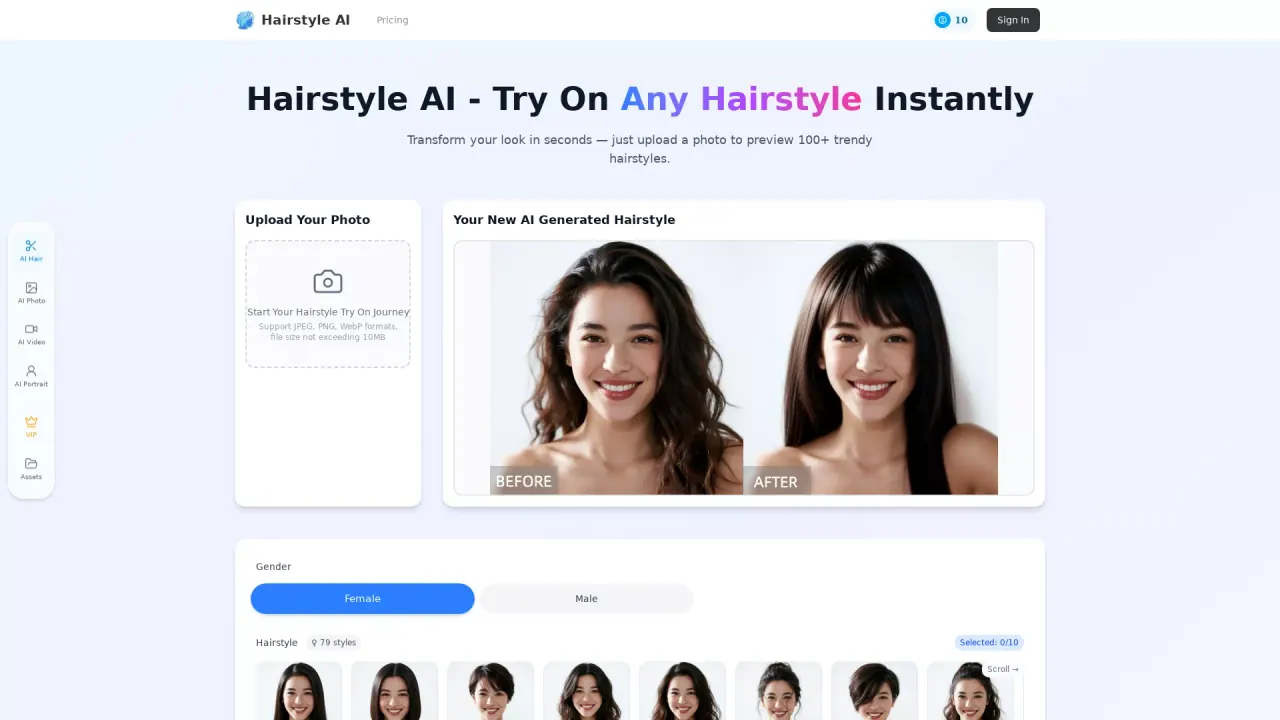
What does Hairstyle AI do?
Hairstyle AI is a virtual hairstyle try-on tool that lets you explore new looks using AI. Upload a clear, front-facing photo and instantly preview realistic haircuts, textures, and hair colors without needing any editing skills.
Pick from a large library of styles—ranging from short cuts like pixie and bob to longer layers, waves, and straight styles. You can also experiment with hair colors and highlights, with AI recommendations available alongside options like “No change” and multiple shades such as blonde, brown, red, and more. The try-on process is designed to be fast, with results in seconds.
Key features include support for commonly used image formats (JPEG, PNG, WebP) with a file size limit, face shape/style matching, and high-quality outputs you can download and share. The tool supports a wide range of hairstyles for men and women, and aims to work across different hair types and styling preferences.
Pricing and credit availability: new users can start with a free trial, and you can log in to get free credits (10 credits are shown as available). If you run out, additional credits can be purchased via the pricing/credits page. Photos are handled with privacy protections, processed securely and removed from servers after 24 hours, with no use for training purposes.
How do I try hairstyles with Hairstyle AI?
Upload a clear, front-facing photo, then browse the hairstyle and hair-color options and preview results instantly. When you find a look you like, download the high-quality output or share it with your stylist.
What photos work best for accurate results?
Use good lighting and a neutral background with your hairline and face clearly visible. Avoid covering your face or hair (for example, sunglasses or hats) so the AI can match your features.
Can I try multiple hairstyles and colors using the same photo?
Yes. After uploading a photo, you can experiment with many different hairstyles, lengths, and color changes in one session.
Is my photo data private?
Photos are processed securely and removed from servers after 24 hours. Your images aren’t stored, shared, or used for training purposes.
How much does it cost?
New users can start with a free trial/free credits to try the AI hairstyle changer. After that, you can purchase additional credits through the credits/pricing options.
If I don’t like the results, what should I do?
Try different styles and color options until you find something that feels right. Since real outcomes depend on your hair texture and styling, using the AI preview as a reference for your stylist can help.
This listing is claimed
Own Hairstyle AI? Sign in with the email used to claim it to manage this listing, or upgrade to Pro for featured-first placement and a newsletter feature.