
FaceHair
Verified
AI Hairstyle Generator
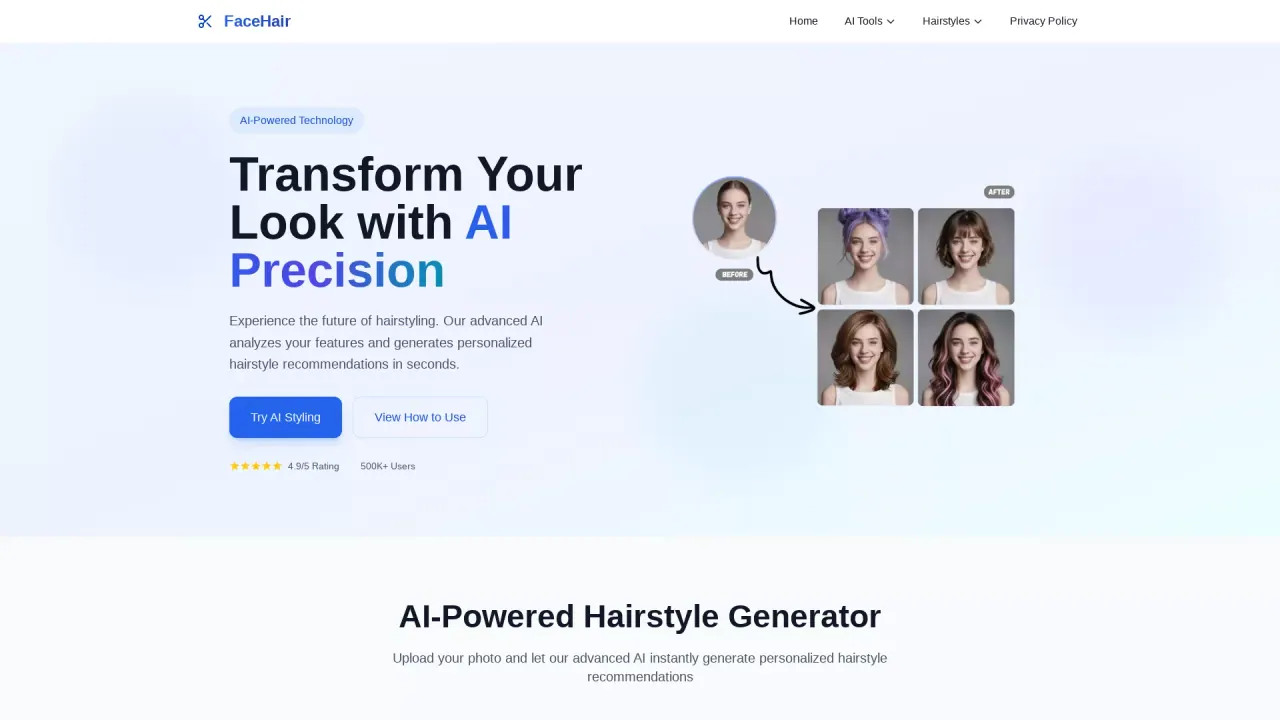
FaceHair is a free AI hairstyle try-on that analyzes your photo and generates realistic haircut, color, and styling previews instantly.
Promoted
 Sidrune AI85% off. Stable Claude API for agent developers. Pay as you go. Invoices & refunds available.
 Pixmax.aiPixmax.ai is an all-in-one AI workspace for videos, visual stories, and marketing content.
 AI Checker PlusAI detector that highlights which passages AI wrote. Free check, no sign-up. Plagiarism too.
 RewindType any X/Twitter handle. Get their year back as a narrated video story. Then ask it anything.
 KurodyneSell the tools from your AI side projects. Listing is free.
 SEOify - Improve your SEO & rankingsBuild links to rank in Google. Improve your DR with links you can start building now.Advertise here270,000+ people visit Dang.ai every month.
What does FaceHair do?
FaceHair is an AI-powered hairstyle changer that helps you explore new looks by trying hairstyles on your own photo. Upload an image and get personalized hairstyle recommendations in seconds, so you can preview how different cuts and hair colors might look before committing to a change.
The workflow is simple: drag and drop (or take/select) a photo, choose a hairstyle and color, generate results, then preview and download the results if you like them. FaceHair supports JPG, JPEG, PNG, or WebP images up to 20MB. There’s also a daily limit for free use, with uploads allowed up to 20 times per day.
FaceHair is a great fit for wedding and special-event planning, salon prep, and anyone who wants to experiment with bold makeovers without uncertainty. You can use the previews to compare options quickly, refine your preferences, and show a stylist a clearer direction.
Free to use, FaceHair is designed to deliver instant, shareable hairstyle previews with no app required—ideal for trying ideas right from your browser.
How do I use FaceHair to try hairstyles?
Upload a photo (drag and drop or select/take one), choose a hairstyle and color, then generate to see your new look instantly. You can preview the result and download it if you want.
What image formats and file size does FaceHair support?
FaceHair supports JPG, JPEG, PNG, and WebP formats, with a maximum upload size of 20MB.
Is FaceHair free, and are there daily limits?
FaceHair is free to use. Free uploads are limited to 20 times per day.
Can I use FaceHair for salon consultations?
Yes—use the AI previews to explore options first, then share a specific look direction with your stylist. This can make it easier to communicate what you want before your appointment.
Do I need to install an app to use FaceHair?
No. FaceHair is designed for instant previews in your browser, with no app required.
Where can I download the hairstyle preview results?
After generating results, you can preview them and download your AI-generated look from the results page to save or share.
This listing is claimed
Own FaceHair? Sign in with the email used to claim it to manage this listing, or upgrade to Pro for featured-first placement and a newsletter feature.