AstriaAI
AI Generative Images
Harness the power of AI to create unique, high-quality generative images effortlessly - AstriaAI brings your concepts to life!
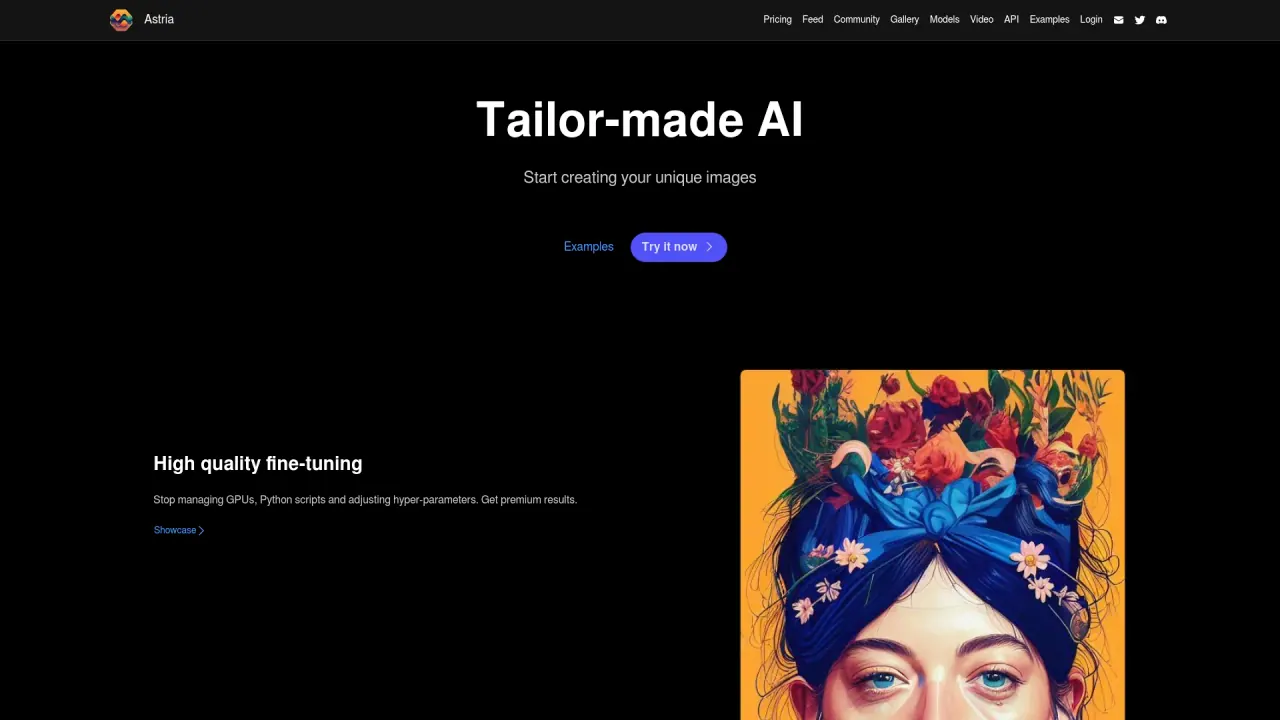
What does AstriaAI do?
How do I get started with AstriaAI's API?
Create your developer account, access the API documentation, and make your first API call. You can start with the Flux fine-tune workflow and use the AI Photoshoot API to craft images with your own style and fingerprint, delivering premium quality, personalized photography experiences.
What is the AI Photoshoot API?
The AI Photoshoot API lets you create an AI photography service with your own style and unique fingerprint. You can fine-tune images to your preferences and provide premium quality, personalized photography experiences to your audience.
What can the Fine-tuning API do?
The Fine-tuning API supports a single API call for fine-tuning, a batch of predefined prompts, upscaling, face correction, and more, enabling efficient production and quality enhancements.
How does AstriaAI handle high usage and avoid delays?
AstriaAI uses a unique infrastructure tailored for fine-tuning with auto-scaling. There are no queues, and processing is fast, even during peak demand.
What is Flux?
Flux is AstriaAI's fine-tuning workflow used by the API; you can create your first Flux fine-tune through a API call.
How can I use the model library?
Use any open model, or import your own as a baseline for your fine-tune. You can browse and manage models in the model gallery.
How can I stay updated on the latest models and features?
Stay up to date via the Guides, which provide updates with the latest models and features.
Where can I access the API documentation and getting-started guides?
Documentation and getting-started guides are provided in the Guides and API sections, including API Overview and first-call guidance.
Is this your tool?
Claim AstriaAI to manage this listing, or upgrade to Pro for featured-first placement and a newsletter feature.