
AI for Database
Database AI Tools
Ask your database questions in plain English, generate dashboards, and automate alerts—without writing SQL.
- Pricing
- Free
- Category
- Database
- Listed
- Aug 19, 2026
- Updated
- Aug 19, 2026
What does AI for Database do?
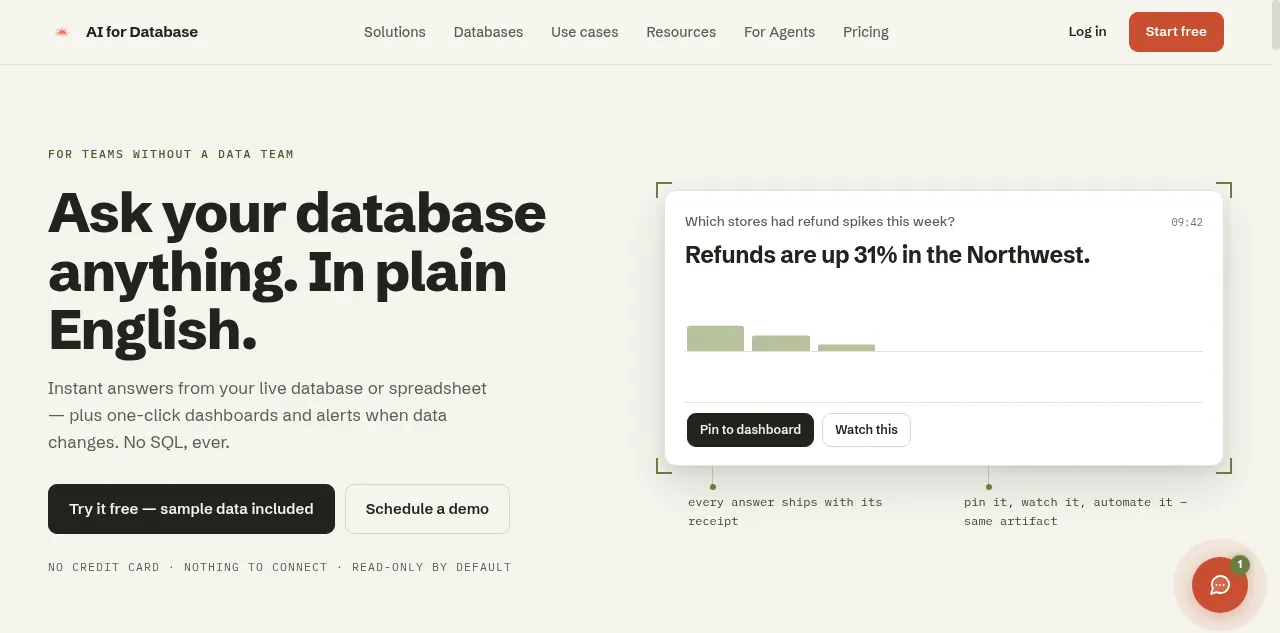
AI for Database lets teams query live data in plain English, so you can get instant answers from your database or spreadsheet without SQL. Start with a question like “Which stores had refund spikes this week?” and use the resulting analysis to make decisions from the same live source of truth.
Turn answers into one-click dashboards and scheduled reports, then pin them to keep stakeholders updated. When data changes, create database-driven workflows and alerts (for example, notifying finance or operations when thresholds are crossed).
It connects with common tools and deployment options, including PostgreSQL, MySQL, MongoDB, SQL Server, SQLite, Oracle, Redis, Google Sheets, and more, along with actions like Slack, email notifications, webhooks, and CRM updates. A public REST API and read-only, audited connection behavior support safer automation workflows.
Do I need to write SQL to use AI for Database?
No. You can ask questions in plain English and get results from your live database or spreadsheet without writing SQL.
What database sources does AI for Database support?
It supports connections such as PostgreSQL, MySQL, MongoDB, SQL Server, SQLite, Oracle, Redis, and Google Sheets, plus additional stack options including Slack, Salesforce, HubSpot, Notion, Airtable, and more.
Can I turn an answer into a dashboard?
Yes. Any answer can be converted into shareable dashboards and reports, including one-click charting and scheduled delivery.
How do alerts and automations work?
Workflows can trigger when database conditions change—for example, sending Slack alerts, email notifications, firing webhooks, or updating CRMs when thresholds or patterns are met.
Is the system read-only by default?
Connections start read-only by default, and queries are logged with audited behavior and encrypted credentials.
Is there an API for building agent workflows?
Yes. The public REST API supports discovery, read-only query validation, workflow preview/testing, and publishing paused workflows with explicit control over actions.
This listing is claimed
Own AI for Database? Sign in with the email used to claim it to manage this listing, or upgrade to Pro for featured-first placement and a newsletter feature.