DancingAi
Dancing Video Generator
Turn a photo into a rhythmic AI dance video by uploading an image, choosing a style, and generating share-ready MP4 clips.
Promoted
 Pixmax.aiPixmax.ai is an all-in-one AI workspace for videos, visual stories, and marketing content.
 Sidrune AI85% off. Stable Claude API for agent developers. Pay as you go. Invoices & refunds available.
 SEOify - Improve your SEO & rankingsBuild links to rank in Google. Improve your DR with links you can start building now.Advertise here270,000+ people visit Dang.ai every month.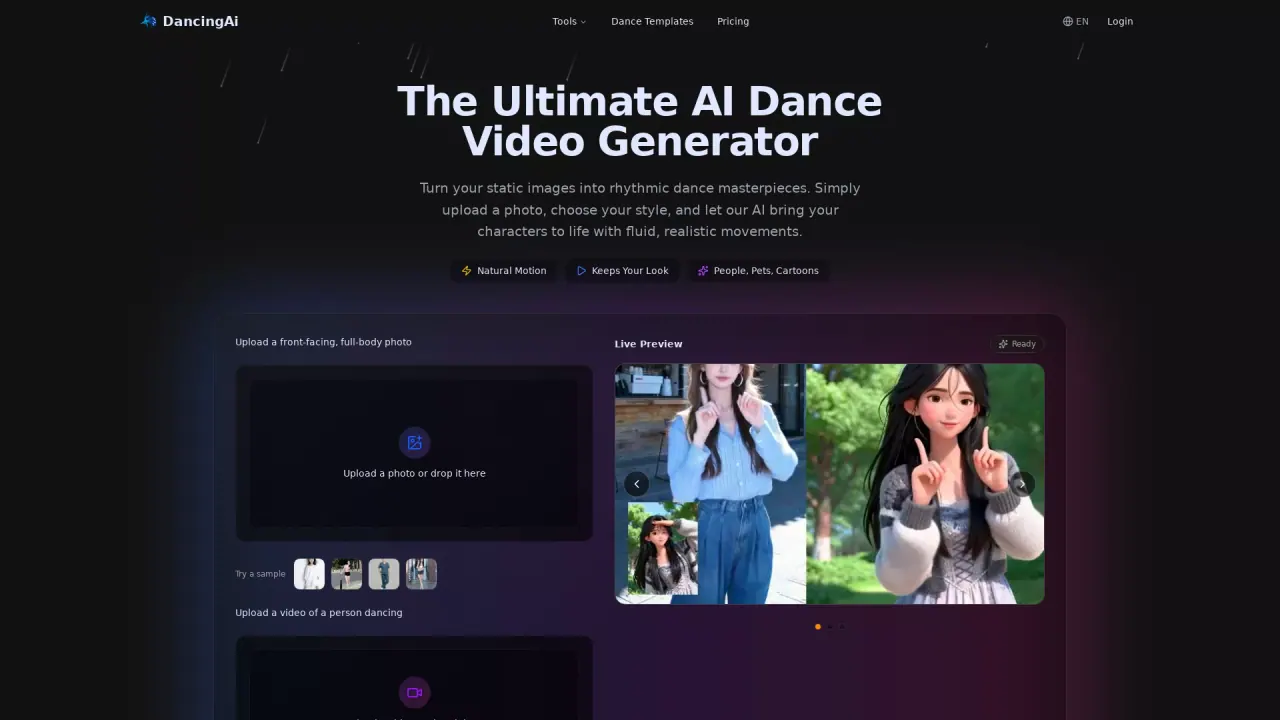
What does DancingAi do?
DancingAI is an AI dance video generator that turns still photos into rhythmic, fluid motion. Upload a clear front-facing, full-body image and choose a dance style or template to bring people, pets, cartoons, and other characters to life.
The platform focuses on keeping the original look while adding natural movement. It uses your image as the visual reference so faces, outfits, and body shape remain true to the photo. You can also enter a prompt describing the motion you want—ranging from a simple joyful jump to a specific dance vibe—then generate the animation in moments.
DancingAI is a good fit for social creators and marketers who want quick, trend-ready short-form content; illustrators or character artists who want to preview motion for 2D characters; and anyone who wants playful “photo to dance” fun with pets or custom characters. The workflow is designed to be simple: upload your image, provide the motion direction, generate, and download a high-resolution MP4 video.
For credits, generation is listed as 5 credits per dance video on the Pro option. The service also notes an initial credit start for trying it out, with continued use typically requiring purchasing credit packs or a subscription.
What can I create with DancingAI?
You can generate AI dance videos from a single uploaded photo, turning people, pets, cartoons, or other character images into rhythmic, social-ready motion clips.
What do I need to show in my uploaded image for best results?
Upload a front-facing, full-body photo with the face and body clearly visible. Using a clear image where the subject is fully visible helps the animation stay true to your original look.
Can I create a dance video by describing the moves in a prompt?
Yes. After uploading, you can enter what motion you want to see (for example, “make the person do a joyful jump” or “make them dance the Charleston”), then generate the video.
What’s the credit cost for generating a dance video?
Generation is listed as 5 credits per dance video (Pro). Continued use typically requires purchasing credit packs or a subscription.
What video format can I download?
You can download your generated result as a high-resolution MP4 file.
Are there content restrictions for generated videos?
Yes. Content like NSFW, violence, or illegal images/videos is prohibited.
This listing is claimed
Own DancingAi? Sign in with the email used to claim it to manage this listing, or upgrade to Pro for featured-first placement and a newsletter feature.