
Lexikon AI
Verified
AI Companion Tool
Turn your past conversations into AI companions
Promoted
 Sidrune AI85% off. Stable Claude API for agent developers. Pay as you go. Invoices & refunds available.
 Pixmax.aiPixmax.ai is an all-in-one AI workspace for videos, visual stories, and marketing content.
 SEOify - Improve your SEO & rankingsBuild links to rank in Google. Improve your DR with links you can start building now.Advertise here270,000+ people visit Dang.ai every month.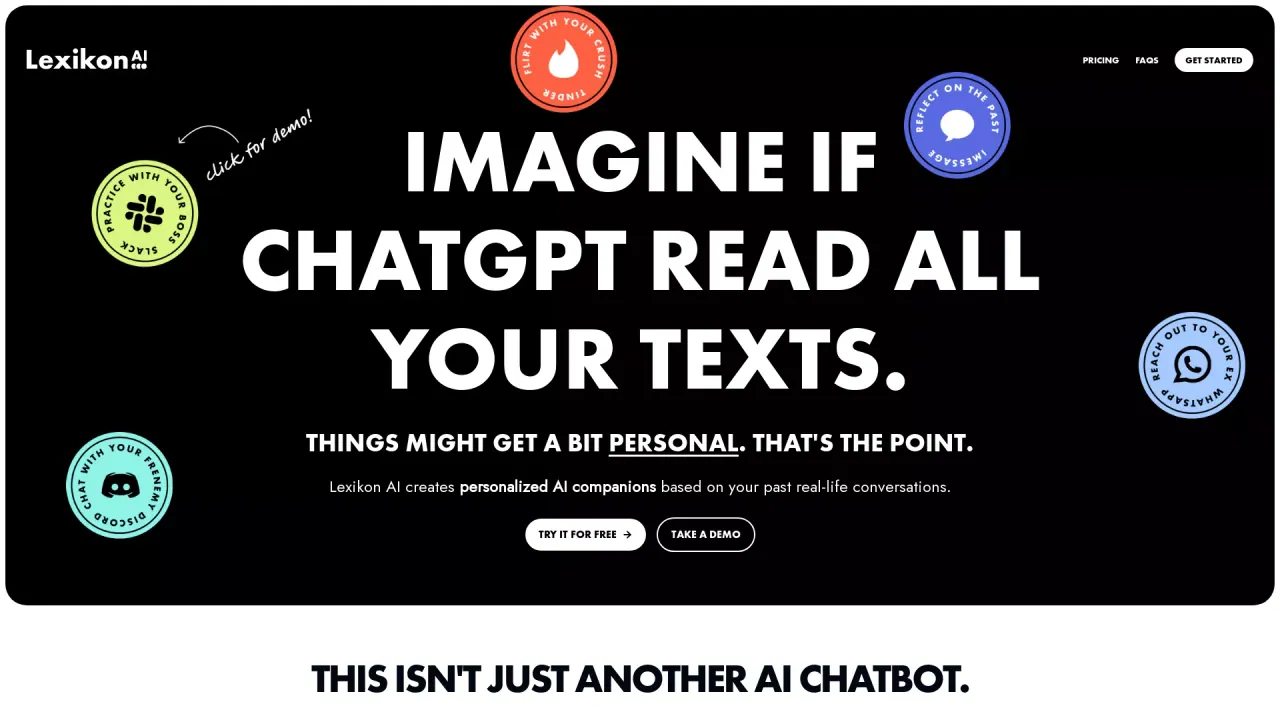
What does Lexikon AI do?
How does Lexikon AI protect my privacy and data?
Lexikon AI treats your conversations as highly sensitive and private. Only you should have access to the AI companions created from your text history. Data is transmitted over encrypted channels, and your recordings are processed with strict confidentiality to protect your privacy at all times. Privacy is non-negotiable, even on the Free plan.
What pricing options are available?
Lexikon AI offers two plans: Free and Pro.
- Free: $0 per month. Up to 1 minute of recording (roughly 15–24 pages of text), with limited access to the Lexi house model. Your privacy remains protected on this plan.
- Pro: $9.99 per month. Up to 5 minutes of recording (up to 120 pages of text), instant responses, access to Lexi (our unfiltered house model), and early access to new features. All Free features are included.
How does the screen recording flow work to create a digital twin?
You convert past conversations into a digital twin by four simple steps: 01 Pick any conversation from apps like Slack, Discord, WhatsApp, Tinder, or others. 02 Click record on your screen. Recording captures the conversation patterns and personality nuances. 03 Time to scroll: on the Free plan you can record up to 1 minute; on Pro you can record up to 5 minutes. 04 Upload & chat in 60 seconds. Your new digital twin is ready to converse, with context and memory from your real chats.
Which platforms does Lexikon AI support?
Lexikon AI is available on web, Google Play, and the Apple App Store. Most devices can record their screen, and using a phone is often the easiest way to capture the richest conversations.
What can I use Lexikon AI for, and who can I create digital twins from?
Lexikon AI lets you create digital twins from your past conversations to revisit and rehearse conversations, gain closure, or explore how someone might respond to a scenario. Create twins from conversations with friends, family, or others across various apps (Slack, Discord, WhatsApp, Tinder, etc.). Use cases include practicing pitches, handling difficult conversations, or exploring responses you didn’t get to say.
How do I get started in four steps?
Follow the four-step process: 01 Pick any conversation from your chat history. 02 Click record to capture the conversation. 03 Slowly scroll through the history (record time depends on your plan). 04 Upload the screen recording and start chatting with your digital twin in about a minute.
Is it ethical to create an AI of someone without their knowledge?
This is emerging technology, so it’s important to consider privacy and consent. Be thoughtful about how you use Lexikon AI and the privacy of others when creating digital twins based on real conversations. Use cases should respect personal boundaries and consent where applicable.
This listing is claimed
Own Lexikon AI? Sign in with the email used to claim it to manage this listing, or upgrade to Pro for featured-first placement and a newsletter feature.