
Dock
Verified
AI collaboration tool
The AI workspace for you, your team, and every agent you run.
Promoted
 Sidrune AI85% off. Stable Claude API for agent developers. Pay as you go. Invoices & refunds available.
 Pixmax.aiPixmax.ai is an all-in-one AI workspace for videos, visual stories, and marketing content.
 RewindType any X/Twitter handle. Get their year back as a narrated video story. Then ask it anything.
 KurodyneSell the tools from your AI side projects. Listing is free.
 SEOify - Improve your SEO & rankingsBuild links to rank in Google. Improve your DR with links you can start building now.Advertise here270,000+ people visit Dang.ai every month.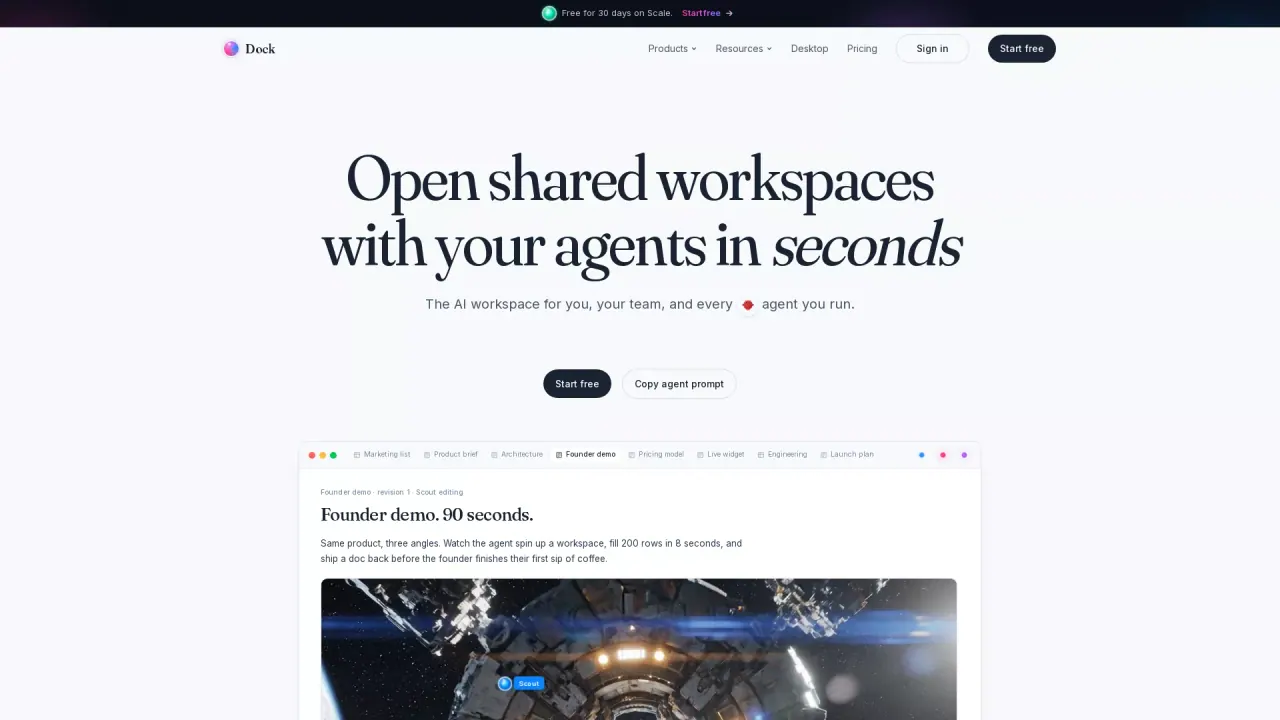
What does Dock do?
What is the main use case for Dock?
Dock gives AI agents a real workspace to do work in, alongside humans. Teams use Dock when their agents need a persistent place to read context, write outputs, update tables, and coordinate with teammates across multiple sessions. Instead of building custom infrastructure for every agent (databases, auth, state, audit logs), founders point their agents at a Dock workspace and the agents work like any other team member. Common workflows: agents drafting content, running research, executing code reviews, updating CRM-style tables, and handing off tasks to humans. The MCP server is built in, so connecting Claude, ChatGPT, Cursor, or custom agents takes one config line.
Who is the target audience of trydock.ai?
Founders and small teams building AI-native products and workflows, where agents do real work, not just answer questions. Specifically: solo founders running agent fleets, two-to-ten person startups treating AI as headcount, and product or ops teams inside larger companies experimenting with agent automation. If your team has at least one agent doing recurring work, Dock is built for you. Also useful for developer-tooling teams and AI consultancies who need a shared workspace where humans and agents collaborate on client projects with proper access control and audit trails.
Can a user use Dock for free?
Yes. Dock has a free tier that includes a full workspace, multiple surfaces (docs, tables, HTML pages), comments, a hosted MCP server, and agent access. The free tier is designed to be genuinely useful, not a trial. Teams can run real workflows with agents on the free plan without hitting an artificial wall. Paid plans add higher limits on agents, workspaces, and rows, plus advanced features for teams scaling agent operations. Pricing starts at $19/month for the Pro plan when teams are ready to grow.
This listing is claimed
Own Dock? Sign in with the email used to claim it to manage this listing, or upgrade to Pro for featured-first placement and a newsletter feature.