
Subclip
AIVideoTranscriptionAndDubbing
Subclip is an AI video postproduction workspace that turns long videos into clips with subtitles and AI dubbing you can edit precisely.
Promoted
 Sidrune AI85% off. Stable Claude API for agent developers. Pay as you go. Invoices & refunds available.
 Pixmax.aiPixmax.ai is an all-in-one AI workspace for videos, visual stories, and marketing content.
 RewindType any X/Twitter handle. Get their year back as a narrated video story. Then ask it anything.
 KurodyneSell the tools from your AI side projects. Listing is free.
 SEOify - Improve your SEO & rankingsBuild links to rank in Google. Improve your DR with links you can start building now.Advertise here270,000+ people visit Dang.ai every month.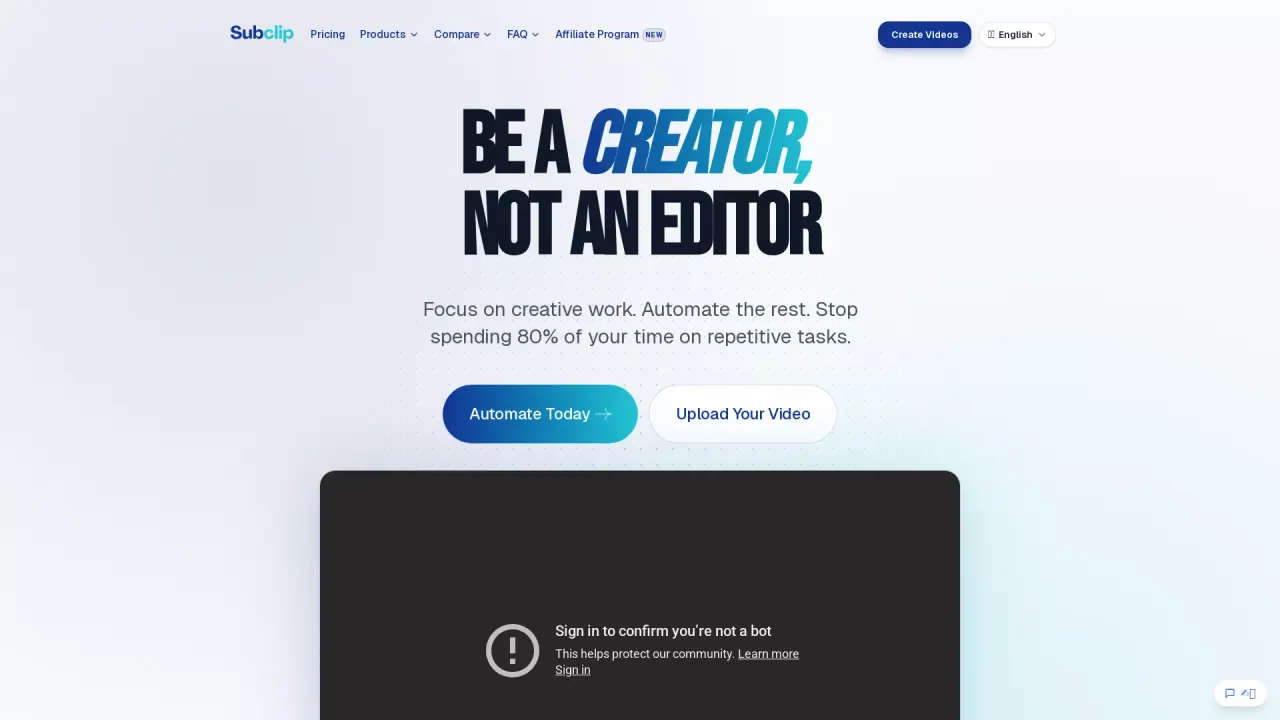
What does Subclip do?
Subclip is a modern, AI-powered postproduction workspace that helps you go from long recordings to ready-to-publish clips, subtitles, and dubbed versions—without juggling multiple editing tools. Upload a video and use AI to generate the core assets you need for publishing, including transcripts, captions, and dubbed audio tracks.
The workflow is designed to feel controllable rather than mysterious. You can edit with an “editor UI for precise edits,” make changes in a timeline that supports multiple tracks, and manage captions and motion elements alongside your media. Subclip also supports styled captions (with templates such as Bold, Authority, Composite, One Word, Justified, and Loved) plus animations, transitions, images/video layers, and motion design.
If you’re a solo creator, YouTuber, podcaster, or small team translating content for global audiences, Subclip is built for talking-head videos, tutorials, and similar formats where subtitles and dubbing boost reach. Transcription supports 48+ languages, and AI dubbing supports 21+ languages, with voice generation intended to match timing, tone, and delivery.
Pricing and trials: Subclip offers free tools for quick workflows, and you can try it for free with no credit card required. There’s also a trial plan starting at $1. Subclip includes a 15-day satisfaction guarantee, and subtitle processing is designed to run locally so Subclip does not store your source video files for transcription.
What does Subclip help me do with my videos?
Subclip helps you turn long recordings into ready-to-publish clips, with generated subtitles and AI-dubbed audio tracks you can refine using an editor UI.
How does AI dubbing work in Subclip?
AI dubbing translates the speech in your video into another language and generates a new voice track meant to match the original timing, tone, and delivery.
What languages are supported for transcription and dubbing?
Subclip supports transcription in 48+ languages and AI dubbing in 21+ languages.
Does Subclip store my source video files for transcription?
For subtitle workflows, processing is designed to run locally, and Subclip does not store your source video files for transcription.
Is Subclip free to try, and what plans exist?
Subclip offers free tools for quick workflows, with a free-to-try option that requires no credit card. A trial plan starts at $1.
What refund policy does Subclip offer?
Subclip provides a 15-day satisfaction guarantee.
This listing is claimed
Own Subclip? Sign in with the email used to claim it to manage this listing, or upgrade to Pro for featured-first placement and a newsletter feature.