
Prompthunt
AI Art Creation
Create, explore, and share AI art with Prompthunt's advanced model, Chroma. Transform your ideas into pro images with incredible speed and detail.
- Pricing
- Free trial
- Category
- Art
- Listed
- Jul 22, 2023
- Updated
- May 25, 2026
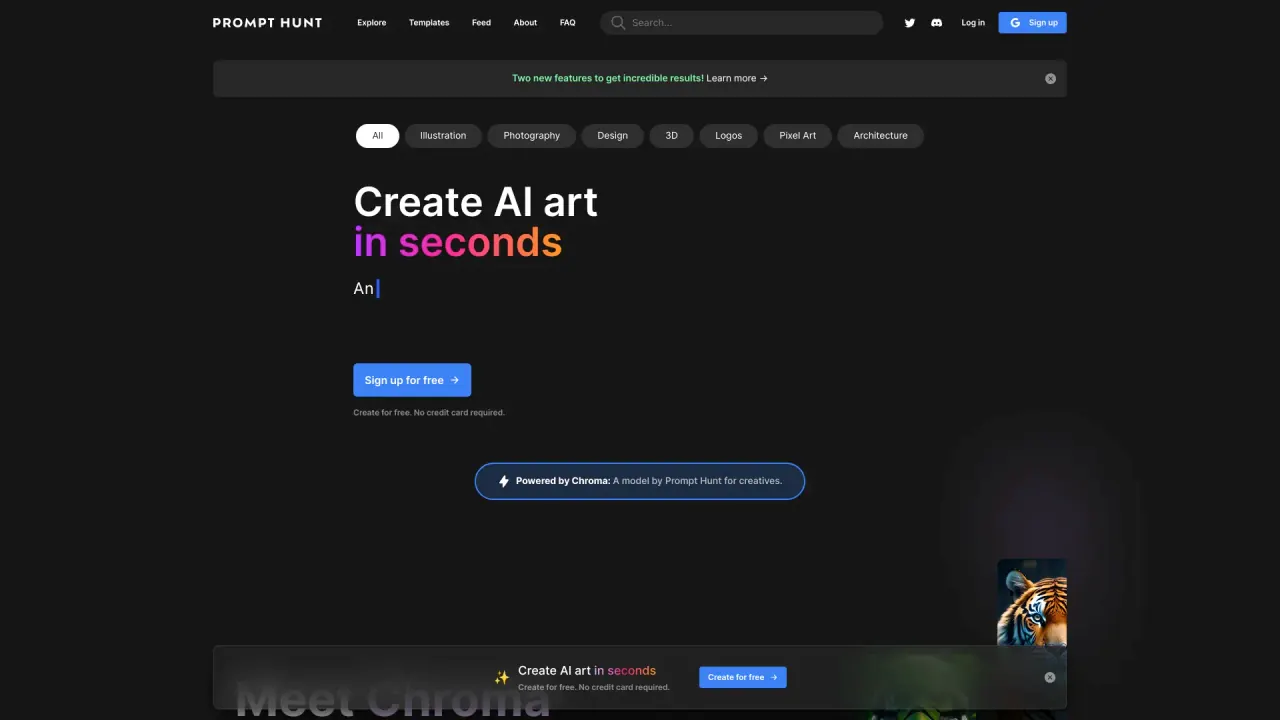
What does Prompthunt do?
How fast can I create AI art with Prompthunt?
You can quickly create stunning AI art in seconds, designed for ease and speed. With just a few clicks and the power of the Chroma AI model, you can generate high-quality visuals fast.
What types of art styles can I explore on Prompthunt?
Prompthunt offers a broad range of styles you can explore, including Photography, Illustration, 3D, Logos, Anime, Cinematic, and Pixel Art, among others.
What AI models power Prompthunt?
Prompthunt is powered by Chroma, our advanced AI model designed for speed, control, and detail. Chroma is built on the foundation of prominent models like Stable Diffusion, DALL·E, and Midjourney.
What is the Chroma model and what can it do for me?
Chroma is Prompthunt’s powerful AI model that crafts top-quality visuals with incredible speed, control, and detail. It underpins the platform to help you create high-quality art efficiently.
What are the pricing plans and daily limits?
Essential — $4.99 per month
- 50 Legacy images per day
- Privacy mode
- Upscale and create variations
- Create four images at once
- Cancel anytime
Pro — $9.99 per month
- 500 Legacy images per day
- 24 DALL·E images per day
- 40 Pro model images per day
- Privacy mode
- Upscale and create variations
- Create four images at once
- Cancel anytime
Pro+ — $14.99 per month
- 1000 Legacy images per day
- 24 DALL·E images per day
- 60 Pro model images per day
- Privacy mode
- Upscale and create variations
- Create four images at once
- Cancel anytime
Note: Legacy images, DALL·E images, and Pro model images are the types of outputs counted toward the daily limits per plan.
What is privacy mode and how does it work?
Privacy mode keeps your art private and helps you perfect your creation before sharing. It’s included with the plans and is designed to keep your iterations and outputs private until you’re ready to share.
What are prompt templates and how do I use them?
Prompt templates let you save and share your prompts as reusable templates to streamline art creation. You can create, edit, and share templates to generate consistent assets, either for yourself or with your team.
How do I sign up for Prompthunt?
- Go to the Prompt Hunt website and click Sign up for free (upper-right corner).
- Enter your email and a password, then click Create account.
- Check your email for a verification link and activate your account.
- Once verified, you can start exploring, composing, and sharing AI-generated art.
Is there a free sign-up or trial?
Yes, you can sign up for free to explore the platform. Paid plans add features and higher daily limits.
How many images can I create at once?
You can create four images at once on supported prompts and plans.
How can I share my artwork?
Generated art can be previewed, saved to your gallery, and downloaded. You can also share your creations via the Discord community or on various social media platforms.
How can I use prompts with my team?
Prompt templates are designed to support teamwork. You can create consistent assets for you and your team by using and sharing templates.
What categories are available in Explore?
Explore covers categories such as Photography, Illustration, 3D, Logos, Anime, Cinematic, and Pixel Art (among others).
How can I get help or support?
You can reach the Prompthunt team via Discord or by emailing support@prompthunt.com.
Where can I read the Terms and Privacy?
You can access Terms and Privacy links in the Prompthunt site footer.
Is this your tool?
Claim Prompthunt to manage this listing, or upgrade to Pro for featured-first placement and a newsletter feature.