
Promptmate.io
Verified
AI App Builder
ChatGPT bulk processing, top AI systems combination, and external data fusion for enhanced effectiveness and new opportunities
Promoted
 Sidrune AI85% off. Stable Claude API for agent developers. Pay as you go. Invoices & refunds available.
 Pixmax.aiPixmax.ai is an all-in-one AI workspace for videos, visual stories, and marketing content.
 SEOify - Improve your SEO & rankingsBuild links to rank in Google. Improve your DR with links you can start building now.Advertise here270,000+ people visit Dang.ai every month.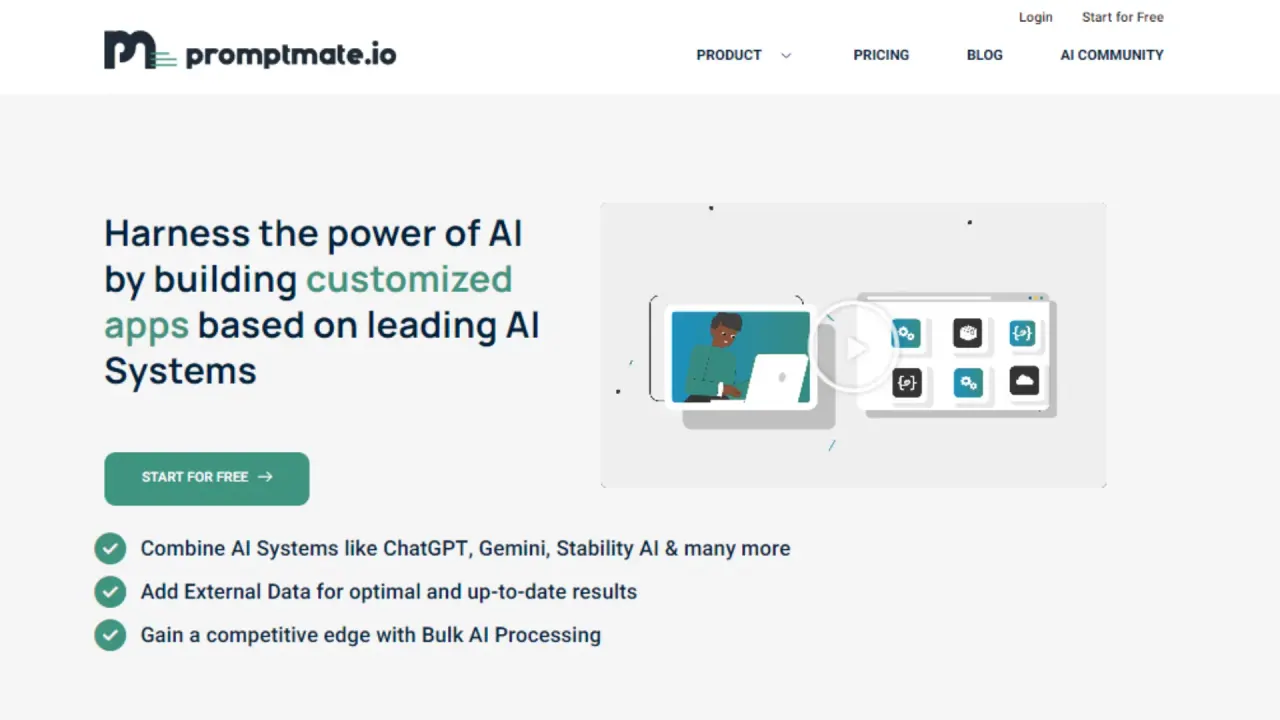
What does Promptmate.io do?
How can I get started with Promptmate.io at no cost?
To start for free, visit the Promptmate.io site, click Start for Free, then create an account and log in. You'll gain access to a variety of AI systems and templates you can use to build customized apps.
Which AI systems are available and how can I mix them in workflows?
Promptmate.io lets you choose from multiple AI systems, including ChatGPT, Mistral AI, Claude, Gemini, StabilityAI, Perplexity AI, and many others, from a drop-down menu in the app. You can build multi-step AI workflows by combining as many AI systems as you want.
Can I automate Promptmate.io workflows with Zapier?
Yes. You can integrate Promptmate.io with Zapier to automate multi-step workflows and push results to platforms like Gmail, Google Sheets, Twitter, WordPress, and more.
What is bulk processing and how do I work with data?
Bulk processing lets you import data by uploading a CSV and export results to CSV or Google Spreadsheet, enabling you to handle large datasets within your workflows.
What templates are available and how do I use them?
We provide ready-to-use templates and public templates to jump-start your projects. You can explore Use Case templates, edit them to fit your needs, and save apps as templates for reuse.
How can I access more templates and learn from the community?
Browse Public Templates in our templates library and use features like Explore All Templates to find, edit, and tailor templates. You can also engage with the AI Community for ideas and inspiration.
This listing is claimed
Own Promptmate.io? Sign in with the email used to claim it to manage this listing, or upgrade to Pro for featured-first placement and a newsletter feature.